In this article
What you’ll learn
- Use 70% isopropyl alcohol on a cloth, never directly on the screen.
- Avoid paper towels and window cleaners to protect the oleophobic coating.
- Implement a daily dry wipe and a weekly deep clean for optimal hygiene.
In an era where our smartphones are essentially extensions of our hands, learning how to clean phone screen surfaces effectively has shifted from a cosmetic concern to a vital health necessity. As we move through 2025, the devices we carry are more advanced than ever, yet they remain magnets for grime, oils, and microscopic pathogens.
Think about your daily routine: you touch your phone while commuting, during meals, and perhaps even in the bathroom. Recent studies highlight a startling reality—the average user interacts with their device 2,617 times a day. For power users, that number can climb to over 5,400 touches. With this level of frequency, your screen becomes a breeding ground for bacteria, often carrying significantly more germs than a public toilet seat.
This guide provides a comprehensive look at the best way clean phone screen surfaces using modern techniques, ensuring your device remains pristine without compromising its delicate hardware.
The Science of Screen Hygiene in 2025
The necessity of cleaning our screens isn't just about removing unsightly fingerprints; it’s about biology. Research from Verizon and the FCC indicates that viruses and bacteria can survive on glass surfaces for anywhere from a few hours to several days.
Modern screens are treated with an oleophobic (oil-repellent) coating. This coating is what makes the glass feel smooth and helps resist fingerprints. However, using the wrong chemicals can strip this layer, leaving your screen feeling "sticky" and making it harder to clean in the long run.
Note: Most modern smartphones use Gorilla Glass or similar reinforced materials, but even these are susceptible to chemical erosion if handled improperly.
Best Way Clean Phone Screen: Step-by-Step
When you want to clean phone screen at home, you don’t need an expensive professional kit. You likely already have the necessary tools in your cabinet. Follow these expert-recommended steps to ensure a safe and effective clean.
1. Preparation and Power Down
Before you begin, always turn off your device and unplug any charging cables or headphones. Cleaning a live screen can lead to accidental "ghost touches" or, in rare cases of liquid seepage, short-circuiting.
2. The Microfiber Advantage
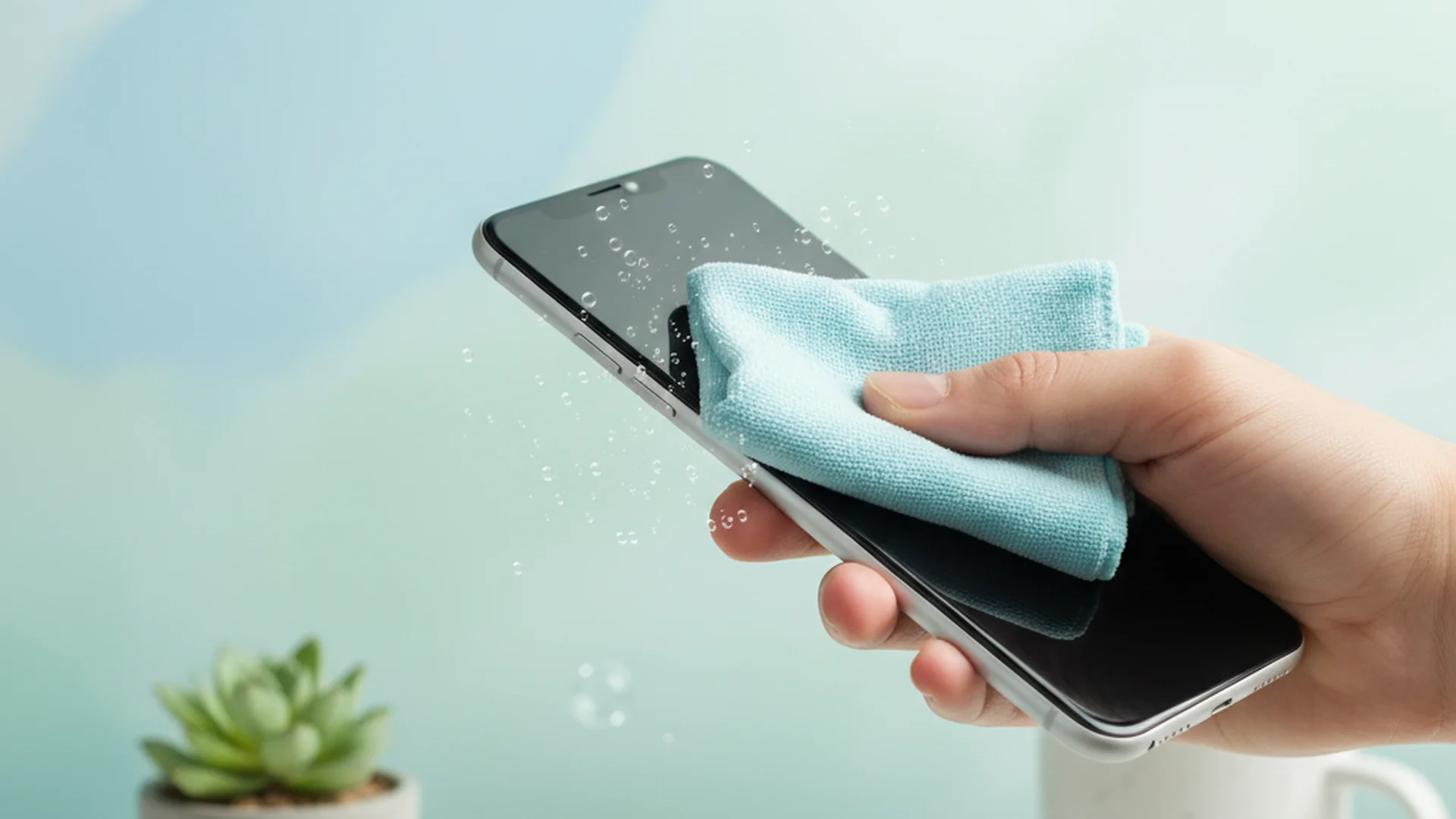
Always use a clean, lint-free microfiber cloth. Microfiber is designed to lift and trap dust and oils rather than just pushing them around.
Warning: Avoid using paper towels, napkins, or your t-shirt. These materials contain abrasive fibers that can leave permanent micro-scratches on your display over time.
3. Applying the Cleaning Agent
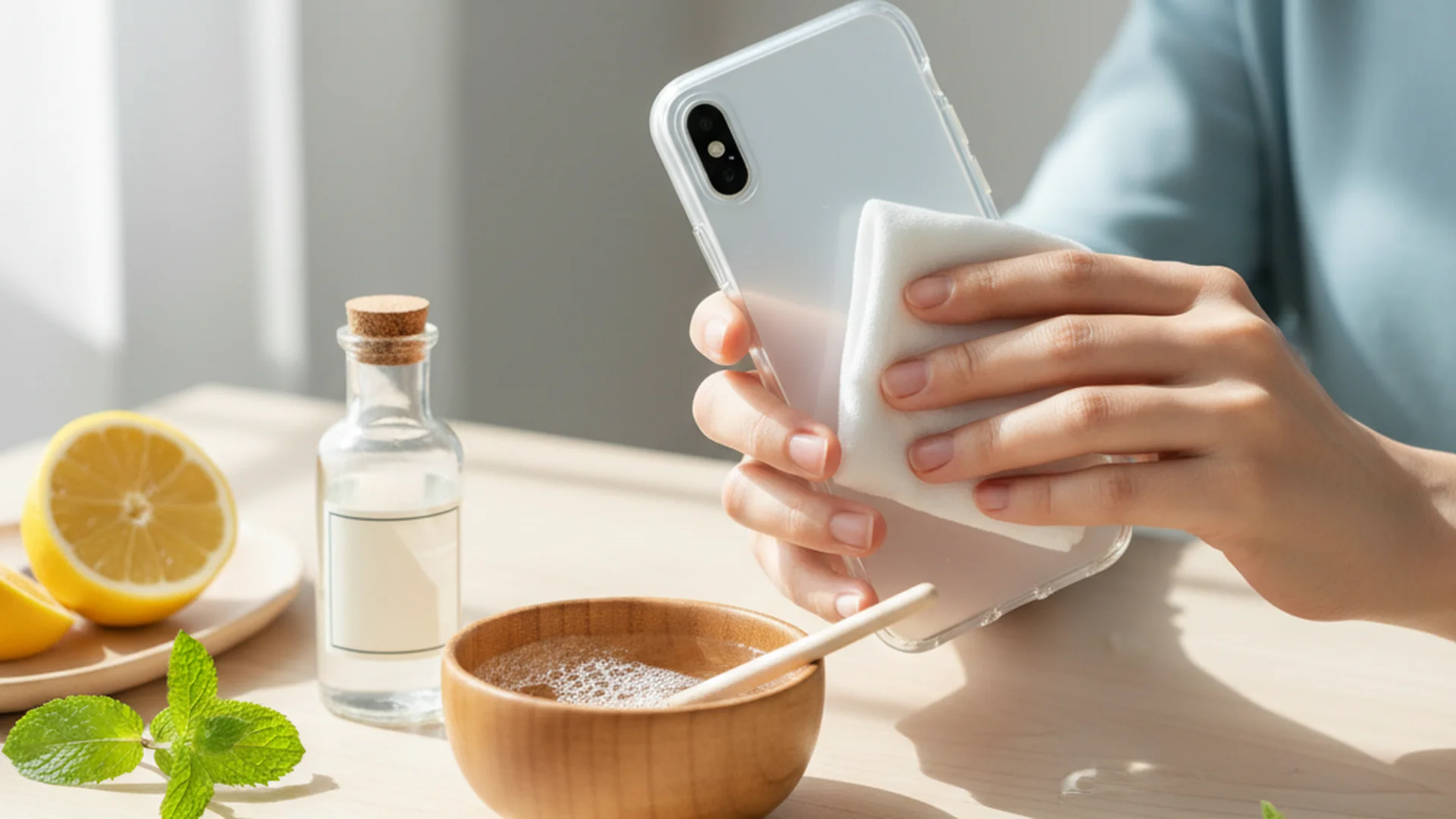
Never spray any liquid directly onto your phone. Instead, dampen a corner of your microfiber cloth with 70% isopropyl alcohol or distilled water.
- 70% Isopropyl Alcohol: Recommended by Apple and Samsung for disinfecting.
- Distilled Water: Best for simple smudge removal without disinfection.
4. Gentle Cleaning Motion
Wipe the screen in gentle, circular motions. This technique ensures you cover the entire surface area without applying excessive pressure, which could damage the sensitive touch-sensing components (the digitizer) beneath the glass.
5. Drying and Buffing
Use a dry section of the same microfiber cloth to buff away any remaining moisture. Ensure the device is completely dry before powering it back on.
Success: A clean screen not only looks better but improves touch sensitivity and face-recognition accuracy.
Real-World Examples of Device Maintenance
To understand the practical application of these rules, let’s look at three common scenarios users face in 2025:
- The Morning Commuter: Sarah uses public transit daily. To maintain hygiene, she keeps a small microfiber cloth in her bag. Every morning after arriving at her office, she performs a quick "dry wipe" to remove the oils accumulated during her commute.
- The Parent of Toddlers: Mark’s children often use his phone to watch videos, leaving behind sticky residue. Mark uses a slightly dampened cloth with distilled water once the kids are in bed to safely break down food residue without using harsh chemicals that could be ingested later.
- The Fitness Enthusiast: Alex uses a fitness tracking app at the gym. Because of the high exposure to sweat and shared equipment, Alex performs a "weekly deep clean" using 70% isopropyl alcohol every Sunday evening to fully disinfect the device.
Common Mistakes to Avoid
Even with the best intentions, many people accidentally damage their devices while trying to clean them. Here are the most frequent errors reported by repair technicians:
- Using Window Cleaners: Products like Windex contain ammonia or vinegar. These chemicals are far too acidic/alkaline for smartphone coatings and will strip the protective layers within just a few uses.
- The "Sink Wash" Misconception: Many modern phones have an IP68 water-resistance rating. This does not mean you should wash them under a tap. High-pressure water and soap can degrade the rubber seals over time, eventually leading to internal water damage.
- Spraying into Ports: Spraying liquid directly onto the phone allows moisture to enter the speaker grills and charging ports. Through capillary action, this liquid can reach the motherboard and cause corrosion.
- Using Compressed Air: While great for keyboards, the high pressure of compressed air can actually damage the delicate membranes inside your phone's microphones and speakers.
| Cleaning Material | Safe for Screens? | Reason |
|---|---|---|
| Microfiber Cloth | Yes | Non-abrasive, lifts oils |
| Paper Towels | No | Contains wood fibers (abrasive) |
| 70% Isopropyl | Yes (on cloth) | Kills 99.99% of germs |
| Vinegar/Windex | No | Strips oleophobic coating |
| Hand Sanitizer | No | Contains harsh fragrances/gels |
2025-2026 Trends in Device Hygiene
As we look toward the future, the technology surrounding screen cleanliness is evolving rapidly. We are seeing a major shift toward automated and integrated solutions.
Antimicrobial Coatings
Many premium screen protectors now come pre-treated with silver-ion technology. This doesn't just keep the screen clean; it actively inhibits the growth of bacteria 24/7.
UV-C Sanitizing Hubs
UV-C light is a proven method for killing 99.99% of pathogens by disrupting their DNA. In 2025, we are seeing "sanitizing hubs" become a household staple. These are wireless charging stands that bathe your phone in UV-C light while it charges overnight, providing a deep "digital detox" while you sleep.
Nanotechnology and Liquid Protectors
"Liquid screen protectors" are gaining popularity. These use nanotechnology to bond a microscopic layer of glass to your screen, filling in pores to repel fingerprints more effectively and provide a higher level of scratch resistance than traditional factory coatings.
Frequently Asked Questions
Can I use Windex or glass cleaner?
Is hand sanitizer safe for screens?
How often should I clean my screen?
Will 70% isopropyl alcohol damage my phone?
What should I do if I get liquid in my charging port?
Conclusion
Understanding how to clean phone screen surfaces is a small but significant part of modern "digital hygiene." By using the right materials—specifically microfiber and 70% isopropyl alcohol—you protect both your health and your tech investment. As we embrace the innovations of 2025, from UV-C chargers to antimicrobial glass, the fundamentals remain the same: be gentle, avoid harsh chemicals, and make cleaning a consistent habit.
Success: Following these steps will keep your phone looking brand new and help you stay healthy in a high-touch world.
Cleaning that keeps score
Every task earns points, every streak multiplies them, and Premium adds a household leaderboard plus a monthly Dustagorgon to beat.
- Free forever
- 30 badges to earn
- Up to 6 in a household
No card needed. Set up your rooms in a couple of minutes.