In this article
What you’ll learn
- Never use paper towels or ammonia-based cleaners like Windex.
- Distilled water and a high-quality microfiber cloth are the gold standards.
- Always turn off and unplug the monitor before cleaning to prevent hardware damage.
In an era where we spend upwards of eight hours a day staring at digital displays, maintaining visual clarity is more than just an aesthetic choice—it is a necessity for eye health and productivity. However, knowing how to clean computer monitor surfaces correctly is a skill many users overlook until it is too late. A single swipe with the wrong household cleaner can strip away expensive anti-glare coatings, leaving you with a hazy, ruined screen that no longer falls under warranty.
Whether you are a creative professional dealing with color-accurate displays or a remote worker trying to clear away morning coffee splatters, using the best way clean computer monitor screens ensures your hardware lasts for years. In this guide, we will explore the science of screen maintenance, the 2026 trends in antimicrobial tech, and the safest methods to achieve a streak-free finish at home.
The Danger Zone: Why Your Current Method Might Be Ruining Your Screen
Before we dive into the "how-to," we must address the "what-not-to-do." Most users reach for whatever is under the kitchen sink, but modern monitors are remarkably delicate. Major manufacturers like Samsung and HP have issued warnings regarding "micro-abrasions." These are microscopic scratches caused by the rough fibers in paper towels, napkins, and even old T-shirts. While you might not see the damage after one wipe, these scratches accumulate over time, creating a permanent "cloudy" appearance.
Furthermore, the chemicals found in standard glass cleaners are the enemy of the modern LCD/LED panel. Ammonia and alcohol can eat through the chemical coatings (anti-glare and anti-reflective) that make your screen readable in bright light.
Warning: Dell categorizes damage from improper cleaning—such as using alcohol or spraying liquid directly onto the panel—as "Customer Induced Damage" (CID). This will void your standard warranty immediately.
The Essentials: What You Need to Clean Computer Monitor at Home
To get a professional-grade finish without risking a $500 repair bill, you only need a few specific items. Most of these are likely already in your home, or can be acquired for a few dollars.
1. The Microfiber Cloth
This is non-negotiable. Microfiber is designed to lift dust and oils rather than pushing them around. For high-end setups, keep a dedicated cloth just for your screen to avoid cross-contamination with household grease or dust from other surfaces.
2. Distilled Water
Tap water contains minerals like calcium and magnesium. When the water evaporates, these minerals stay behind, leaving white "hard water" spots or streaks. Distilled water is chemically pure and leaves zero residue.
3. White Vinegar (Optional)
If your screen has heavy oily smudges or "sneeze spots" that water won't budge, a 50/50 mix of distilled water and white vinegar is a safe, natural degreaser.
| Material | Safe for Screens? | Reason |
|---|---|---|
| Microfiber Cloth | Yes | Soft fibers, lifts oils |
| Paper Towels | No | Causes micro-abrasions |
| Distilled Water | Yes | No mineral residue |
| Windex/Ammonia | No | Strips anti-glare coatings |
| 70% Isopropyl Alcohol | Sometimes | Only for specific glass-front displays |
The Step-by-Step Guide to a Spotless Screen
Following a structured process is the best way to ensure no liquid enters the internal electronics.
Step 1: Power Down and Unplug
Always turn the monitor off and let it cool down. A black screen makes it significantly easier to see dust and smudges. More importantly, cleaning a warm screen can cause the cleaning liquid to evaporate too quickly, leading to streaks.
Step 2: The Dry Dusting Pass
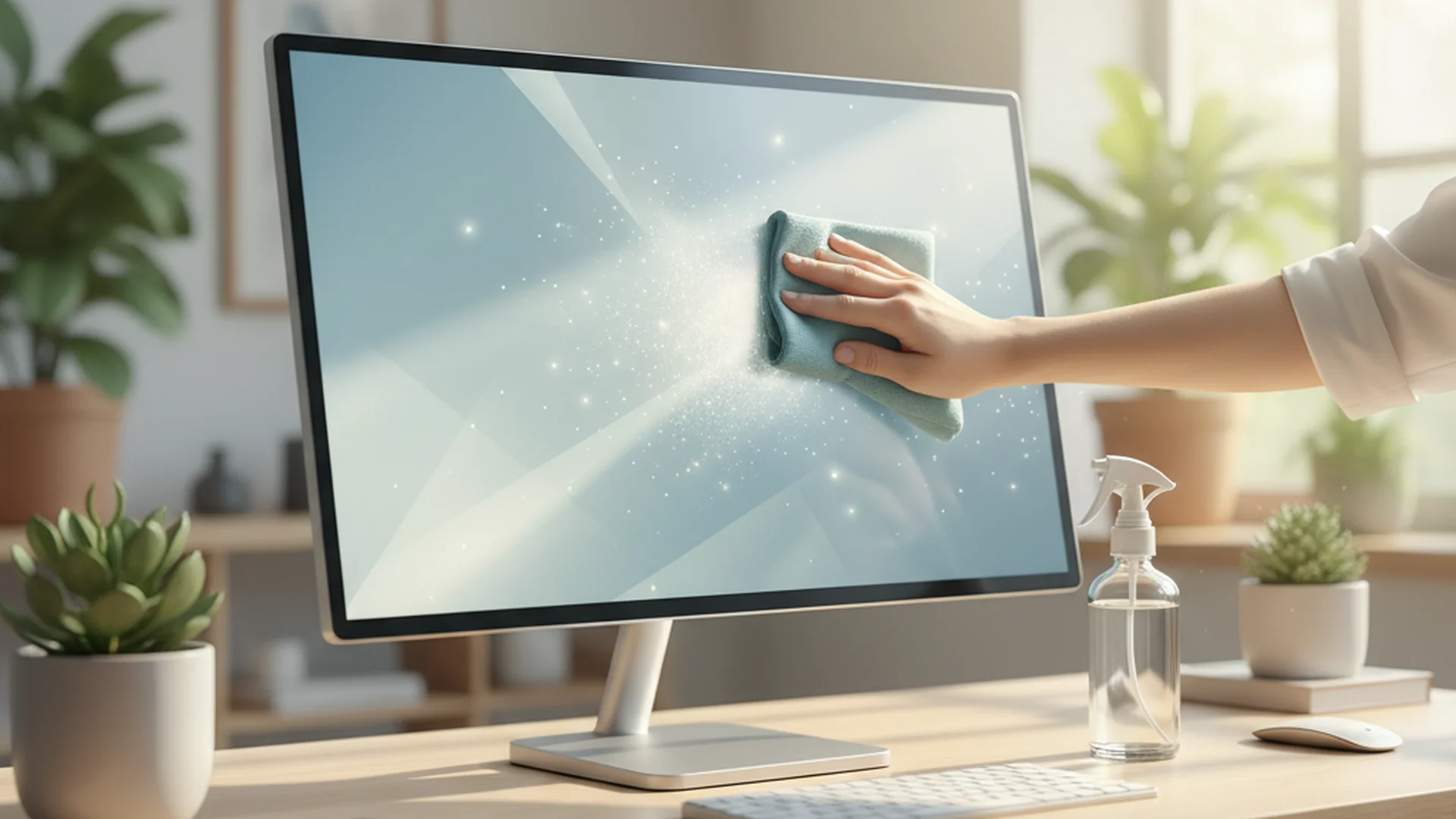
Before introducing any moisture, use a clean, dry microfiber cloth. Use light, circular motions to remove loose dust.
Tip: Never press hard on the screen. Modern panels use liquid crystals; excessive pressure can cause "pressure spots" or dead pixels that are unfixable.
Step 3: The Damp Wipe (The Two-Cloth Method)
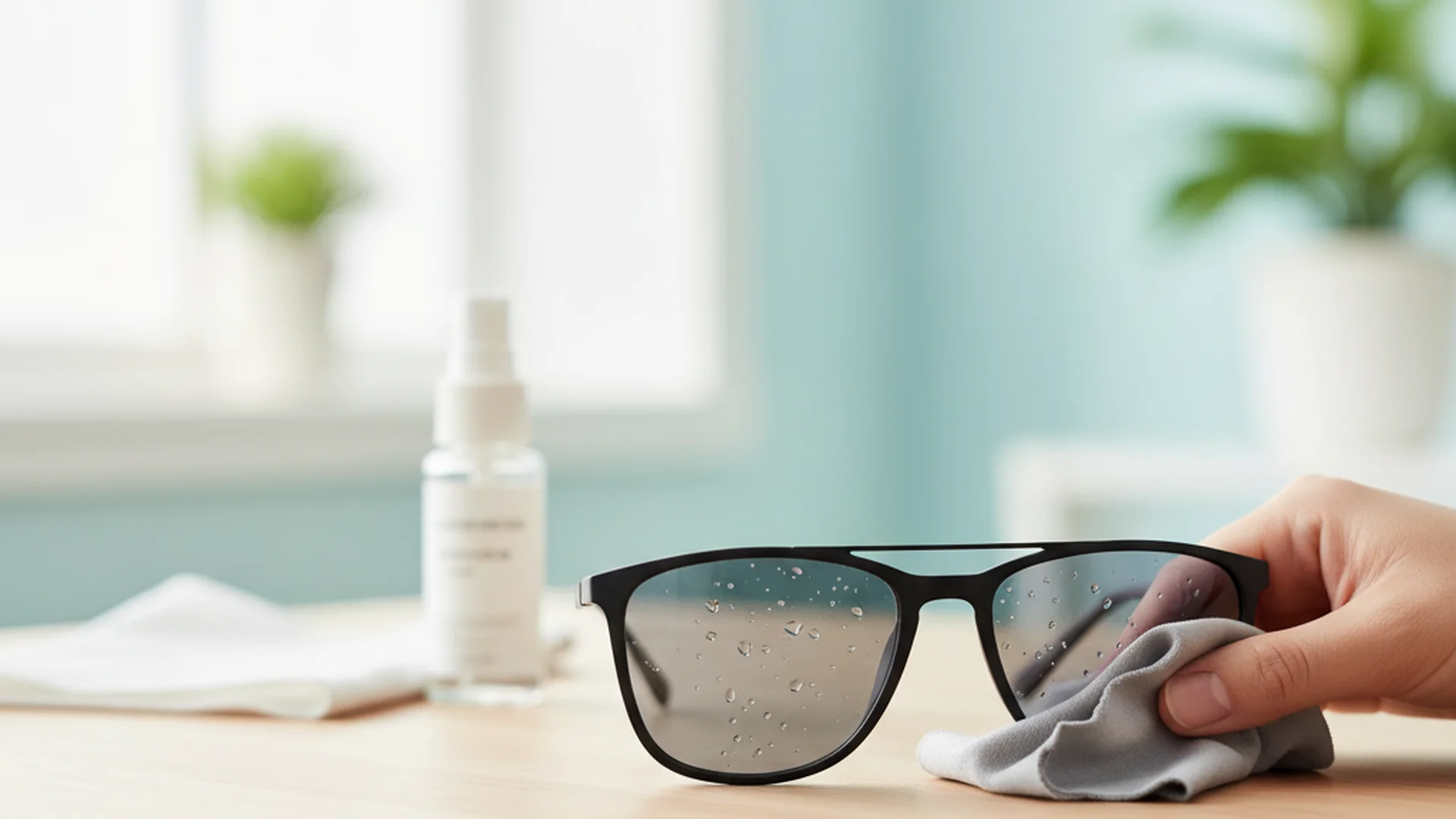
If smudges remain, lightly dampen a corner of a second microfiber cloth with distilled water. Never spray the screen directly. Use broad, linear strokes—either top-to-bottom or side-to-side. Linear strokes are less likely to leave circular swirl marks.
Step 4: The Buffing Finish
Immediately follow the damp pass with the dry side of your first cloth. This "buffs" out any remaining moisture before it can air-dry into a streak.
Success: Using the two-cloth method ensures that moisture is on the screen for the minimum amount of time necessary to lift grime.
Real-World Examples of Screen Maintenance
To help visualize how these rules apply, let’s look at three common scenarios.
- Example 1: The Home Office Parent. Sarah noticed her toddler left sticky fingerprints on her 4K monitor. Instead of reaching for a wet wipe (which often contains alcohol or fragrances), she used the 50/50 distilled water and vinegar solution. By dampening the cloth first, she removed the sugar-based residue without letting liquid seep into the bottom bezel.
- Example 2: The Graphic Designer. Marcus uses a high-end matte-finish monitor. To maintain the anti-glare properties, he performs a dry dust pass every Friday. He avoids all chemicals, using only a dry, ultra-fine microfiber cloth specifically designed for camera lenses.
- Example 3: The Shared Workspace. In a 2026 hybrid office, multiple people use the same "hot-desking" monitors. The company uses specialized antimicrobial kits that leave an antistatic layer, reducing the frequency of cleaning needed as the screen naturally repels dust and finger oils.
2026 Trends: The Future of Screen Care
As we move through 2025 and 2026, the market for screen maintenance is evolving. We are seeing a major shift toward "Green" cleaning. Plant-based, biodegradable formulas that are 100% ammonia and alcohol-free are becoming the industry standard.
Additionally, "Biotech Cleaning" is on the rise. Some premium kits now use enzymatic cleaners that naturally break down organic matter (like skin oils or respiratory droplets) without the need for aggressive rubbing. Antistatic and oleophobic (oil-repelling) coatings are also being integrated into cleaning sprays, helping your screen stay cleaner for longer after the initial wipe.
Note: The global screen cleaner market is projected to grow to over $1.8 billion by 2025, largely due to increased awareness of digital hygiene.
Common Mistakes to Avoid
Even with the right tools, technique matters. Avoid these frequent blunders to keep your warranty intact:
- The "Direct Spray" Mistake: Spraying liquid directly onto the screen allows gravity to pull it down into the bezel. This can corrode internal electronics or cause the "vertical lines" of death on your panel.
- Using a T-Shirt: While better than a paper towel, a cotton T-shirt still traps debris in its fibers that can act like sandpaper on a delicate monitor.
- Over-Cleaning: You don't need to deep clean your monitor every day. Experts recommend a deep clean only every 1-2 weeks. Excessive friction eventually wears down screen coatings.
- The "Scrub" Fallacy: If a smudge is stubborn, do not scrub it. Instead, hold a damp (not dripping) cloth against the spot for 30 seconds to soften the grime, then wipe gently.
Frequently Asked Questions
Can I use Windex or glass cleaner?
Is tap water okay for cleaning?
Should the monitor be on or off?
Can I use 70% Isopropyl Alcohol?
Conclusion
Learning how to clean computer monitor displays is an essential part of modern tech ownership. By sticking to the "Microfiber + Distilled Water" rule and avoiding the temptation to use harsh household chemicals, you protect both your eyes and your investment. Remember that the best way clean computer monitor surfaces is the gentlest way—minimal moisture, light pressure, and the right materials.
Success: A clean monitor reduces eye strain, improves color accuracy, and maintains the resale value of your hardware.
Cleaning that keeps score
Every task earns points, every streak multiplies them, and Premium adds a household leaderboard plus a monthly Dustagorgon to beat.
- Free forever
- 30 badges to earn
- Up to 6 in a household
No card needed. Set up your rooms in a couple of minutes.