In this article
What you’ll learn
- Always power down and unplug electronics before deep cleaning to prevent damage.
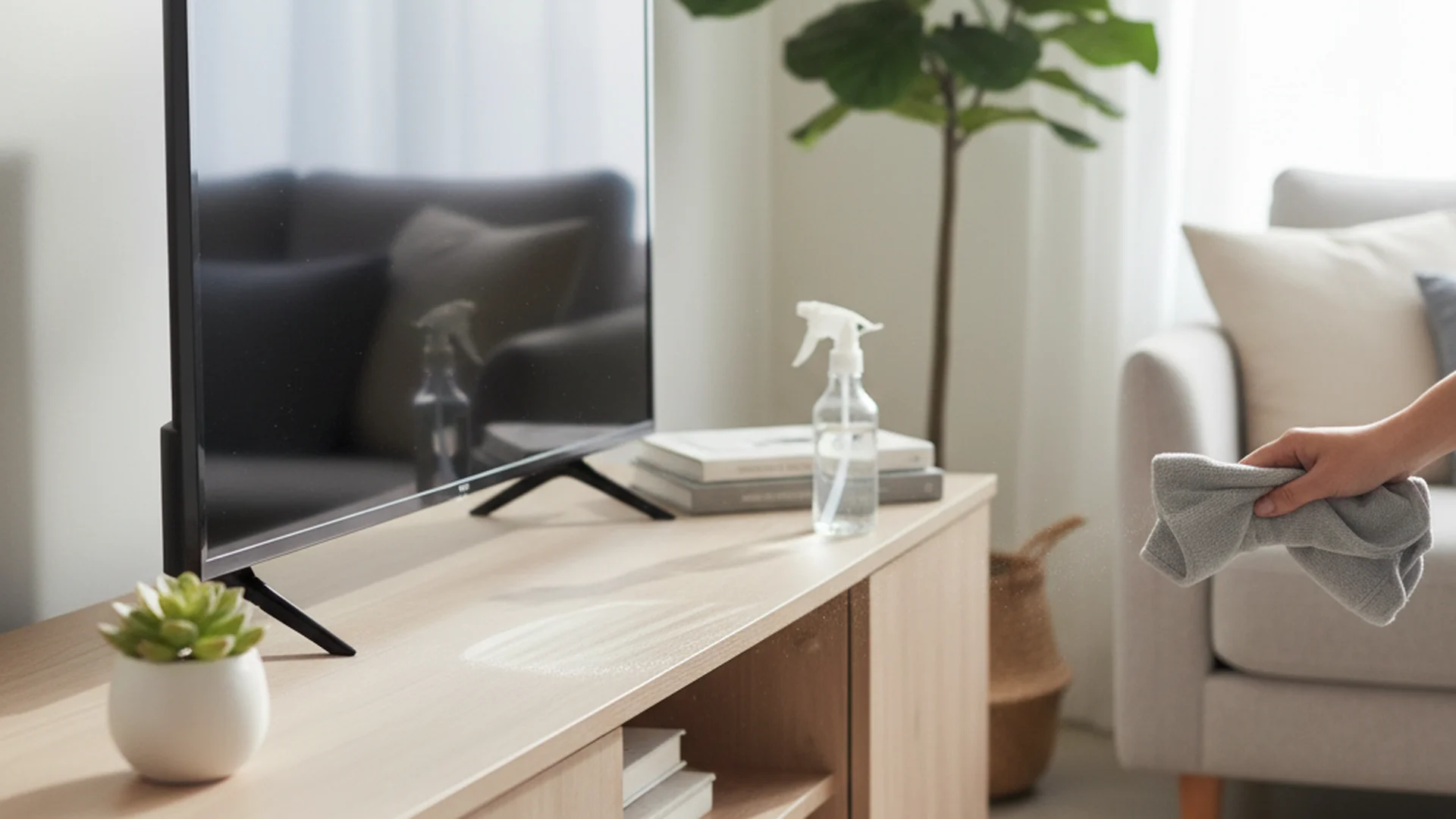
- Never spray cleaners directly onto screens; use a damp microfiber cloth instead.
- TV remotes are high-germ areas that require weekly disinfection.
For many families, the living room is the heart of the home, and the entertainment center is its pulse. However, between the heat-attracted dust and the constant handling of remotes and controllers, this area quickly becomes a magnet for grime and bacteria. Knowing how to clean entertainment center setups properly is about more than just aesthetics; it is essential for protecting your expensive electronic investments and maintaining a healthy living environment.
Research shows that we often neglect the very items we touch the most. From the "cable spaghetti" hidden behind the stand to the vents on your gaming console, a buildup of dust can lead to overheating and hardware failure. In this guide, we will walk you through the best way to clean your entertainment center at home using professional techniques and modern 2025 cleaning trends.
Why a Clean Entertainment Center Matters
Before we dive into the "how," let's look at the "why." Recent studies by Churchill Home Insurance have revealed some shocking truths about our home theaters. Did you know that your TV remote can harbor 15 to 20 times more bacteria than a toilet seat? Specifically, these devices are breeding grounds for Enterobacter, yeast, and mold.
Furthermore, dust is a silent killer for electronics. For home cinema enthusiasts using projectors, internal dust buildup can reduce light output by as much as 40% over five years. By learning how to clean your entertainment center effectively, you are extending the lifespan of your gear and ensuring your family stays healthy.
The Essential Cleaning Tool Kit
To achieve the best results without damaging sensitive surfaces, you need the right tools. Skip the paper towels and reach for these expert-recommended supplies:
- Microfiber Cloths: These are non-negotiable. Unlike paper towels, which are made of wood pulp and can leave micro-scratches, microfiber traps dust without abrading surfaces.
- Compressed Air (Canned Air): Ideal for blowing dust out of tight crevices and electronic vents.
- Distilled Water & Isopropyl Alcohol (70%): Distilled water prevents mineral spots, and alcohol is used for disinfecting non-screen surfaces.
- Soft-Bristled Brushes: A clean makeup brush or a dedicated anti-static brush is perfect for detailing buttons and ports.
- Velcro Cable Ties: For organizing the chaos behind the unit.
Warning: Never use Windex or traditional glass cleaners on modern OLED, LED, or LCD screens. The ammonia and alcohol can strip the anti-reflective coatings, leaving permanent streaks or cloudiness.
Step-by-Step: How to Clean Your Entertainment Center
Step 1: Power Down and Unplug
Safety first. Before you apply any moisture or move heavy equipment, turn everything off and unplug it from the wall. This eliminates the risk of short-circuiting and prevents static discharge that could damage sensitive circuit boards.
Note: If you have a complex setup, take a photo of your cable configuration before unplugging. This makes the "re-setup" process significantly easier.
Step 2: Dusting the Furniture
Start from the top and work your way down. This ensures that any falling dust is caught in the next stage of cleaning.
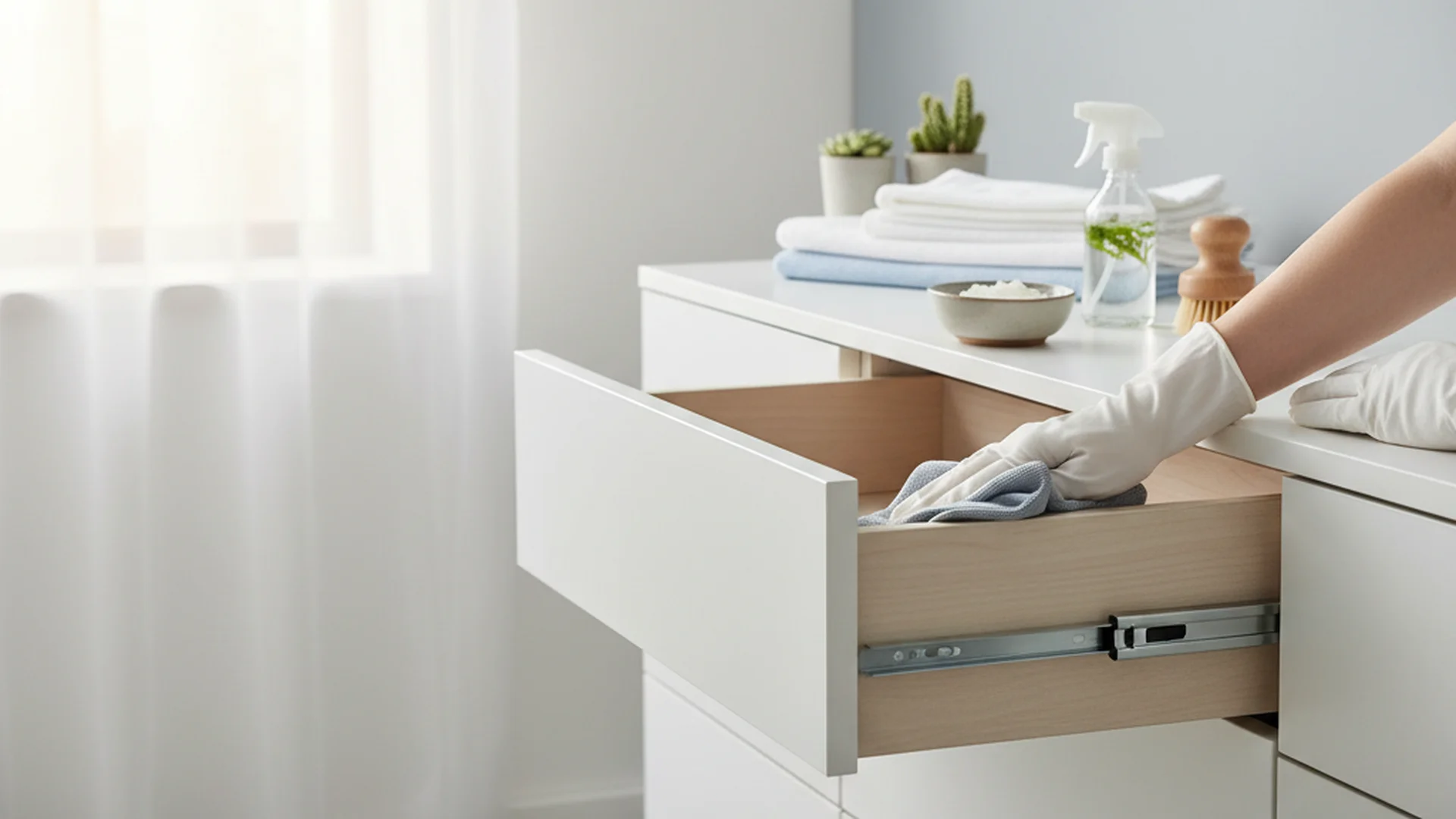
- For Wood Units: Use a dry microfiber cloth or a minimal amount of wood-specific polish applied directly to the cloth—never the wood itself.
- For Glass Shelves: If possible, remove the glass panes. Dust often gets trapped in the grooves where the glass meets the frame. Use a 50/50 mix of distilled water and white vinegar for a streak-free finish on glass only.
Step 3: Tackling the Electronics
The best way clean entertainment center electronics is to use the "cloth-first" rule.
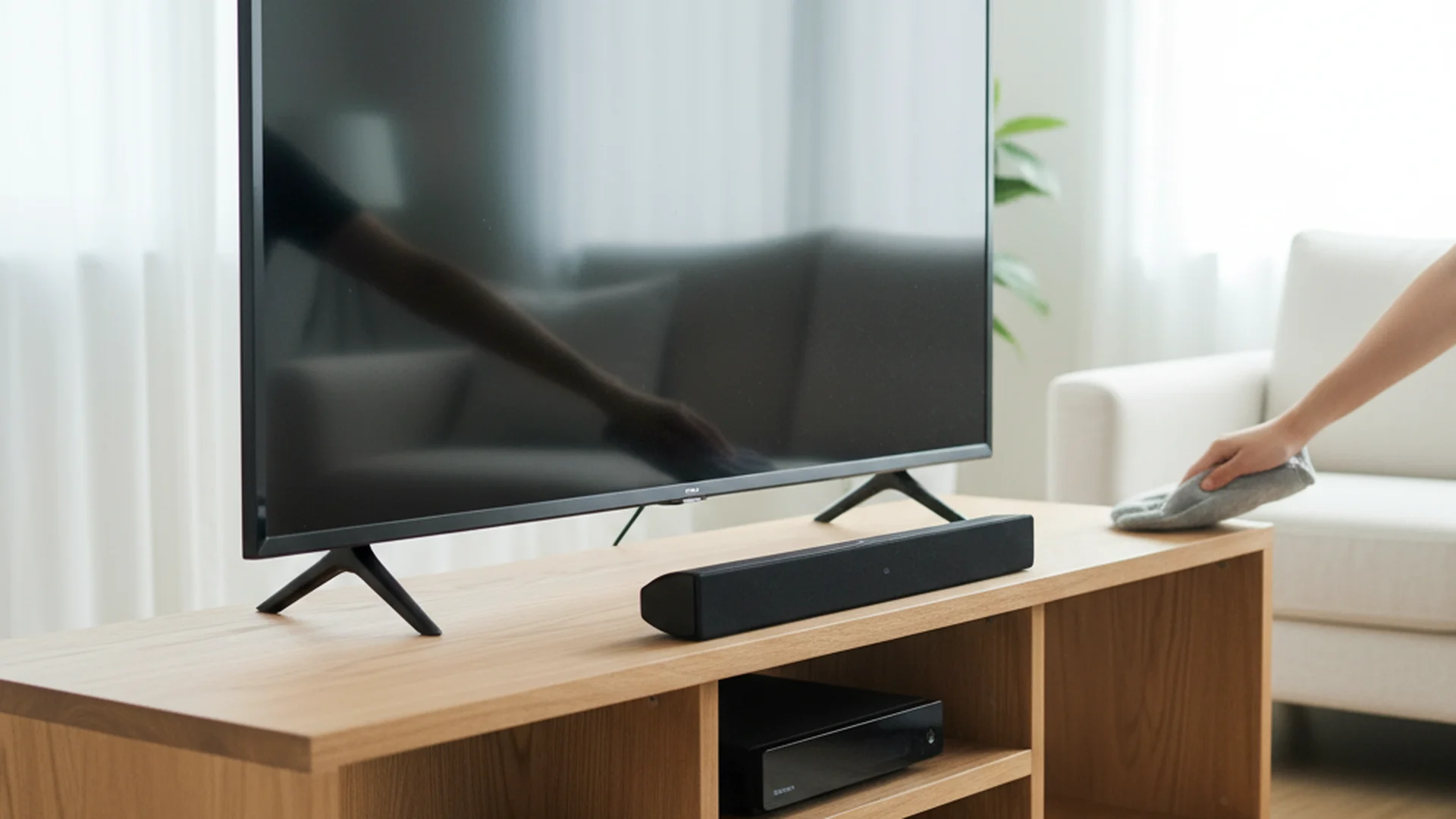
- Screens: Wipe in a gentle, circular motion with a dry microfiber cloth. If a smudge persists, lightly dampen the cloth with distilled water and wipe again.
- Vents: Use compressed air to blow dust out of consoles, amplifiers, and DVRs. Aim the nozzle at an angle so you aren't pushing the dust further inside.
- Ports: Use a soft brush to clear out USB and HDMI ports where dust often settles and interferes with connections.
| Component | Cleaning Tool | Frequency |
|---|---|---|
| TV Screen | Dry Microfiber | Weekly |
| Console Vents | Compressed Air | Monthly |
| Glass Shelves | Vinegar/Water | Monthly |
| Cables/Back | Vacuum/Duster | Quarterly |
Step 4: Disinfecting the High-Touch Zones
This is where the real "dirty work" happens. Your TV remotes and gaming controllers are the germiest items in the room. Dampen a cloth with 70% isopropyl alcohol and wipe down the entire surface. For the gaps around buttons, use a cotton swab dipped in alcohol.
Success: Regularly disinfecting your remotes can reduce the spread of seasonal illnesses like the flu or common cold within your household.
Managing "Cable Spaghetti"
One of the most frustrating parts of learning how to clean an entertainment center at home is dealing with the tangled mess of wires. This "dust vortex" behind the unit is often neglected, leading to dust being sucked back into cooling fans immediately after you finish cleaning.
Real-World Example: Imagine a homeowner, "Mark," who cleaned his TV weekly but noticed his PlayStation fan was getting louder. Upon moving the unit, he found a two-inch layer of "dust bunnies" choking the rear intake. By labeling his cables and using Velcro ties to lift them off the floor, Mark made it easy to run a vacuum under the unit, immediately solving his console's overheating issue.
Tip: Use a label maker or masking tape to mark both ends of every cable (e.g., "TV-HDMI-1"). This allows you to pull the unit away from the wall for a deep clean without fear of losing your configuration.
Common Mistakes to Avoid
- Cleaning While Warm: Never clean a TV or projector lens while it is still hot. The heat can cause cleaning solutions to evaporate too quickly, leaving stubborn streaks.
- Using Vinegar on Screens: While vinegar is a "natural" cleaner, its acidity can damage the protective seals on certain electronic screens. Stick to distilled water or specialized screen cleaners.
- Neglecting the Back: As mentioned, the area behind the unit is critical. If you don't clean the back, your front-end cleaning will be undone within days by circulating air.
- Vacuuming Circuitry: Avoid using standard vacuum attachments directly on open circuit boards. The plastic bristles can generate static electricity. Stick to compressed air or specialized anti-static vacuums.
2025 Trends in Entertainment Center Maintenance
As we move into 2025 and 2026, home organization is becoming more sustainable and tech-integrated.
- Sustainable Organizers: Many homeowners are ditching plastic bins for bamboo or woven water hyacinth organizers. These natural materials are not only eco-friendly but are easier to wipe down and don't attract static dust like plastic does.
- Bio-Enzymatic Cleaners: These "microbiome-friendly" cleaners use beneficial bacteria to consume organic grime. They are becoming popular for cleaning wooden entertainment centers as they continue to work for up to 72 hours after application.
- UV-C Sanitization: Portable UV-C wands are now a mainstream "shortcut" for disinfecting remotes and controllers. This allows you to kill 99.9% of germs without using any liquids near your electronics.
- AI-Integrated Mapping: New smart home apps now allow you to map your cable setup using your phone's camera, ensuring that even if you unplug everything for a deep clean, you have a digital "map" to get it back together perfectly.
Frequently Asked Questions
Can I use Windex or glass cleaner on my TV screen?
How do I clean my entertainment center without unplugging everything?
What is the best way to clean dust out of a gaming console?
How often should I perform a deep clean?
- Weekly: Dust the main surfaces and disinfect the remote.
- Monthly: Vacuum the vents of your electronics and wipe down shelves.
- Every 3-6 Months: Unplug everything, move the unit away from the wall, and clean the "dust vortex" behind the center.
Conclusion
Learning how to clean entertainment center setups is an essential skill for the modern homeowner. By following the "cloth-first" rule, managing your cables, and disinfecting high-touch remotes, you create a space that is not only visually stunning but also technically efficient and hygienic. A dust-free home theater performs better, sounds clearer, and lasts significantly longer.
Success: A clean entertainment center reduces hardware overheating, potentially saving you hundreds of dollars in repair or replacement costs over the life of your electronics.
Cleaning that keeps score
Every task earns points, every streak multiplies them, and Premium adds a household leaderboard plus a monthly Dustagorgon to beat.
- Free forever
- 30 badges to earn
- Up to 6 in a household
No card needed. Set up your rooms in a couple of minutes.