In this article
What you’ll learn
- Excel is the top choice for non-subscription home organization.
- Visual checklists make you far more likely to finish a task.
- AI-assisted scheduling in Excel is the biggest trend for 2026.
Managing a modern household can often feel like a full-time job without a roadmap. As we move into 2026, the demand for structured home management has skyrocketed, leading many to discover that a cleaning schedule excel template is the most powerful tool for the job. Whether you are a busy professional, a parent managing a chaotic household, or someone looking to reduce environmental stress, a spreadsheet offers the customization and clarity that standard paper lists simply can’t match.
Most people consider a clean home essential to their mental well-being. Cluttered or "messy" environments, by contrast, leave you feeling permanently wound up and closer to burnout. By digitizing your routine, you aren't just cleaning; you're actively managing your mental health.
Why Choose Excel for Your Cleaning Schedule?
While there are dozens of mobile apps dedicated to chores, Microsoft Excel remains the gold standard for household organization. With its vast global user base, its dominance comes down to flexibility. Unlike apps that require monthly subscriptions or lock you into a specific workflow, a free cleaning schedule excel allows you to build a system that fits your specific floor plan and lifestyle.
The "dopamine hit" of checking off a task is a real psychological phenomenon. Using a visual tracker like an Excel checklist makes you far more likely to finish what you started. When you see a row turn green or a checkbox fill in, your brain rewards the progress, making the next chore easier to start.
The Science of "Zone" Cleaning
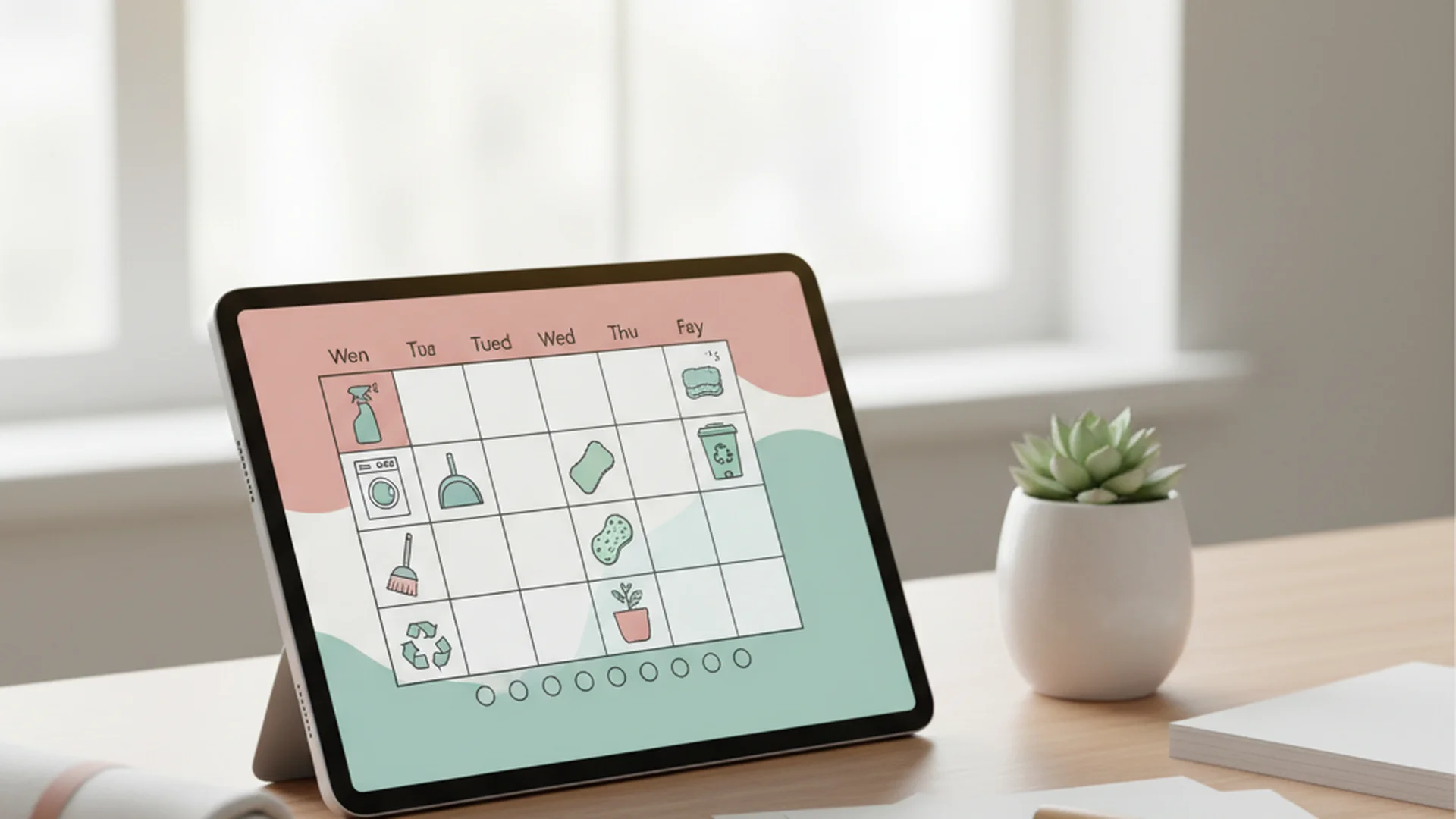
Instead of attempting to clean the entire house in one exhausting weekend, use the "Zoning" method. In your Excel template, you can assign one specific "Zone" (such as the Kitchen or Master Bathroom) to each day of the week. This prevents "cleaning fatigue" and ensures that high-traffic areas are never neglected for too long.
Tip: Assign the room you dread most to your highest-energy day. The bathroom is the most-dreaded room for a great many people, so scheduling it early in the week can help you power through.
How to Set Up Your 2026 Cleaning Template
Building a professional-grade cleaning schedule excel printable is easier than you might think. You don't need to be a math whiz; you just need to understand a few basic features.
1. Structure Your Columns
To make your schedule functional, your table should include these five essential columns:
- Task Name: (e.g., Vacuuming, Dusting Baseboards)
- Frequency: (Daily, Weekly, Monthly, Yearly)
- Assigned To: (Assign a family member or roommate)
- Due Date: (Use formulas to keep this updated)
- Status: (Use the new 2025 Native Checkboxes)
2. Use Native Checkboxes
In 2025, Microsoft rolled out native checkboxes located in the Insert tab. Gone are the days of messy "Form Controls" or typing "Done." Now, you can simply click to toggle. This makes your spreadsheet feel like a modern app while retaining the power of Excel.
3. Automate Your Deadlines
Avoid the mistake of manually typing dates. Use the =TODAY() function to show the current date, and use Conditional Formatting to highlight overdue tasks in red automatically. This provides an instant visual cue of what needs your immediate attention.
Note: If you want your schedule to be accessible to the whole family, save the file to OneDrive or Google Drive. This allows everyone to check off tasks from their phones in real-time.
The 1-7-30-365 Frequency Method
A common reason cleaning schedules fail is that they treat all tasks with the same urgency. To avoid burnout, categorize your tasks using the simple "1-7-30-365" structure.
| Frequency | Task Examples | Benefit |
|---|---|---|
| 1 (Daily) | Wiping counters, dishes, making beds | Prevents daily clutter buildup |
| 7 (Weekly) | Mopping floors, dusting, laundry | Maintains hygiene standards |
| 30 (Monthly) | Cleaning baseboards, deep cleaning oven | Protects home value/appliances |
| 365 (Yearly) | Cleaning gutters, steam cleaning carpets | Long-term home maintenance |
Advanced Features for 2026
The world of spreadsheets is evolving. If you want a truly "Smart Home Spreadsheet," consider these 2026 trends:
AI-Assisted Scheduling
With Microsoft Copilot in Excel, you no longer have to build your table from scratch. You can simply prompt the AI: "Create a cleaning schedule for a 3-bedroom house with 2 kids and a dog, focusing on heavy laundry on weekends," and Excel will generate a structured table for you in seconds.
Aesthetic Spreadsheets
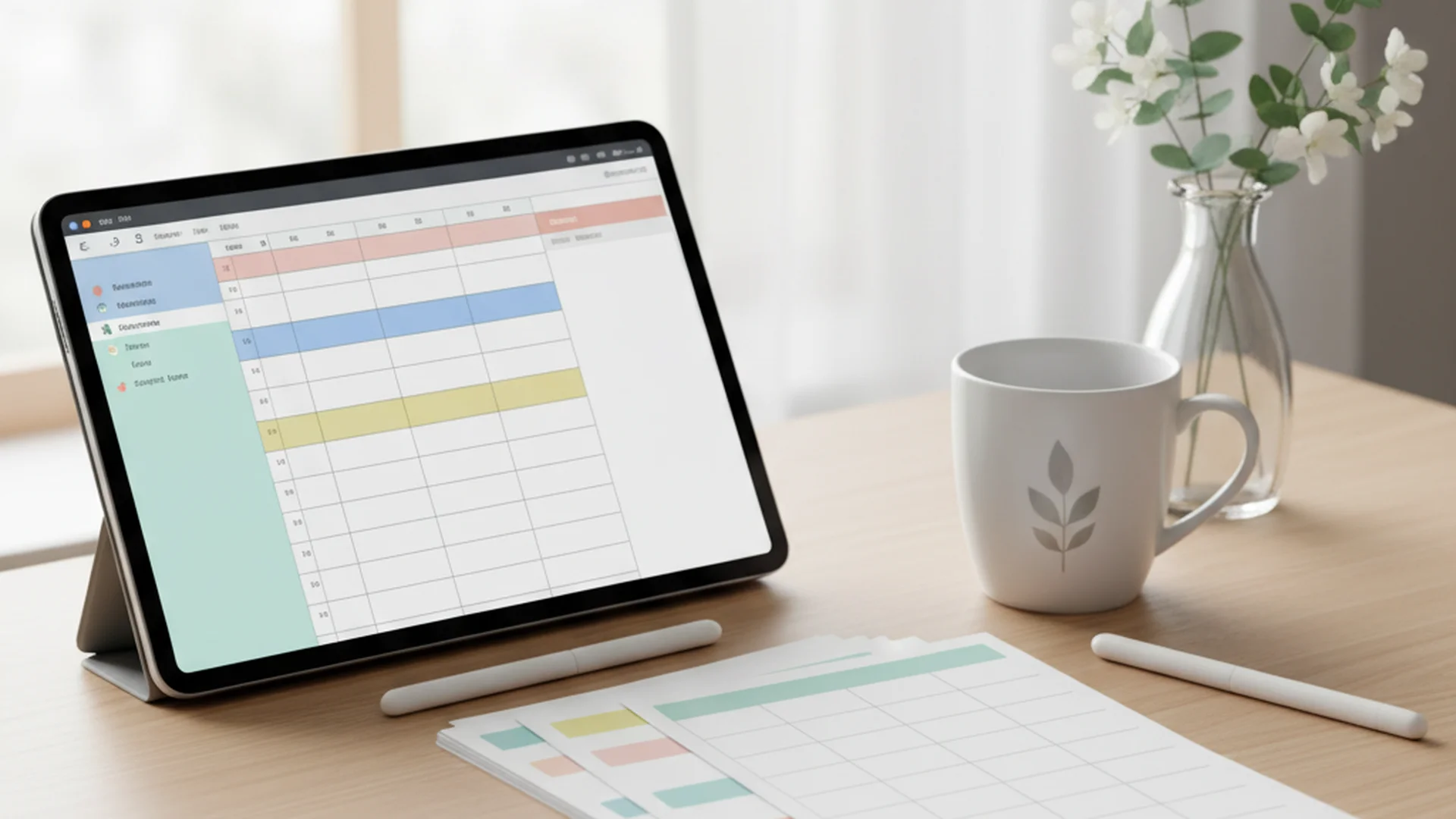
Influenced by "CleanTok" (Cleaning TikTok), there is a massive trend toward minimalist and pastel-colored templates. A "pretty" tracker is often more motivating to use. Use soft color palettes to differentiate between "zones" or family members.
Eco-Cleaning Logs
A new trend for 2026 is tracking "Sustainable Cleaning." Use a column to log which eco-friendly products are used or to set reminders for when to refill DIY cleaners like vinegar and lemon solutions.
Success: A well-designed Excel sheet transforms cleaning from a series of chores into a manageable, rewarding system.
Common Mistakes to Avoid
Even seasoned Excel users fall into these traps when creating a home management system:
- Hard-Coding Dates: Never manually type every date for the year. Type the first date and use a formula like
=A2+1to let Excel handle the calendar for you indefinitely. - Ignoring the "Print Area": There is nothing more frustrating than a cleaning schedule excel printable that prints across four different pages. Always highlight your schedule and go to
Page Layout > Print Area > Set Print Area. - The "Rigidity" Trap: Life happens. If you create a schedule that is too ambitious, one busy Tuesday can cause the whole system to fail. Build in a "Grace Day" or a "Catch-Up" slot in your template to handle the unexpected.
Warning: Avoid making your font sizes too small. If you plan to print the schedule and stick it on the fridge, ensure it uses at least 12pt font for readability from a distance.
Frequently Asked Questions
How do I create an automated cleaning schedule in Excel?
TODAY() function for the current date and apply Conditional Formatting. Set a rule that turns a cell red if the "Due Date" is less than today and the "Status" is not checked. This ensures you never miss a deep clean.
Is there a way to make the schedule printable without cutting off columns?
What is the difference between a cleaning schedule and a cleaning checklist?
How do I share an Excel schedule with my family or roommates?
Conclusion
A cleaning schedule excel template is more than just a list of chores; it is a blueprint for a calmer, more organized life. By leveraging 2025 features like native checkboxes and AI-assisted prompts, you can move away from the stress of "what needs to be done?" and move into a routine that supports your mental well-being. Whether you prefer a digital-first approach on your phone or a beautiful cleaning schedule excel printable on your refrigerator, the flexibility of Excel ensures your home stays sparkling with minimal effort.
Ready to Organize Your Home?
Download our professional 2026 Excel cleaning template and start your journey to a stress-free home today.
Get the TemplateSuccess: By implementing a zoned cleaning approach in Excel, users find their "cleaning dread" falls away and their home stays noticeably tidier year-round.
Cleaning that keeps score
Every task earns points, every streak multiplies them, and Premium adds a household leaderboard plus a monthly Dustagorgon to beat.
- Free forever
- 30 badges to earn
- Up to 6 in a household
No card needed. Set up your rooms in a couple of minutes.