In this article
What you’ll learn
- Google Sheets offers real-time collaboration and automated tracking that paper lacks.
- Using a structured cleaning schedule takes real weight off your stress levels.
- AI integration is the top home organization trend for 2025-2026.
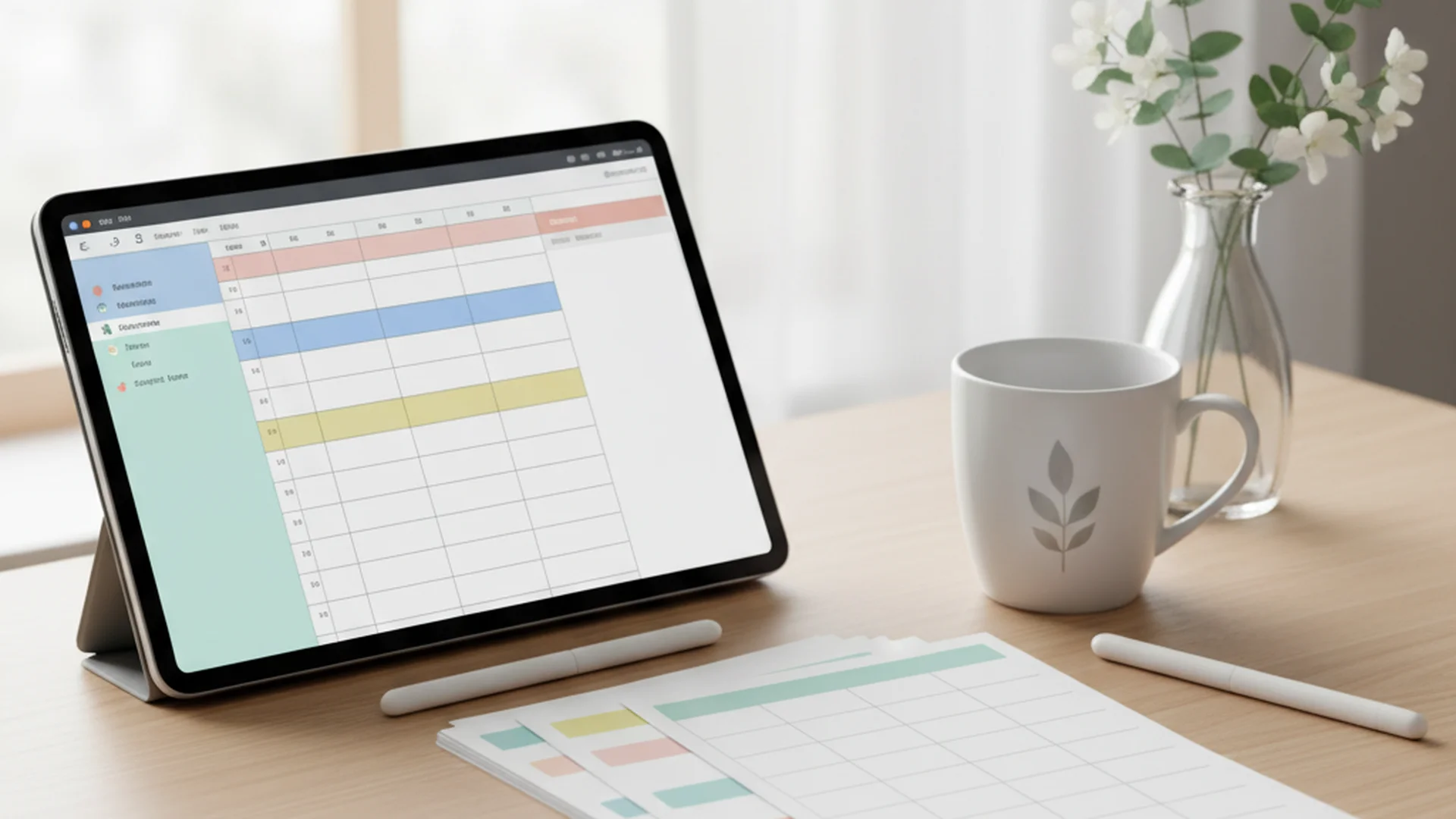
In the fast-paced landscape of 2025, the "Smart Home" is no longer just about voice-activated lights and robotic vacuums; it is about how we manage our most precious resource: time. Traditional paper checklists often end up buried under mail or forgotten in a drawer. This is why a cleaning schedule google sheets system has become the gold standard for modern homeowners. By digitizing your chores, you transform home maintenance from a chaotic burden into a streamlined, collaborative, and even automated process.
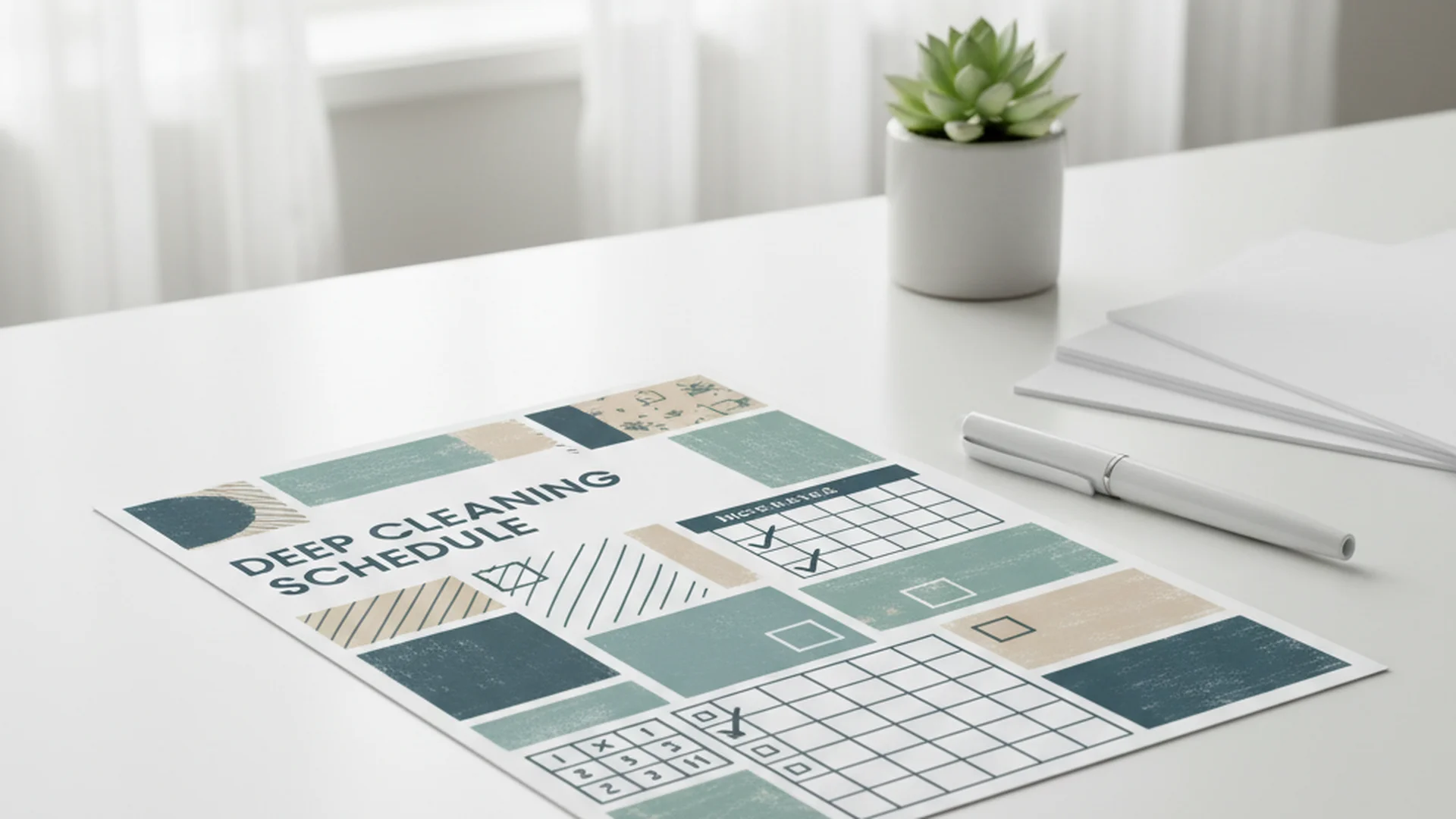
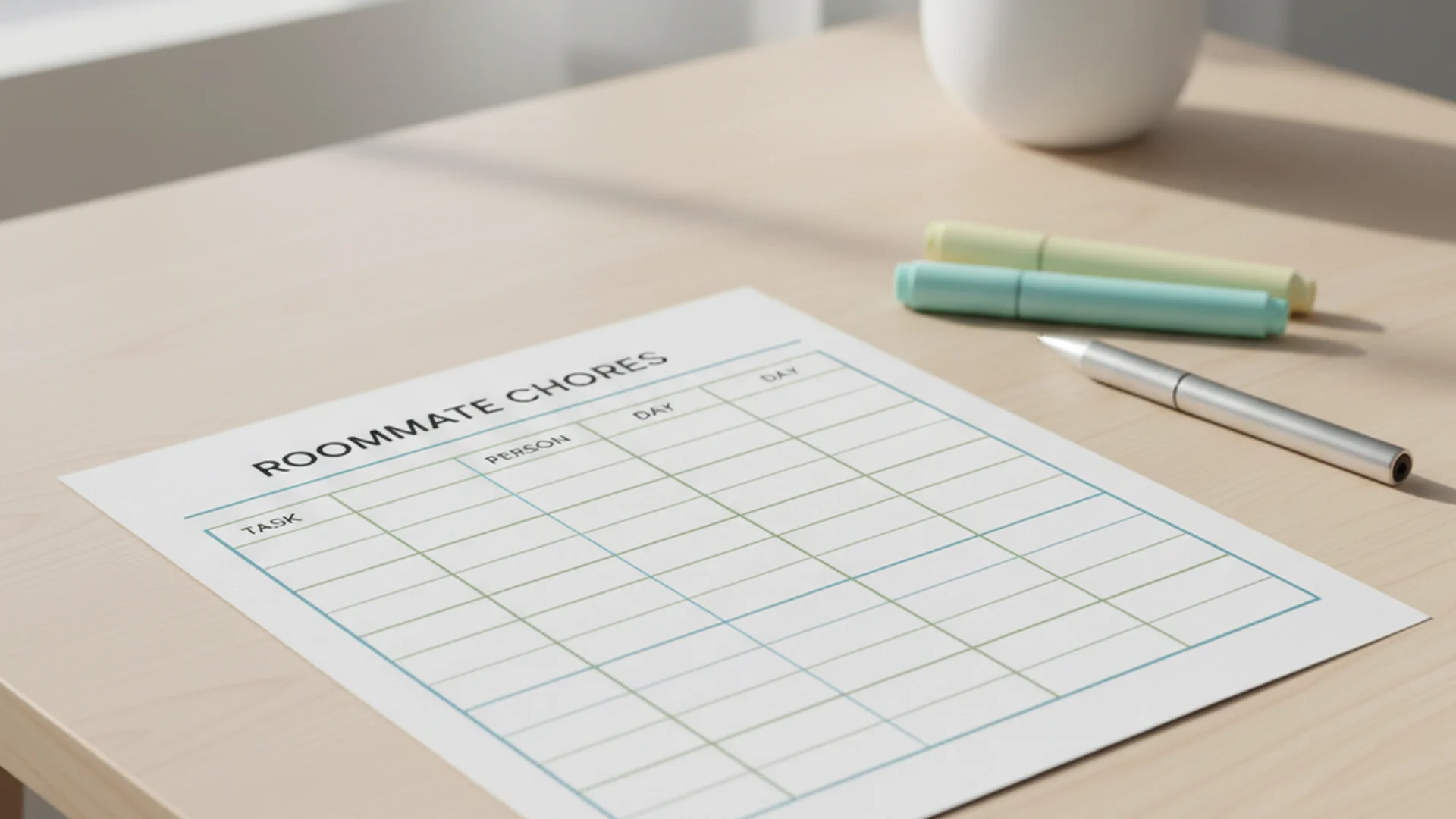
Whether you are looking for a free cleaning schedule google sheets option to share with roommates or a cleaning schedule google sheets printable to keep on the fridge, the transition to a digital-first system is a game-changer for domestic efficiency.
The Science of a Clean Home
Beyond the aesthetics of a sparkling kitchen, there is a profound psychological benefit to maintaining a structured environment.
Cleaning is a powerful form of self-care. Most people feel noticeably happier and more productive once a room is done, and plenty find their stress levels drop with it. However, the challenge isn't just "cleaning"—it's the mental load of remembering what to clean and when. A Google Sheets template removes that cognitive friction by acting as an external brain for your household.
Success: Using a digital tracker ensures that "invisible chores"—like cleaning baseboards or window blinds—aren't neglected, preventing long-term allergen buildup in your home.
Why Google Sheets Outperforms Traditional Printables
While we all love the tactile feel of a pen on paper, a cleaning schedule google sheets template offers several high-tech advantages that 2025 homeowners shouldn't ignore:
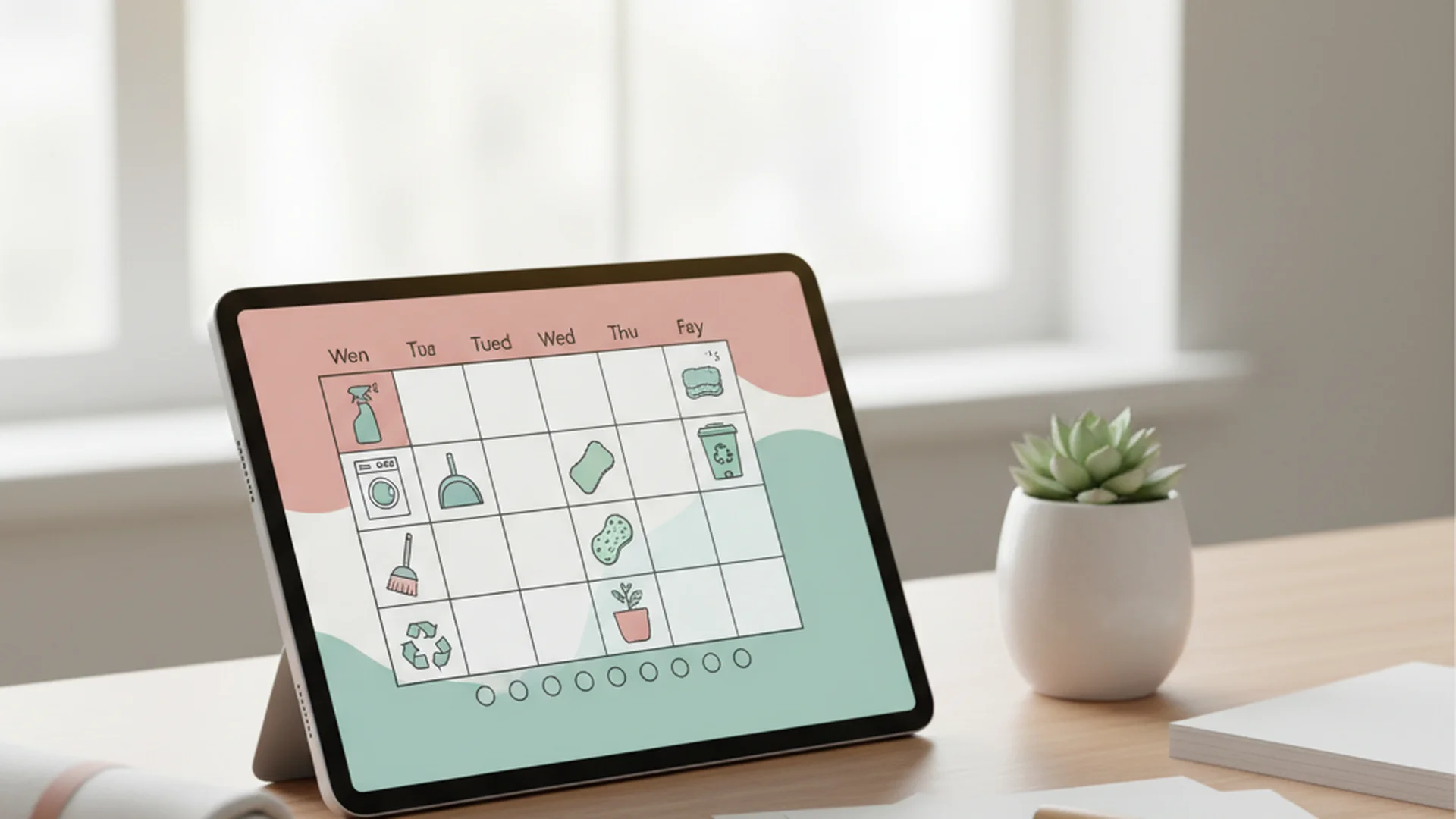
- Real-Time Collaboration: If you live with family or roommates, everyone can access the same document. When one person checks off "Vacuum Living Room," the update appears instantly on everyone else's phone.
- Automated Due Dates: By using simple formulas, you can set tasks to automatically reset. For example, once you mark a monthly task as "Done," the sheet can automatically calculate the next due date 30 days out.
- Mobile Accessibility: You don't need to be in the kitchen to see what needs to be done. You can check your list while at the grocery store or during a lunch break.
- Conditional Formatting: You can set the sheet to change colors—turning a cell bright red if a task is overdue—providing an immediate visual cue for what needs attention.
Tip: Use the =TODAY() function in a cell to keep your sheet synchronized with the current date, allowing your formulas to highlight overdue tasks accurately.
How to Build the Ultimate Cleaning Tracker
To create a comprehensive system, your Google Sheet should include specific columns to ensure nothing falls through the cracks. A "living document" approach is much more effective than a static one.
Essential Columns for Your Template
- Task Name: The specific action (e.g., "Deep clean microwave").
- Room/Area: Helps you group tasks so you aren't running back and forth across the house.
- Frequency: Is this daily, weekly, monthly, or seasonal?
- Assigned To: Crucial for accountability in multi-person households.
- Last Completed Date: The data point that drives your automation formulas.
- Status Checkbox: The most satisfying part of the sheet.
Note: Google Sheets now includes a native "Checkbox" feature under the Insert menu, making it easier than ever to create a functional list.
Integrating AI with Your Schedule
A major trend for 2025–2026 is using AI assistants like Google Gemini or ChatGPT to generate your task list. You can prompt the AI with: "I have a 3-bedroom home with two shedding dogs. Generate a weekly cleaning checklist in a table format that I can paste into Google Sheets." This saves hours of manual entry and ensures your schedule is tailored to your specific square footage and lifestyle.
Expert Strategies: The 15-Minute Method
Choose the Micro-Cleaning Method over "marathon cleaning." Instead of spending five hours every Saturday scrubbing the house, set a timer for 15–20 minutes every day.
By following the Top-to-Bottom Rule, you ensure that dust falling from ceiling fans or cabinet tops lands on dirty floors that haven't been cleaned yet. If you clean the floors first, you’ll just have to do them again after dusting the shelves.
| Task Category | Recommended Frequency | Pro-Tip |
|---|---|---|
| Floor Maintenance | Weekly | Tackle the whole home in one focused weekly pass. |
| Kitchen Counters | Daily | High-traffic areas need wiping down most days. |
| Window Blinds | Quarterly | One of the most commonly "skipped" chores. |
| Baseboards | Bi-Annually | Neglecting these leads to significant allergen buildup. |
Warning: Avoid the "All-Purpose Cleaner Trap." Using the wrong chemical (like vinegar on granite or bleach on hardwood) can cause permanent, expensive damage.
Common Mistakes to Avoid
Even with a perfect cleaning schedule google sheets printable, many homeowners fall into these common pitfalls:
- Complexity Over Consistency: If your schedule has 50 daily tasks, you will likely abandon it within a week. Start small and build the habit.
- The "Set It and Forget It" Error: A schedule only works if it is updated. If you don't log the "Last Completed" date, the automation fails.
- Ignoring High-Touch Areas: Many focus on floors but ignore light switches, remote controls, and doorknobs. These surfaces often carry more bacteria than a toilet seat.
- Over-Cleaning: Yes, it is possible. Over-washing linens or over-polishing wood can lead to premature wear and waxy buildup.
Frequently Asked Questions
Why use Google Sheets instead of a printable PDF?
How do I automate my cleaning schedule dates?
IF and EDATE functions. For example, if you have a "Last Cleaned" date in cell B2 and a frequency of 1 month, you can set the "Next Due" cell to =EDATE(B2, 1). To make it visual, use Conditional Formatting to turn the cell red if the date is less than =TODAY().
Can I use AI to help me organize my tasks?
Is it better to clean room-by-room or task-by-task?
Conclusion: Progress Over Perfection
The goal of a cleaning schedule google sheets template isn't to create a museum-perfect home every day. It is to reduce the mental burden of home management so you can spend more time enjoying your space. By moving to a digital system, you gain the flexibility to adjust for "low-energy" days while ensuring the health and longevity of your home are maintained.
Start with a simple template, automate the most frequent tasks, and remember that a living document is meant to evolve with your life.
Cleaning that keeps score
Every task earns points, every streak multiplies them, and Premium adds a household leaderboard plus a monthly Dustagorgon to beat.
- Free forever
- 30 badges to earn
- Up to 6 in a household
No card needed. Set up your rooms in a couple of minutes.