In this article
What you’ll learn
- Always use a microfiber cloth and distilled water rather than tap water or paper towels.
- Never spray liquids directly onto the screen to avoid internal electronic damage.
- Modern QD-OLED screens (2025-2026) have specific care requirements compared to older LED models.
In an era where home entertainment systems are the centerpiece of our living rooms, knowing how to clean tv screen surfaces properly has never been more important. Whether you have a state-of-the-art 8K QD-OLED or a reliable 4K LED, the clarity of your picture depends on more than just pixels—it depends on cleanliness.
However, many homeowners inadvertently damage their expensive investments by using outdated cleaning methods. Using the wrong cloth or chemical can lead to permanent clouding or micro-scratches that ruin the viewing experience.
Why Your Cleaning Method Matters More Than Ever
Modern television screens are far more delicate than the glass tube TVs of the past. Today’s displays feature sophisticated anti-reflective coatings and specialized chemical layers designed to enhance contrast and color.
A 2023 Consumer Reports study highlighted what experts call the "Sandpaper Effect." This occurs when people use paper towels or tissues to wipe their screens. Despite feeling soft to the touch, these wood-based products are deceptively abrasive at a microscopic level. They can strip away the specialized coatings on high-end monitors, leading to a permanent "haze" that no amount of cleaning can fix.
Furthermore, regional trends in North America show a massive shift toward premium home theater systems, meaning the stakes for proper maintenance are higher than ever. If you want the best way how to clean tv screen surfaces without risking a $2,000 repair bill, you must follow a specialized protocol.
The Gold Standard Tools for TV Maintenance
Before you begin, you need the right kit. Avoid the temptation to grab whatever is under the kitchen sink.
| Tool | Purpose | Why it’s Essential |
|---|---|---|
| Microfiber Cloth | Dusting/Wiping | Lifts oils and dust without scratching. |
| Distilled Water | Dampening | Lacks minerals that cause white etching. |
| 70% Isopropyl Alcohol | Stubborn Oily Spots | Only for specific 2025-2026 QD-OLED models. |
| Air Duster (Optional) | Bezel Cleaning | Removes dust from tight crevices. |
Warning: Never use tap water on your screen. Tap water contains minerals like calcium and magnesium that can leave permanent white streaks or "etching" on the panel.
Step-by-Step Guide: The Best Way How to Clean TV Screen
Following a systematic approach is the only way to ensure a streak-free finish. If you need to know how to clean tv screen quickly, follow these four essential steps.
Step 1: Power Down and Cool
Always turn off your TV and unplug it if possible before cleaning. A black screen makes it much easier to see dust, fingerprints, and oily streaks. More importantly, screens generate heat while running. A warm screen can cause your cleaning liquid to evaporate too quickly, leaving behind unsightly spots or "fossilized" streaks.
Step 2: The "Dry First" Rule
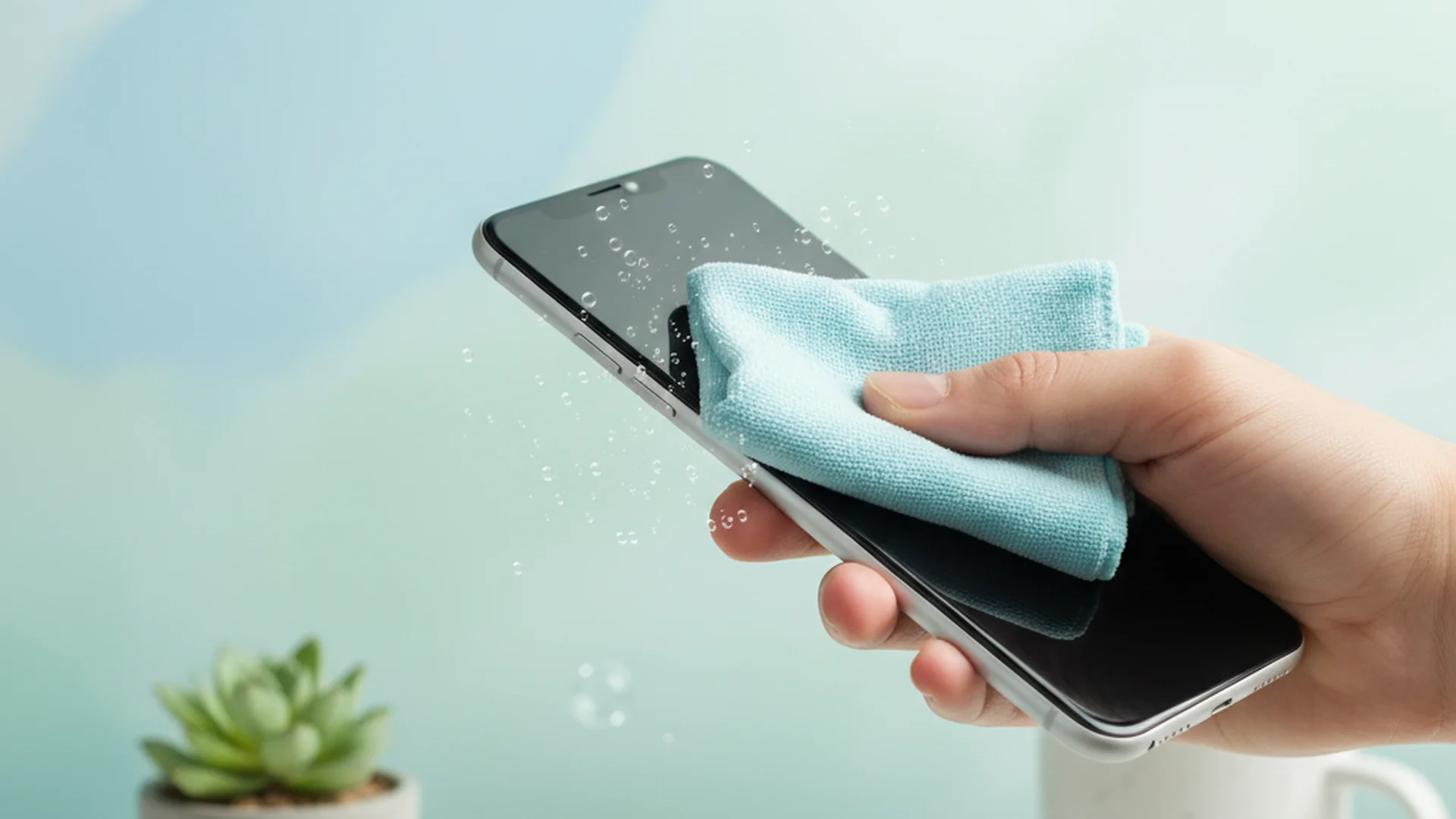
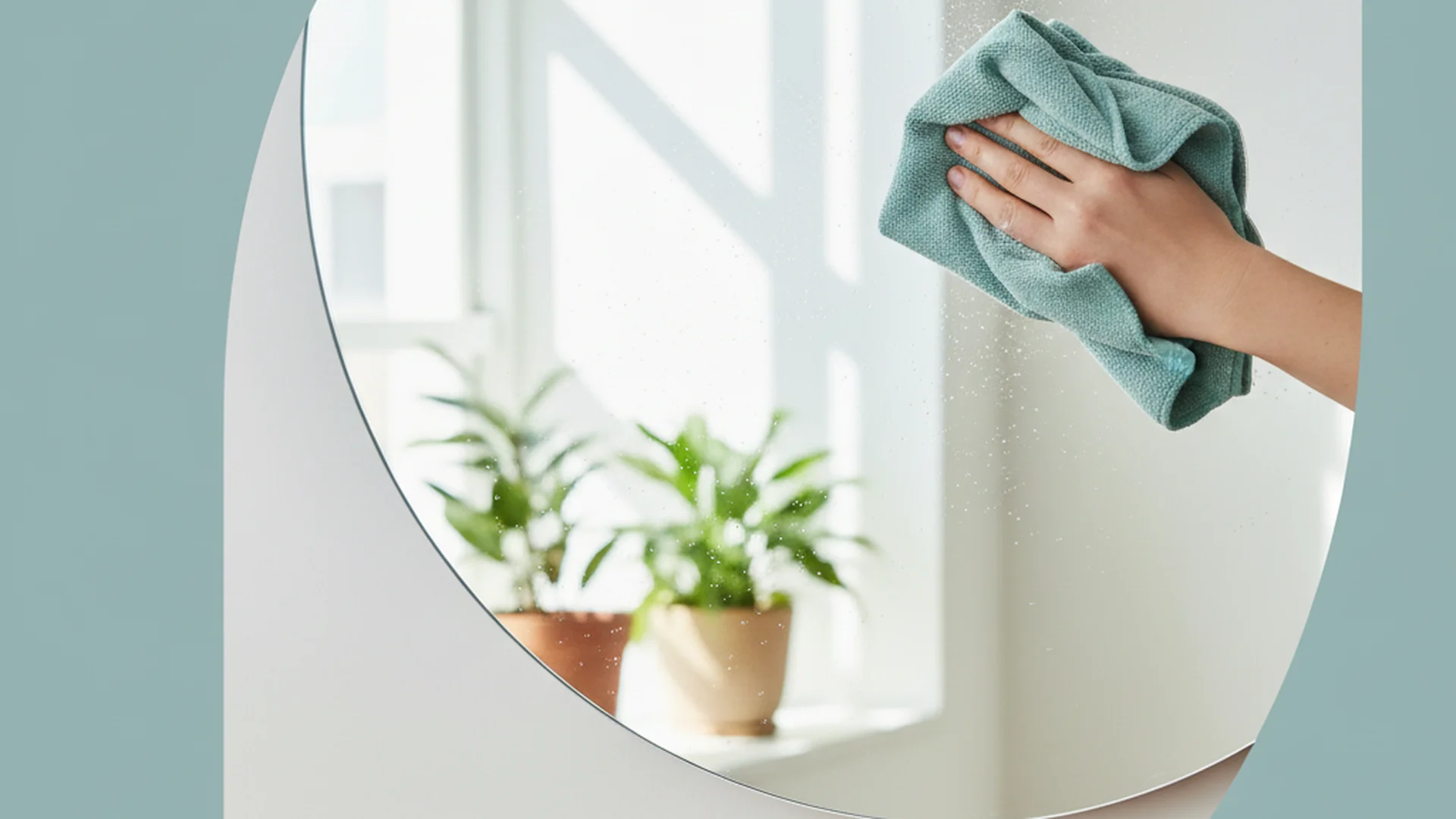
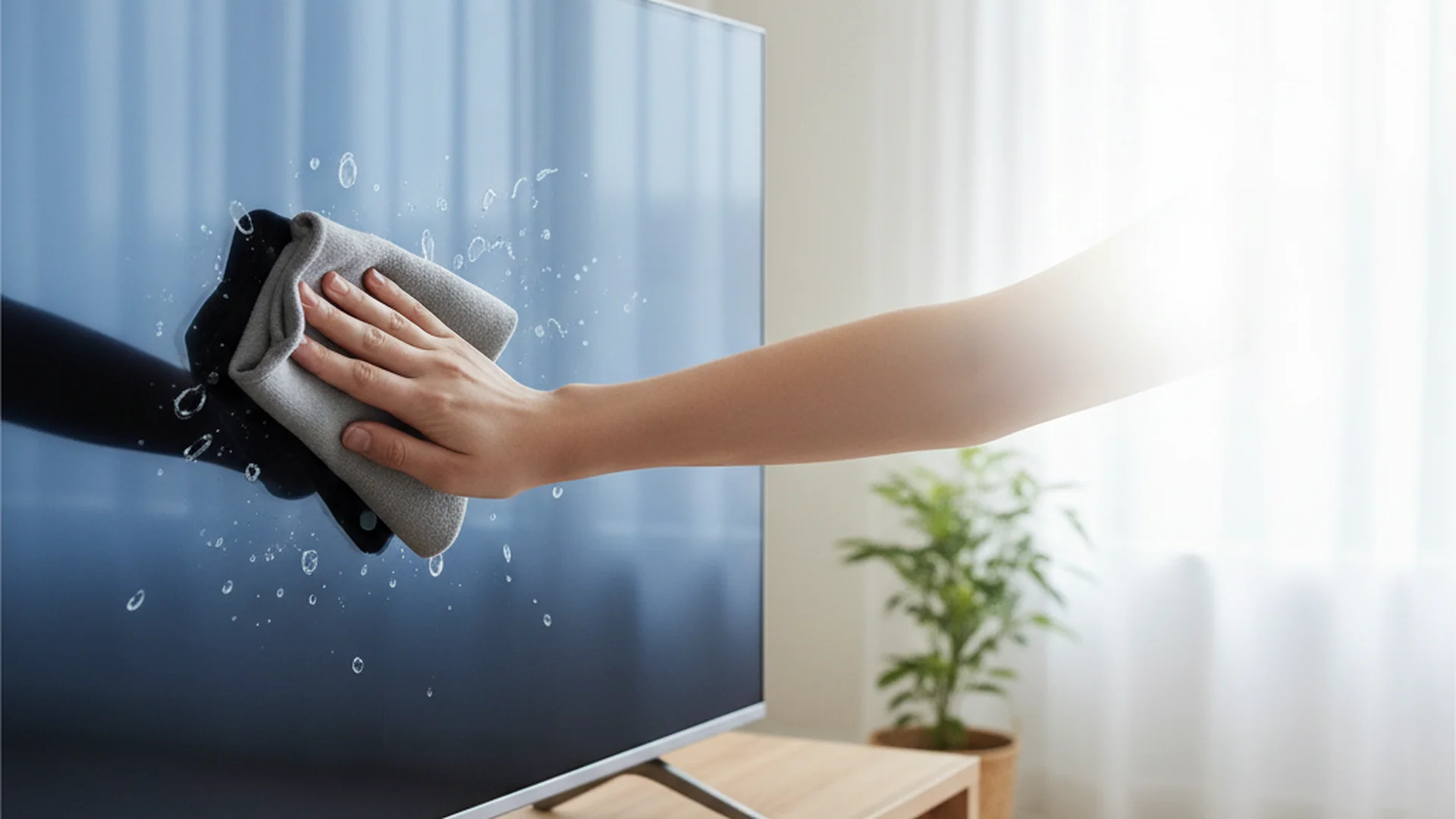
Start with a clean, dry microfiber cloth. Gently wipe the screen to remove loose dust. This is the most critical step. If you jump straight to a damp cloth, you risk dragging dust particles across the delicate surface, which acts like sandpaper and causes micro-scratches.
Tip: Use a "new" microfiber cloth for your TV. Using a cloth that was previously used to clean the kitchen can transfer grease or abrasive crumbs to your screen.
Step 3: Spot Treatment and Dampening
If dry wiping doesn't remove fingerprints, it’s time for a damp clean. Lightly mist your microfiber cloth with distilled water.
Warning: Never spray any liquid directly onto the TV screen. Liquid can easily seep into the bezel (the frame) and travel down to the sensitive electronics or the bottom edge of the panel where the pixel connections are located. This can cause "line-out" failures or complete panel death.
Step 4: The S-Pattern Buff
Instead of rubbing in circles—which tends to just move grease around in a swirl—use an "S" pattern. Start at the top left and move in long, horizontal strokes all the way to the bottom. This ensures you are lifting the grime off the screen rather than redistributing it.
Success: Using the S-pattern ensures that any remaining moisture dries uniformly, preventing the circular "halo" streaks often seen after improper cleaning.
Special Section: OLED vs. QLED (The 2026 Update)
As we move into the 2025–2026 product cycles, manufacturers have updated their guidelines for the latest display technologies.
- Standard LED/QLED (Samsung/LG): These manufacturers generally recommend a dry cloth. For stubborn marks, they suggest a cloth slightly dampened with distilled water. Samsung specifically notes that some specialized screen cleaners are safe, but only if applied to the cloth first.
- QD-OLED (2025-2026 Models): In a surprising shift, some manufacturers (like Samsung Display) have updated documentation for the newest QD-OLED panels. They state that 70% ethanol or isopropyl alcohol can be used on a microfiber cloth for stubborn oily residue. These specific panels use more robust chemical bonding than older models.
Note: Always check your specific owner's manual before using alcohol. While safe for some 2026 models, it will destroy the coating on most older TVs.
Common Mistakes to Avoid
Even with the right intent, many people fall into these traps:
- Using Fabric Softener: Never wash your microfiber cloths with fabric softener or use dryer sheets. These products leave a waxy, hydrophobic residue on the cloth that will transfer onto your TV as greasy, unremovable streaks.
- Excessive Pressure: It is tempting to scrub a stubborn spot. However, pressing too hard on an LCD or OLED screen can cause "dead pixels" or "bruising" (dark discolored spots). Use only the weight of your hand.
- The "Vinegar Myth": While a 50/50 vinegar-water solution is a popular "natural" cleaner, modern experts warn that the acidity can wear down sensitive anti-glare coatings on 2025/2026 high-end monitors.
- Using Old T-shirts: Old clothing often has seams, buttons, or non-absorbent synthetic fibers that can scratch or simply smear oils.
Real-World Examples
- The "Toddler Handprint" Scenario: A parent finds oily handprints on their new OLED. Instead of using a wet wipe (which contains soap and alcohol), they use a dry microfiber to lift the bulk of the oil, then a cloth dampened with distilled water to finish the job.
- The "Renovation Dust" Scenario: After a home renovation, a TV is covered in fine drywall dust. The owner uses an air duster first to blow off the heavy particles, avoiding the urge to wipe immediately, which would have scratched the screen.
- The "Nose Print" Scenario: A dog leaves a wet nose print on the bottom of the TV. The owner uses a 50/50 distilled water and white vinegar mix (only on the specific spot) to break down the proteins in the saliva, followed by a dry buff.
Frequently Asked Questions
Can I use Windex or glass cleaner?
How often should I clean my TV?
Is it safe to clean a TV while it’s on?
How do I get rid of stubborn oily fingerprints?
Are "water-only" cleaning kits worth it?
Conclusion
Your television is likely one of the most expensive pieces of technology in your home. Learning how to clean tv screen surfaces correctly is the best way to protect that investment and ensure your 4K or 8K content looks exactly as the director intended. By sticking to the "Dry First" rule, using distilled water, and avoiding harsh household chemicals, you can maintain a crystal-clear display for years to come.
Success: Regular, gentle maintenance prevents the need for aggressive cleaning later, keeping your screen's anti-reflective coating intact and your picture quality sharp.
Cleaning that keeps score
Every task earns points, every streak multiplies them, and Premium adds a household leaderboard plus a monthly Dustagorgon to beat.
- Free forever
- 30 badges to earn
- Up to 6 in a household
No card needed. Set up your rooms in a couple of minutes.