In this article
What you’ll learn
- Master the 'Touch It Once' rule to stop mail piles before they start.
- Identify exactly which documents require physical originals versus digital scans.
- Leverage 2025 AI tools to automate your digital filing system.
We have all been there: you walk through the front door, set a stack of envelopes on the kitchen counter, and promise yourself you will deal with them "later." Fast forward two weeks, and that stack has transformed into a mountain of utility bills, credit card offers, and school flyers. Decluttering paper is often the most avoided chore in the home because every sheet represents a pending decision.
As we move into 2025 and 2026, the challenge isn't just physical; it is the mental load of "unmade decisions" sitting on your desk. The average household still receives pounds of junk mail every year—clutter that enters your home without your permission. Managing this influx requires more than just a wastebasket—it requires a system.
In my years as a professional cleaning consultant, I have seen how paper clutter contributes to visual noise and elevated cortisol levels. By mastering a few simple habits and leveraging modern technology, you can reclaim your surfaces and your peace of mind.
The Hidden Cost of Paper Clutter
Before we dive into the "how," we must understand the "why." Paper clutter isn't just an eyesore; it’s a drain on your resources. The vast majority of the papers we carefully file away are never looked at again. We are essentially paying a "clutter tax" in both time and money.
The financial cost is real. For home offices or small businesses, a single four-drawer file cabinet quietly costs you money every year—in the floor space it occupies and the folders, labels, and time needed to feed it. Beyond money, there is the time cost: hunting for misplaced items buried under piles of irrelevant paper eats up hours you never get back.
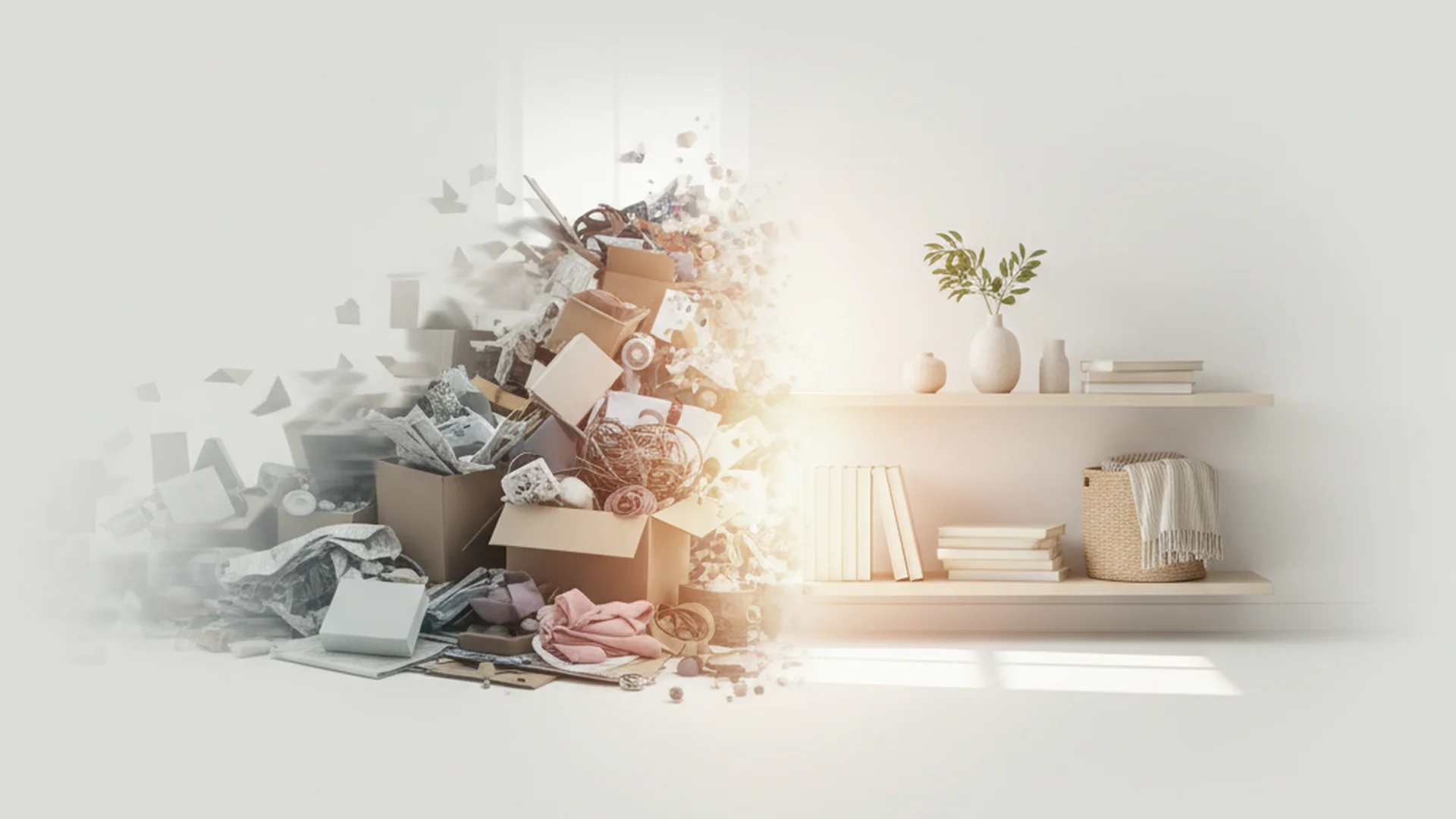
Tip: Before you start decluttering, visualize your "paper-free" surface. Use that mental image as motivation when you feel overwhelmed by the sorting process.
The Professional Sorting Framework
When professional organizers like Marie Kondo or Lisa Woodruff tackle paper, they don't just move piles around. They use a strict framework. To succeed at decluttering paper, you need to categorize documents based on their lifecycle.
The "Touch It Once" Rule
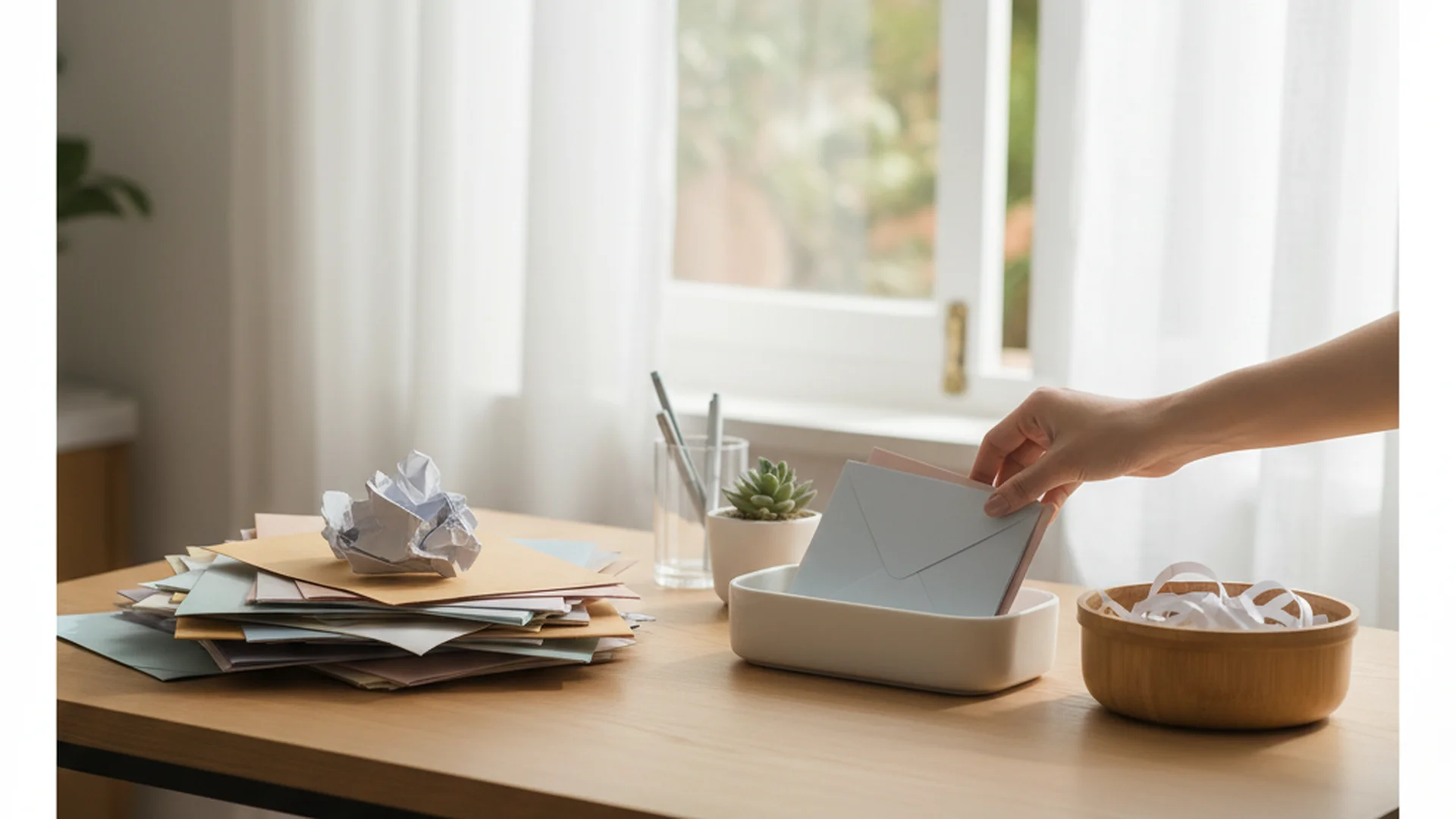
The most effective way to manage mail is to ensure it never reaches the counter. Sort your mail the moment you bring it into the house. Stand over the recycling bin and immediately discard junk mail, empty envelopes, and expired circulars. By the time you sit down, you should only have "Action" items left.
The Sunday Basket Method
Popularized by Lisa Woodruff, this method suggests collecting all "actionable" mail throughout the week in a single basket. Instead of making 20 small decisions throughout the week, you set aside one hour on Sunday to process everything. This prevents "decision fatigue" and ensures nothing falls through the cracks.
The Three-Category Sort
- Recycle/Shred: Anything that doesn't contain sensitive info goes to recycling. Anything with your name, address, or account numbers goes to the shredder.
- Short-term/Action: Bills to pay, RSVPs to send, or school forms to sign.
- Long-term/Archive: Tax records, birth certificates, and property deeds.
Warning: Never simply throw documents with personal information in the trash. Identity theft remains a significant threat in 2025, and shredding is your first line of defense.
What to Keep and What to Shred: 2025 Standards
One of the biggest hurdles in decluttering paper is the fear of throwing away something important. Modern legal standards have changed, and in 2026, almost all institutions (including the IRS) accept high-quality digital scans.
| Document Type | Retention Period | Storage Format |
|---|---|---|
| Tax Returns & Supporting Docs | 3–7 Years | Digital (Secure Cloud) |
| Utility Bills | 1 Month | Digital / Delete |
| Birth/Marriage Certificates | Forever | Physical (Fireproof Safe) |
| Home Deeds/Wills | Forever | Physical (Originals) |
| Appliance Manuals | 0 Years | Digital (Manufacturer PDF) |
| Medical Records | Forever | Digital |
Real-World Example: The "Just in Case" Manual
Most people have a drawer full of manuals for blenders, microwaves, and power tools. In 2025, 99% of these are available as PDFs online. Search for your model number + "manual" on Google, save the PDF to a "Home Maintenance" folder, and recycle the paper version immediately.
Note: Some warranties require a physical receipt. However, many modern retailers now link these to your loyalty account or offer to email them to you at the point of sale.
Preventing Paper at the Source
The best way to declutter paper is to stop it from entering your home in the first place. This is the "One-In, One-Out" rule applied to the digital age.
- Switch to Paperless: Every time a paper bill arrives, spend 60 seconds logging into the provider’s website to toggle the "Paperless Statements" switch.
- Unsubscribe from Junk Mail: Use services like DMAchoice or the PaperKarma app to remove your address from marketing lists.
- Refuse Receipts: When shopping, opt for the emailed receipt. Not only does this reduce clutter, but it also limits your exposure to BPA/BPS chemicals commonly found in thermal receipt paper—a growing health concern in 2025.
Success: A single household transitioning to 100% digital billing can save roughly 6 pounds of paper per year and hours of sorting time.
Advanced 2026 Digital Strategies: Using AI
We are entering an era where decluttering paper doesn't just mean throwing things away—it means intelligent digitization. In 2025 and 2026, mobile scanning apps have evolved beyond simple photos.
Modern apps like Adobe Scan and Microsoft Lens now use AI to:
- Auto-Categorize: The AI recognizes a "Medical Receipt" or "Property Tax Notice" and automatically tags the file.
- Extract Data: AI can pull the "Total Amount Due" and "Due Date" from a scanned bill and sync it directly to your digital calendar or "Digital Home Manager" like Notion.
- Searchable Text: Everything you scan becomes OCR (Optical Character Recognition) searchable. Need to find that vet bill from three years ago? Just type "Vet" in your search bar.
Tip: If you have a high volume of archives, invest in a dedicated high-speed scanner like a Fujitsu ScanSnap. It can process 30 pages a minute, turning a mountain of paper into a neat folder of PDFs in one afternoon.
Common Mistakes to Avoid
Even with the best intentions, many people fail at decluttering paper because of these common pitfalls:
1. Buying Filing Cabinets First
This is what I call "organized hoarding." People often buy expensive filing systems before they have actually purged their paper. This results in you simply organizing trash. Always declutter first, then buy the smallest storage solution necessary.
2. Over-Categorizing
Creating folders for "Electric Bill 2023," "Electric Bill 2024," and "Electric Bill 2025" is a recipe for burnout. The more specific your folders, the more friction there is to file things. Use broad categories like "Utilities" or "Financial Records."
3. Keeping "Wet Signatures" unnecessarily
Many people believe a document is only legal if it has a physical ink signature. While this is true for wills and some property deeds, 2026 legal standards accept digital signatures (like DocuSign) and high-quality scans for almost all other contracts and agreements.
4. Ignoring the "Mental Load"
Paper represents tasks. A pile of paper is actually a pile of chores. If you ignore the pile, you aren't just ignoring paper; you are ignoring decisions, which leads to subconscious stress.
The Ultimate Decluttering Paper Checklist
Follow these steps to clear your paper backlog and set up a system that lasts:
- The Grand Purge: Gather every piece of paper in your house into one spot.
- The Quick Sort: Move through the pile rapidly, tossing all obvious junk, expired coupons, and old circulars.
- The Sensitivity Check: Separate papers with personal data (SSNs, account numbers) into a "To Shred" pile.
- The Deep Sort: Categorize remaining papers into "Action," "Archive," and "Scan & Toss."
- Digitize: Scan documents in the "Scan & Toss" pile using an AI-enabled app.
- Secure Storage: Place vital physical records (Birth certificates, deeds) in a fireproof, waterproof lockbox.
- Unsubscribe: Spend 15 minutes using OptOutPrescreen or DMAchoice to stop future junk mail.
- Schedule Maintenance: Set a recurring 10-minute "Friday Filing" appointment on your digital calendar.
Frequently Asked Questions
How long should I keep my tax records?
What documents should I never throw away?
How do I stop junk mail from coming?
Is it safe to scan everything and go paperless?
Do I need to keep physical receipts for warranties?
Conclusion
Decluttering paper is more than just a cleaning task; it is a system for managing your life. By implementing the "Touch It Once" rule and embracing the digital tools available in 2025, you can transform your home from a paper warehouse into a streamlined sanctuary. Remember, the goal isn't necessarily to have zero paper—it’s to ensure that every piece of paper in your home has a purpose and a place.
Start small. Take ten minutes today to clear just one drawer or one stack of mail. The momentum you build will eventually lead to a clearer home and a clearer mind.
Success: Once your system is in place, you will find that "filing" takes less than 60 seconds a day, and you will never lose an important document again.
Cleaning that keeps score
Every task earns points, every streak multiplies them, and Premium adds a household leaderboard plus a monthly Dustagorgon to beat.
- Free forever
- 30 badges to earn
- Up to 6 in a household
No card needed. Set up your rooms in a couple of minutes.