In this article
What you’ll learn
- Centralizing household information reduces stress and mental load.
- A functional command center should include Action, Information, and Storage zones.
- Budget-friendly DIY options can be built for under $50 using basic wall organizers.
In the fast-paced world of 2026, managing a household feels less like a series of chores and more like running a small corporation. Between school schedules, remote work meetings, meal planning, and the endless influx of mail, the "mental load" can become overwhelming. This is where a command center home strategy becomes essential. A command center is the centralized "nerve center" of your residence—a dedicated space that houses your family calendar, mail, keys, and daily to-do lists to ensure nothing falls through the cracks.
The Science of a Stress-Free Home
Beyond just looking organized, a command center has a profound impact on your well-being. Living in a cluttered, disorganized home tends to keep stress hormones elevated all day. This "visual noise" keeps the brain in a state of low-level anxiety.
By creating a diy command center home, you are effectively silencing that noise. Think of the sheer number of hours you have already lost hunting for misplaced keys or a wallet. Plenty of people also end up paying bills late—and incurring hefty fees—simply because they lost track of physical paperwork. Implementing a central hub isn't just an aesthetic choice; it’s a financial and mental health necessity.
Success: An organized home sets a positive tone for the entire year and lifts your overall motivation.
The Three-Zone Strategy for Success
To prevent your command center from becoming just another cluttered wall, "zone" the space. Whether you are building a high-end digital display or a budget command center home, you should divide the area into three distinct functional zones.
1. The Action Zone
This is the most dynamic part of your hub. It is designed for items that require immediate attention.
- Incoming Mail Sorter: Separate "To File," "To Pay," and "To Shred."
- School Forms: A dedicated clip for permission slips and homework.
- The Daily To-Do: A small whiteboard or notepad for urgent reminders.
2. The Information Zone
This zone acts as the "brain" of the household. It holds data that everyone needs to access but doesn't necessarily change every hour.
- Master Calendar: Color-coded by family member.
- Meal Plan: A weekly menu to reduce the "what's for dinner?" fatigue.
- Emergency Contacts: Local police, neighbors, and pediatrician numbers.
3. The Storage Zone
This is the physical "landing strip" for items entering the home.
- Key Hooks: A dedicated spot for every set of keys in the house.
- Charging Station: A tucked-away power strip for phones and tablets.
- Small Bins: For "on-the-go" essentials like sunglasses, umbrellas, or transit passes.
Tip: Assign each family member a specific color on the master calendar. This allows everyone to see their schedule at a glance without reading every line.
Budget Command Center Home: DIY Ideas Under $50
You don’t need a massive renovation budget to get organized. In fact, some of the most effective systems are the simplest. If you are looking for a budget command center home solution, consider these three real-world examples:
The "Picture Frame" Hack
Buy three inexpensive 11x14 picture frames. Replace the stock photos with decorative cardstock or a printed calendar grid. Write directly on the glass with dry-erase markers. Use one for the monthly calendar, one for a weekly meal plan, and one for a grocery list.
The Wire Basket Wall
Mounted wire baskets are excellent for catching mail and school papers. Pair these with a few simple "Command" brand hooks for keys and bags. This setup is perfect for renters because it leaves no permanent damage on the walls.
The Clipboard Gallery
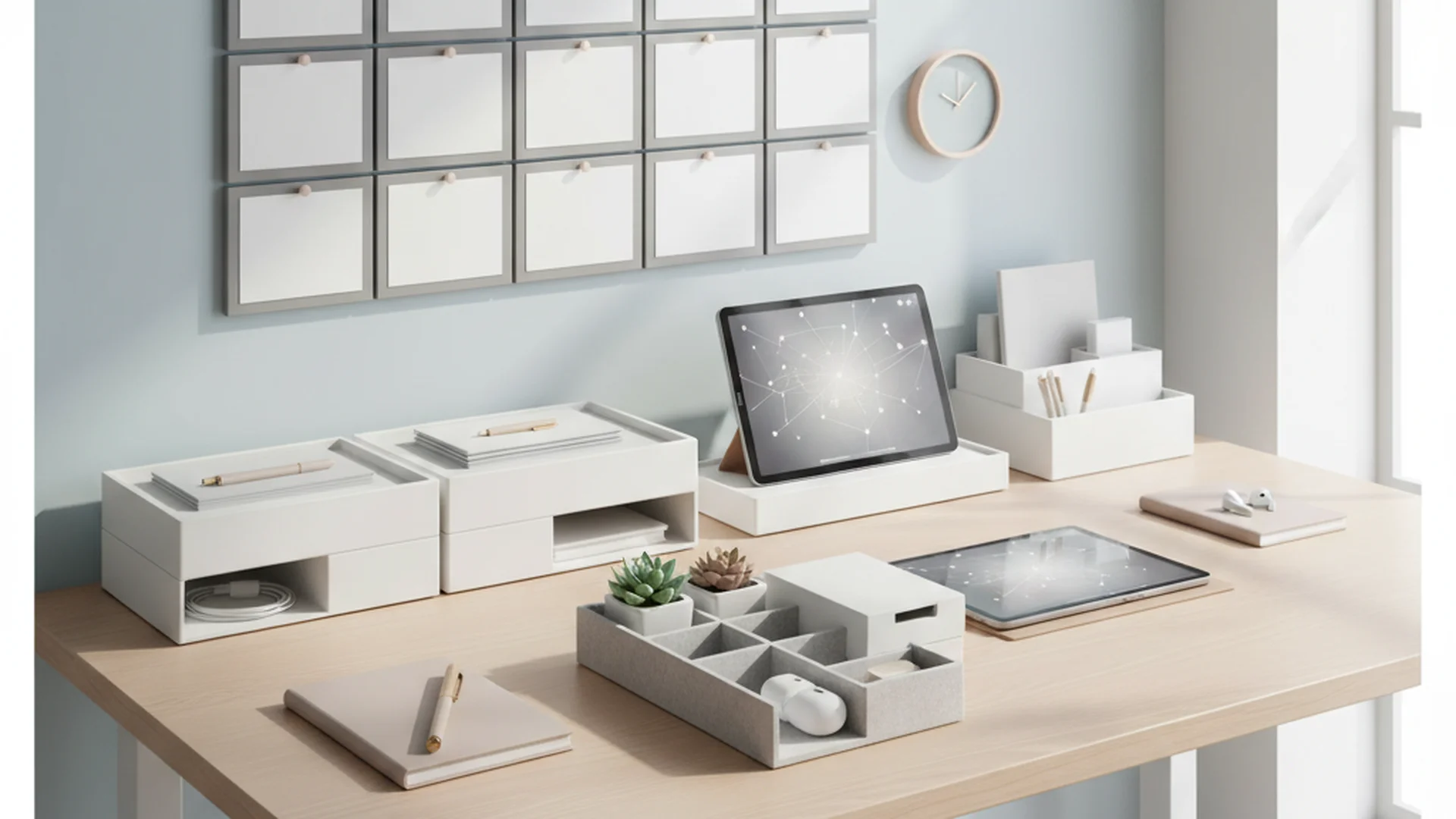
Mount six clipboards in a grid on your wall. Each clipboard represents a different category: school, work, finances, meal planning, chores, and "later." It’s a tactile, easy-to-update system that costs less than $20.
Warning: Avoid using tiny calendars. If you can't fit at least three events in a single day's square, the system will eventually fail because it’s too difficult to read.
Digital Command Centers: The 2026 Trend
As we move further into 2026, many families are transitioning to digital hubs. While physical centers are great for tactile learners and young children, digital screens offer seamless syncing with smartphones.
E-Ink Displays
The biggest trend this year is the move toward large-format E-ink displays (like the specialized DAKboard alternatives). Unlike traditional LED tablets, E-ink looks like paper or framed art. It doesn't emit blue light, making it a peaceful addition to a kitchen or living room that stays updated in real-time.
AI and Smart Home Integration
Modern command centers now utilize the Matter smart home protocol. This allows your center to display:
- Real-time energy usage from your smart meter.
- Live feeds from security cameras.
- AI-generated reminders, such as "The humidity is low; remember to water the ferns today."
Note: Digital command centers can range from $300 to $1,000 depending on the screen size and software subscriptions.
Where to Place Your Command Center
Location is the single most important factor in whether your command center will be used or ignored. Put it in a "high-traffic transition zone."
The Mudroom or Entryway
The most common "drop zone." Placing your center here ensures that mail is sorted the moment it enters the house and keys are hung up immediately.
The Kitchen Cabinet End-Cap
If you want to keep your organization hidden, the side of a kitchen cabinet is a prime location. It’s central to the home’s activity but doesn't clutter up your main living room walls.
The "Hidden" PAX Hack
For those who prefer a minimalist aesthetic, homeowners are increasingly building command centers inside wardrobe units like the IKEA PAX. These pull-out hubs can be closed when guests arrive, keeping the "mess" of daily life behind sleek doors.
| Placement Option | Pros | Cons |
|---|---|---|
| Entryway | Catches clutter immediately | Can look messy to guests |
| Kitchen Side | Central and convenient | Limited wall space |
| Inside Cabinet | Completely hidden | Easy to forget to check |
| Hallway | High traffic | Can cause "traffic jams" |
Sustainable and Eco-Friendly Materials
In 2026, sustainability is a core component of home design. When building your diy command center home, look for materials that are as kind to the planet as they are to your schedule.
- Bamboo Pegboards: Bamboo is a rapidly renewable resource and provides a modern, warm aesthetic compared to plastic or metal pegboards.
- Recycled Felt Organizers: Use felt bins made from recycled plastic bottles for your storage zone. They are durable, quiet, and eco-friendly.
- Cork Boards: Natural cork is a sustainable way to pin up temporary notes and photos.
Common Mistakes to Avoid
Even with the best intentions, many command centers fail within the first month. Avoid these common pitfalls:
1. The "Out of Sight" Trap
Placing your command center in a home office or guest room is a recipe for failure. If it isn't in your natural path of travel (like the walk from the garage to the kitchen), you simply won't use it.
2. Overcomplicating the System
Don't start with twenty different charts. Begin with the "Big Three": a calendar, a mail sorter, and key hooks. Once you have mastered those, you can add chore charts or habit trackers.
3. Neglecting the "Maintenance" Phase
A command center is a tool, not a piece of furniture. Without a weekly audit, it becomes a clutter magnet. Old invitations and expired coupons will quickly bury the important information.
Tip: Schedule a "Sunday Reset." Spend 10 minutes every Sunday evening clearing out old mail, updating the upcoming week's calendar, and refreshing the meal plan.
Frequently Asked Questions
What is a home command center?
Where is the best place to put a command center?
Do I need a digital or physical command center?
How much does it cost to build one?
How do I keep my command center from getting cluttered?
Conclusion: Reclaiming Your Time
Building a command center home is more than just a weekend project; it’s an investment in your family’s peace of mind. By centralizing your information, you reduce the "mental load," lower your stress levels, and stop losing precious time to the search for misplaced items. Whether you choose a high-tech E-ink display or a simple budget command center home made of clipboards, the result is the same: a home that works for you, rather than you working for your home.
Success: Consistent use of a command center takes a real bite out of household stress and virtually eliminates late fees on bills.
Cleaning that keeps score
Every task earns points, every streak multiplies them, and Premium adds a household leaderboard plus a monthly Dustagorgon to beat.
- Free forever
- 30 badges to earn
- Up to 6 in a household
No card needed. Set up your rooms in a couple of minutes.