In this article
What you’ll learn
- Understand the 30-40% executive function delay that makes paper management hard.
- Implement a "Sunday Basket" to centralize all incoming decisions.
- Switch from "hidden" filing cabinets to visual, transparent storage systems.
For many of us, adhd paper clutter is the "final boss" of home organization. It starts with a single utility bill on the counter, then a school flyer, a few coupons, and suddenly, you have a waist-high mountain of "to-do" items that feels physically impossible to touch. This isn't just a matter of being messy; for the ADHD brain, paper represents a relentless stream of micro-decisions that can lead to total cognitive shutdown.
If you’ve ever felt physically paralyzed by a pile of mail, you aren't alone. Managing paper requires a high level of executive function—the very thing the ADHD brain struggles with most. In this guide, we will break down why your brain fights paper and provide a sustainable adhd paper clutter system that works with your neurobiology rather than against it.
The Science: Why Paper is an ADHD Nightmare
Before you can fix the clutter, you have to understand why it’s there. Research from experts like Dr. Russell Barkley suggests that the ADHD brain experiences a 30% to 40% delay in the development of executive functions. This includes working memory, activation, and organization. If you are 30 years old, your "paper management" skills might naturally align with those of a late teen.
Furthermore, the "Object Permanence Gap" plays a massive role. In the ADHD world, "out of sight is out of mind." Traditional filing cabinets are often where important documents go to "die." Once a paper is tucked into a dark drawer, it effectively ceases to exist in your working memory, leading to missed deadlines, unpaid bills, and late fees.
Note: Approximately 15.5 million adults in the U.S. live with ADHD as of 2024, and almost all report that paper management is a significant daily stressor.
Step 1: Stop the Inflow (The Incoming System)
The biggest mistake most people make is trying to clean the "backlog" (the old piles) before they have a system for the "incoming" (the new mail). You must stop the leak before you mop the floor.
The "Drop Zone" Method
Create a dedicated "Drop Zone" near your front door. This is the only place paper is allowed to land. This zone should be minimalist and include:
- A recycling bin (for immediate disposal of junk mail).
- A shredder (for sensitive junk mail).
- A single, open-top basket (The Sunday Basket).
Tip: Open your mail standing over the recycling bin. If you don't need it, drop it immediately. Never let "junk" touch your kitchen table.
The Sunday Basket Method
Popularized by Lisa Woodruff, the Sunday Basket is a game-changer for adhd paper clutter help. Instead of trying to process mail every day—which leads to decision fatigue—you put every "actionable" piece of paper into one central basket. You don't file it. You don't pay it. You just put it in the basket.
On Sunday (or any day you designate), you sit down and process the entire basket at once. This batches the "boring" tasks into one session, making it easier to find the "activation energy" needed to get started.
Step 2: Action vs. Reference Papers
One of the main reasons piles form is that we mix "Action" papers with "Reference" papers.
| Category | Definition | Examples | Storage Method |
|---|---|---|---|
| Action | Requires a task or response. | Bills, RSVPs, Permission slips. | Visible (Wall pockets). |
| Reference | Needed for future info, no task. | Tax returns, Birth certificates. | Binders with clear sleeves. |
| Sentimental | Emotional value only. | Kids' art, Old letters. | Limited-size "Memory Box." |
Real-World Example: Sarah’s "Action" Wall
Sarah, a freelance graphic designer with ADHD, constantly lost invoices. She implemented a "Visual Action Center" using clear acrylic wall-mounted pockets in her office. Now, when an invoice comes in, it goes into the "To Pay" pocket. Because she can see the physical paper through the clear plastic, her brain stays "tethered" to the task.
Warning: Avoid deep, opaque filing cabinets. They are "black holes" for the ADHD brain and will almost certainly lead to forgotten responsibilities.
Step 3: The Visual Filing System
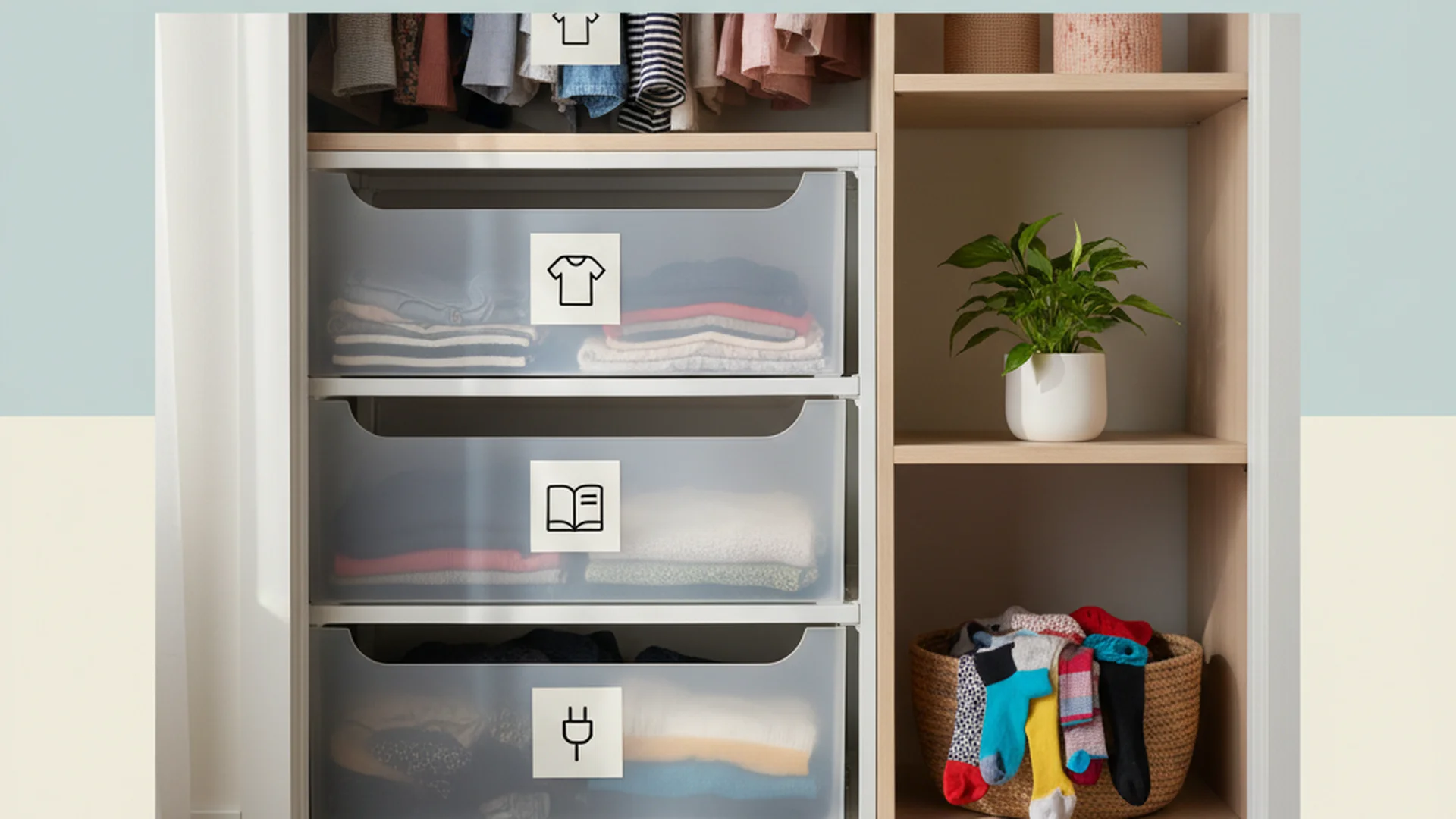
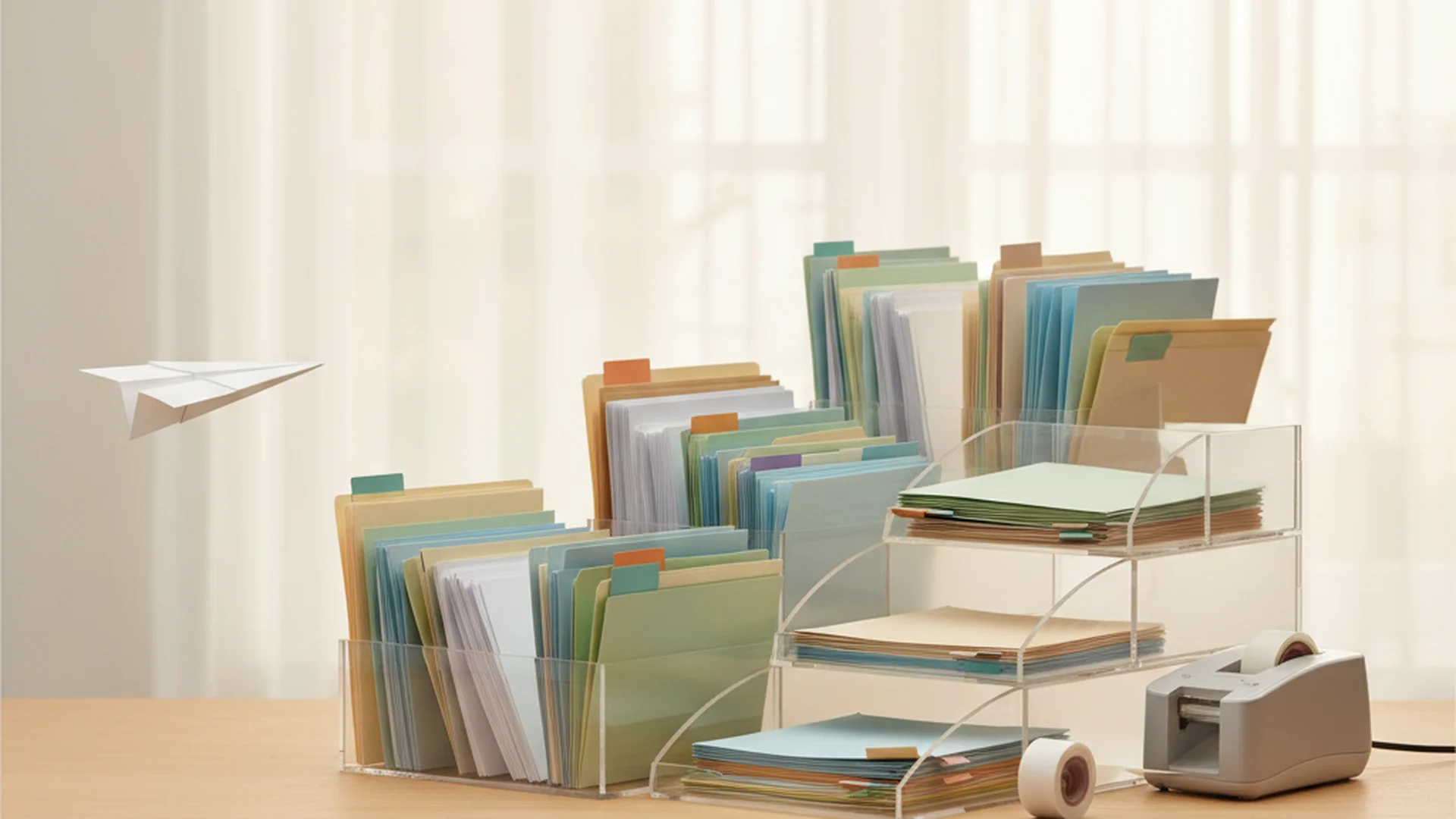
Since "out of sight" means "gone forever," your filing system needs to be visual. Instead of manila folders in a drawer, try these adhd paper clutter tips:
Use Binders, Not Drawers
Binders are superior for ADHD because you can flip through them like a book. Use clear plastic sheet protectors. You don't even need to hole-punch the paper—just slide it in. Label the spines clearly.
The "Life Binders" Categories
Don't over-categorize. Having 50 folders is too complex to maintain. Stick to 4–5 broad binders:
- Financial: Tax docs, bank info.
- Medical: Records, prescriptions.
- Household: Manuals, warranties, insurance.
- Personal: Education, identity docs.
- Automotive: Titles, repair logs.
Success: Using color-coded binders (e.g., Red for Medical, Blue for Financial) provides a visual shortcut that helps the ADHD brain identify the right category instantly.
Step 4: Embracing 2026 Tech and AI
We are living in a golden age for adhd paper clutter help. New AI tools are making it easier to bridge the gap between physical paper and digital safety.
AI-Enhanced Scanning
In 2025 and 2026, tools like Saner.AI and Akiflow have revolutionized scanning. Instead of just creating a PDF, these apps now:
- Summarize: Tell you exactly what the long-winded insurance letter means.
- Extract Dates: Automatically find the "due date" and add it to your Google or Outlook calendar.
- Context Tagging: Automatically tag a receipt as "Business Expense" or "Tax Deductible."
Smart Notebooks
For those who prefer the tactile feel of writing (which is proven to help ADHD retention), "smart notebooks" like the updated Rocketbook series allow you to write notes or lists by hand and then instantly "beam" them to a specific digital folder by marking a symbol at the bottom of the page.
Note: Moving to a 100% digital system is often a mistake for ADHD. Keep a "Hybrid" system where urgent tasks remain physical and visible, while long-term records are digitized.
Common Mistakes to Avoid
- The "I'll File It Later" Trap: "Later" is not a time on the ADHD clock. If it doesn't happen during your "Sunday Basket" session, it won't happen.
- Seeking Perfection: You will miss a week. Your system will break down when life gets busy. This is normal. The goal is to have a system that is easy to restart, not one that you never fail.
- Buying the "Perfect" Planner First: Many ADHDers try to solve clutter by buying a $60 planner. The planner is just more paper. Fix your system before you buy the stationery.
- Over-complicating Categories: If a system has more than three steps (e.g., "Scan, then tag, then rename, then move to folder"), you will stop doing it within 72 hours. Keep it "Low Friction."
Real-World Example: Mike’s "One-Touch" Failure
Mike tried the "One-Touch Rule" (never touch a paper twice). It failed because his ADHD brain needed time to process the decision. He switched to a "Limited Touch" rule: Sort into three bins (Recycle, Action, File Later). This small bit of "buffer" time allowed him to manage the decision fatigue without the pressure of immediate action.
Frequently Asked Questions
Why do I feel physically paralyzed by a pile of mail?
Should I go 100% digital to solve my paper problem?
What do I do with sentimental papers and kids' artwork?
How do I start when the backlog is huge?
What is "Body Doubling" and how does it help?
Conclusion: Consistency Over Perfection
Managing adhd paper clutter isn't about having a magazine-perfect home office; it’s about reducing the cognitive load on your brain so you can focus on what actually matters. By using visual systems, centralizing your decisions into a Sunday Basket, and leveraging 2026 AI tools, you can turn a source of daily anxiety into a manageable routine.
Remember: The system is there to serve you, not the other way around. If a category isn't working, change it. If you miss a month, just start again today.
Success: By implementing a visual "Action" center, you can reduce "lost item" search time by up to 40 minutes per day, significantly lowering your daily cortisol levels.
Cleaning that keeps score
Every task earns points, every streak multiplies them, and Premium adds a household leaderboard plus a monthly Dustagorgon to beat.
- Free forever
- 30 badges to earn
- Up to 6 in a household
No card needed. Set up your rooms in a couple of minutes.