In this article
What you’ll learn
- A clean workspace makes it markedly easier to concentrate.
- Use the 'Two-Minute Rule' to prevent clutter accumulation.
- Schedule 'micro-cleaning' sprints during low-energy afternoon hours.
In the modern professional landscape, the line between our living rooms and our boardrooms has become permanently blurred. For many of us, the home office is no longer a temporary setup but a permanent hub of productivity. However, as we spend 8 to 10 hours a day in these enclosed spaces, skin cells, dust, and food crumbs accumulate faster than in a traditional corporate office. Maintaining a consistent work from home cleaning schedule is no longer just about aesthetics; it is a vital component of mental clarity and professional efficiency.
Environmental clutter isn't just an eyesore—it's a cognitive drain. When your desk is buried under coffee mugs and loose papers, your brain is constantly processing that visual "noise," which increases your cognitive load. By implementing a structured cleaning routine schedule, you can reclaim your focus and ensure your home remains a sanctuary rather than a source of stress.
The Science of a Clean Workspace
Before diving into the logistics of a schedule, it is essential to understand why cleanliness impacts your output. Clearing a workspace of clutter tends to lift your output noticeably. Ask almost anyone who works at a messy desk and they will tell you it drags on their ability to focus and collaborate.
The psychological impact is equally significant. Younger workers have led a shift in cleaning habits, tidying common areas more often than previous generations did. This trend is driven by a heightened awareness of the link between our physical environment and our mental health. For the remote professional, a clean room isn't just about hygiene—it's about "setting the stage" for high-performance work.
Tip: If a cleaning task takes under two minutes, do it immediately. This "Two-Minute Rule" prevents "doom piles" from forming on your desk or in your kitchen.
Creating Your Micro-Cleaning Schedule
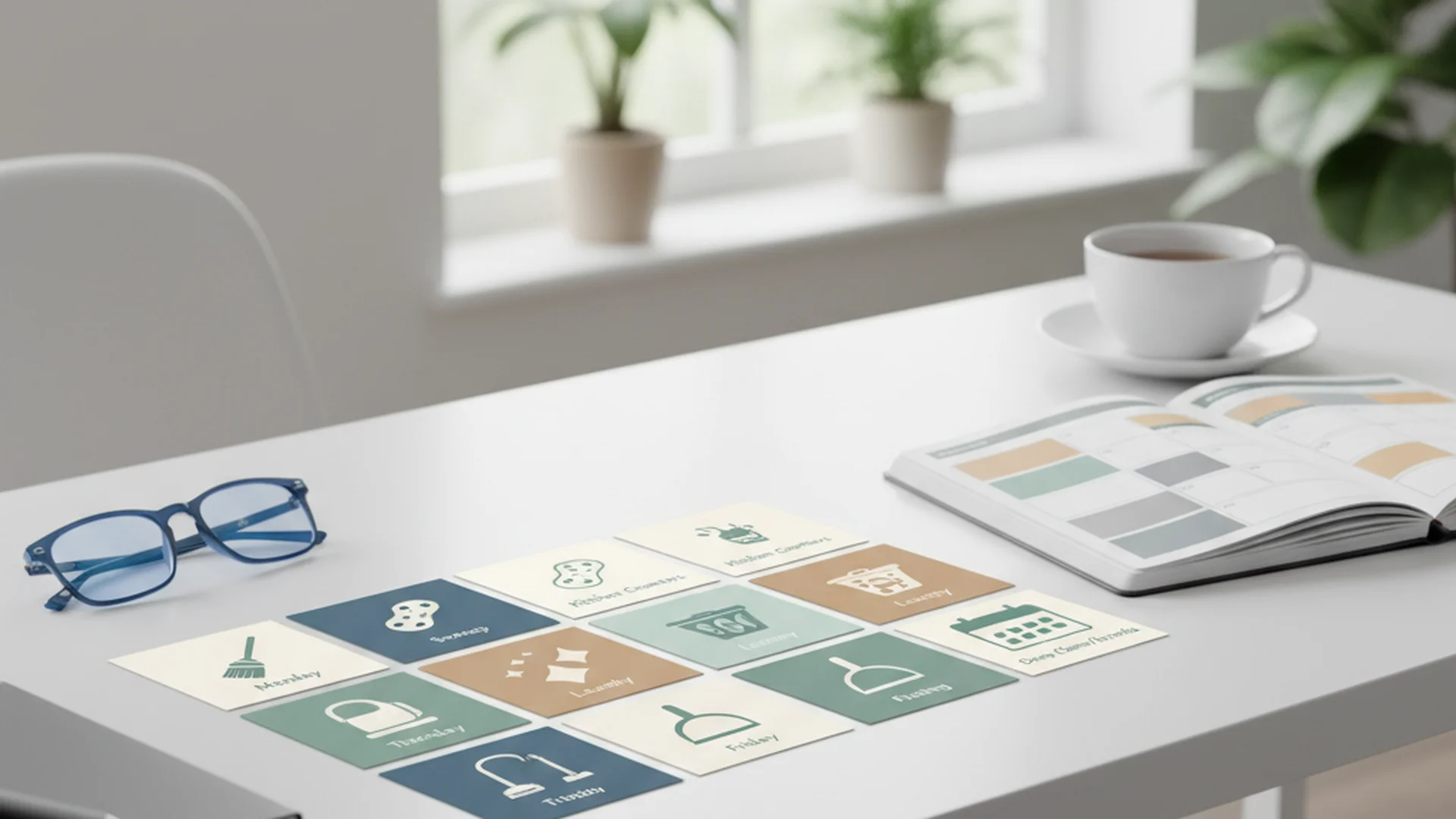
The biggest mistake remote workers make is attempting "Saturday Marathons"—spending their entire weekend catching up on household chores. This leads to the "Sunday Dread" and ensures that by Thursday, your environment is once again chaotic. A far better approach is micro-cleaning: 15 to 30 minutes of daily maintenance.
The Daily Shutdown Ritual
The most effective way to maintain a professional environment is the "shutdown ritual." At the end of every workday, you should "put the office to bed."
- Clear the Surface: Remove all coffee cups, snack wrappers, and water bottles.
- File the Papers: Move loose documents into their respective folders or scanners.
- Sanitize Gear: Disinfect your mouse and keyboard. Left alone for a week, they collect a genuinely unpleasant amount of grime.
Note: High-touch surfaces like keyboards and phones are primary vectors for household illness. Daily disinfection is a non-negotiable for WFH health.
The Lunch Break Reset
Plenty of remote workers tidy up between tasks, and many use their lunch breaks for chores. While this is an excellent way to stay active, balance is key.
Example 1: The Kitchen Sweep During your lunch break, spend 5 minutes loading the dishwasher. This prevents the sight of dirty dishes from distracting you during your afternoon meetings.
Example 2: The Laundry Swap Starting a load of laundry at 9:00 AM and switching it during lunch keeps the household moving without interrupting deep-work sessions.
Warning: Be careful not to let "cleaning on the clock" turn into a procrastination tactic. If you find yourself scrubbing the baseboards instead of writing a report, you are likely experiencing "productive procrastination."
Weekly Tasks: Beyond the Desk
While daily habits keep the surface clean, a weekly schedule ensures your home office remains a healthy environment.
The Friday "Top-Down" Sweep
Always follow the "Top-Down, Inside-Out" sequence. Start by dusting higher surfaces like shelves and monitors before vacuuming the floors. This ensures that any falling debris is caught in the final step.
| Task | Estimated Time | Focus Area |
|---|---|---|
| Dusting | 10 Minutes | Shelves, Monitors, Light Fixtures |
| Floor Care | 15 Minutes | Vacuuming and Mopping |
| Equipment Care | 5 Minutes | Screen Cleaning (Microfiber only) |
| Waste Removal | 5 Minutes | Emptying office bins |
Success: Grouping similar chores, such as a "Surface Sweep" (kitchen counters + desk), helps you stay in the "cleaning flow" and completes tasks faster.
Digital Clutter: The Invisible Productivity Killer
In 2025, a work from home cleaning schedule must include your digital environment. Digital disorganization drags down your productivity and quietly adds to your cognitive load.
Monthly Digital Purge
Once a month, dedicate one hour to "Cyber Hygiene":
- Desktop Cleanup: Delete or archive every file on your computer desktop.
- Notification Audit: Silence non-essential notifications that cause "digital stress."
- File Organization: Ensure your cloud storage follows a logical naming convention.
Note: A cluttered digital desktop is just as distracting to your brain as a cluttered physical one.
2025-2026 Trends in Home Office Hygiene
The way we clean is changing. Emerging trends for 2026 focus on wellness, automation, and biology-based solutions.
Probiotic & Microbiome-Friendly Cleaning
A major trend involves using bio-based cleaners containing probiotics. These "friendly bacteria" remain active on your desk surfaces for up to 72 hours, continuing to break down organic matter long after you’ve stopped wiping. This is perfect for busy professionals who might skip a day of cleaning.
AI-Driven Automation
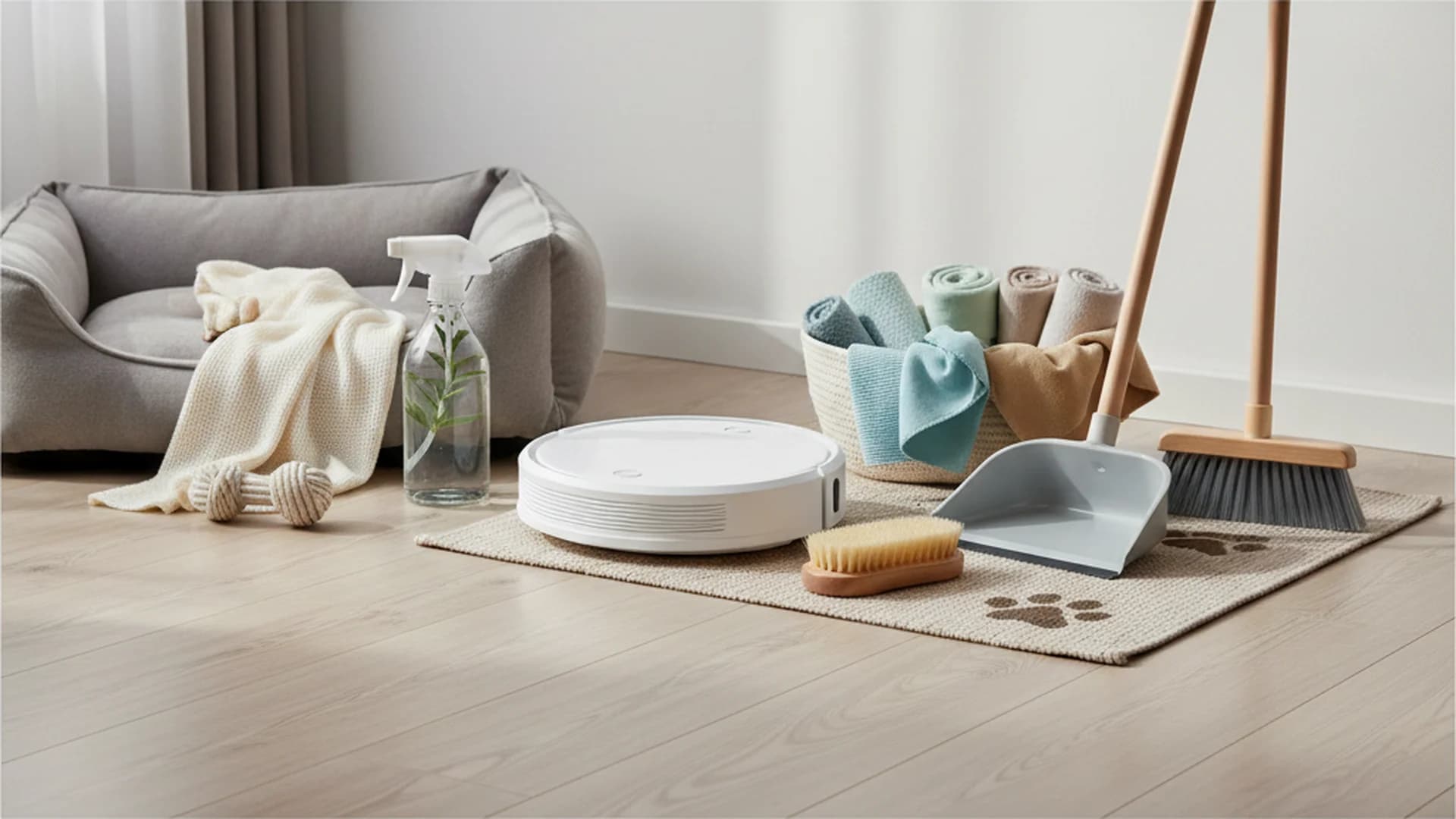
Robot vacuums are now a fixture in a great many homes. The latest 2026 models use "Data-Driven Scheduling," where smart home hubs suggest cleaning times based on when your home office has the lowest occupancy (determined by your digital calendar).
Wellness-Centric Office Design
"Air Quality Hygiene" is now a standard part of the office cleaning routine. This includes the integration of HEPA filters and air-purifying plants like Snake Plants or Peace Lilies, which help remove VOCs (Volatile Organic Compounds) from the air.
Tip: Many shoppers now prioritize non-toxic, biodegradable ingredients to avoid inhaling harsh chemicals during long hours spent in enclosed spaces.
Common Mistakes to Avoid
Even with the best intentions, many remote workers fall into traps that undermine their efforts.
1. The "Cleaning Around Clutter" Trap
Many people wipe surfaces without moving items like staplers or laptop stands. "Cleaning around" objects leaves a good deal of the dust and germs exactly where they were. Always clear the surface entirely before wiping.
2. Cleaning During "Peak Brain Power"
Do not do chores during your most productive morning hours. Your "cleaning routine schedule" should be reserved for the "afternoon slump" (usually 2:00 PM – 4:00 PM). Using this time for mindless cleaning can actually help reset your focus for the final stretch of the day.
3. Using the Wrong Products
Never use vinegar on stone desks (it etches the surface) or harsh alcohol on laptop screens. Alcohol can strip the protective oleophobic coatings from modern displays, leading to permanent damage.
4. Neglecting "Invisible" High-Touch Zones
Light switches, door handles, and printer buttons are often forgotten. These are the primary areas where viruses and bacteria spread within a household.
Example 3: The Printer Button A worker might sanitize their keyboard daily but touch their printer's "Start" button multiple times without ever cleaning it. Adding this to your weekly "Surface Sweep" is vital.
Frequently Asked Questions
How do I balance cleaning with a heavy workload?
Is it okay to clean during my lunch break?
How often should I sanitize my home office equipment?
How do I stop cleaning from becoming a procrastination tactic?
What are the best plants for home office air quality?
Conclusion
A structured work from home cleaning schedule is the foundation of a successful remote career. By moving away from the "Saturday Marathon" and toward a micro-cleaning philosophy, you can maintain an environment that fosters focus, reduces stress, and protects your physical health. Remember to utilize the "Top-Down" method, prioritize your digital workspace, and leverage modern tools like probiotic cleaners or AI automation to stay ahead.
By treating your home office with the same respect as a corporate headquarters, you create a psychological boundary that allows you to be a high-performer during the day and fully relax once the "shutdown ritual" is complete.
Success: Implementing these micro-routines will keep your home office hygienic, professional, and pleasant to use throughout the work week.
Cleaning that keeps score
Every task earns points, every streak multiplies them, and Premium adds a household leaderboard plus a monthly Dustagorgon to beat.
- Free forever
- 30 badges to earn
- Up to 6 in a household
No card needed. Set up your rooms in a couple of minutes.