In this article
What you’ll learn
- Dust is the primary cause of electronic failure in home theaters.
- Never use ammonia-based cleaners like Windex on modern 4K/8K screens.
- Consistent cable management is a vital part of a cleaning strategy.
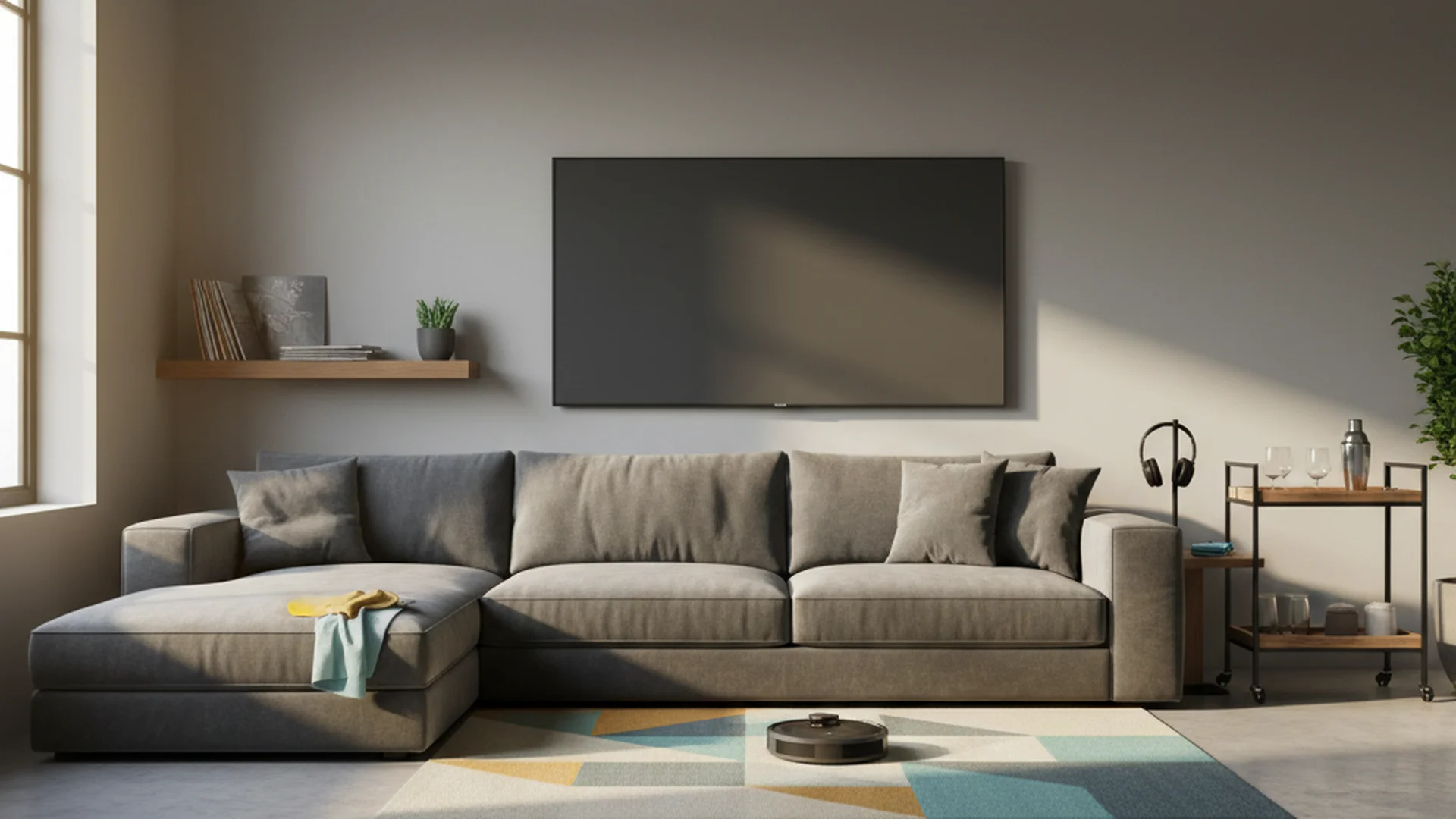
For many homeowners, the media room is the crown jewel of the house—a sanctuary for cinematic immersion, high-stakes gaming, and family bonding. However, these rooms are also unique environments that face specific challenges. Between the heat-generating electronics that act as "dust magnets" and the enclosed nature of many home theaters, maintaining this space requires more than a simple feather duster. Proper media room cleaning is not just about aesthetics; it is about protecting thousands of dollars in technology and ensuring the longevity of your equipment.
In 2025, as home theater technology becomes more sophisticated, the way we clean these spaces must evolve. From managing the astonishing volume of dust a home accumulates in a year to navigating the delicate anti-reflective coatings on 8K displays, this guide provides a professional-grade roadmap for keeping your entertainment hub spotless.
Why Media Room Maintenance Matters
Many people view cleaning as a chore related to hygiene, but in a dedicated media room, it is a technical necessity. Dust is the silent killer of home electronics. When dust settles on the vents of an A/V receiver or a gaming console, it acts as an insulator, trapping heat inside the device. Over time, this leads to overheating, which significantly reduces the lifespan of internal components like capacitors and fans.
Furthermore, the indoor air quality (IAQ) in windowless media rooms can degrade quickly. Without proper ventilation and regular dusting, these spaces can become breeding grounds for allergens, leading to "sick building syndrome" symptoms—such as headaches or eye irritation—during your favorite three-hour epic.
Note: High-end professional residential cleaning is growing quickly, largely because homeowners are realizing that specialized tech requires specialized care.
The Essential Media Room Cleaning Checklist
To maintain a high-performance environment, you need a structured approach. Using a media room cleaning checklist ensures that you don't overlook the "invisible" areas—like the cable nests behind your rack—that almost everyone cheerfully ignores.
| Frequency | Area of Focus | Tools Needed |
|---|---|---|
| Weekly | Screens, consoles, remotes, and floors | Microfiber cloth, disinfectant, vacuum |
| Monthly | Ventilation, cable management, speaker grilles | Compressed air, lint roller, soft brush |
| Quarterly | Projector filters, acoustic panels, seating | Tech-vacuum, fabric steamer, leather conditioner |
Weekly: Surface Maintenance
The goal of your weekly routine is to prevent dust from "settling in."
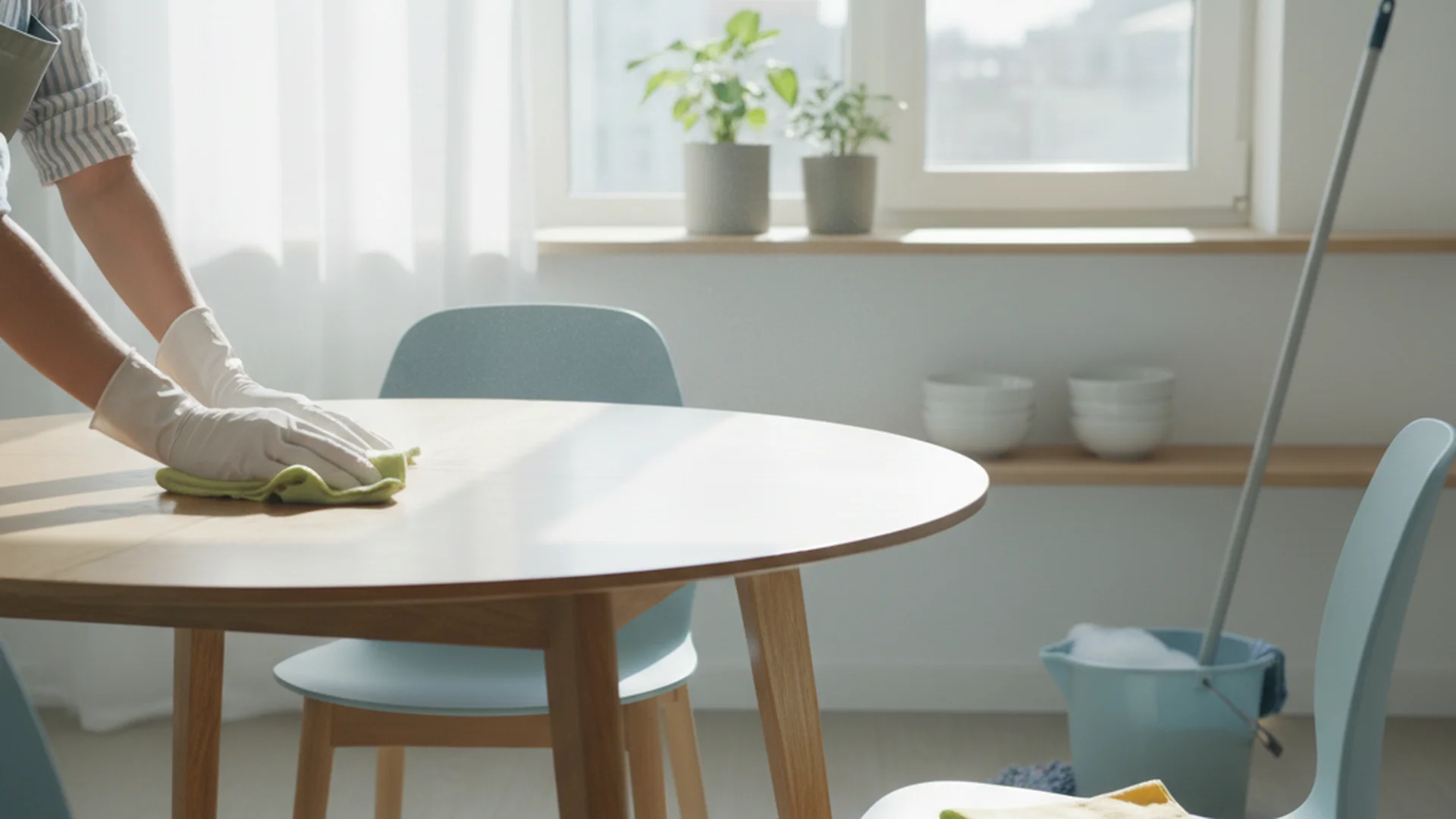
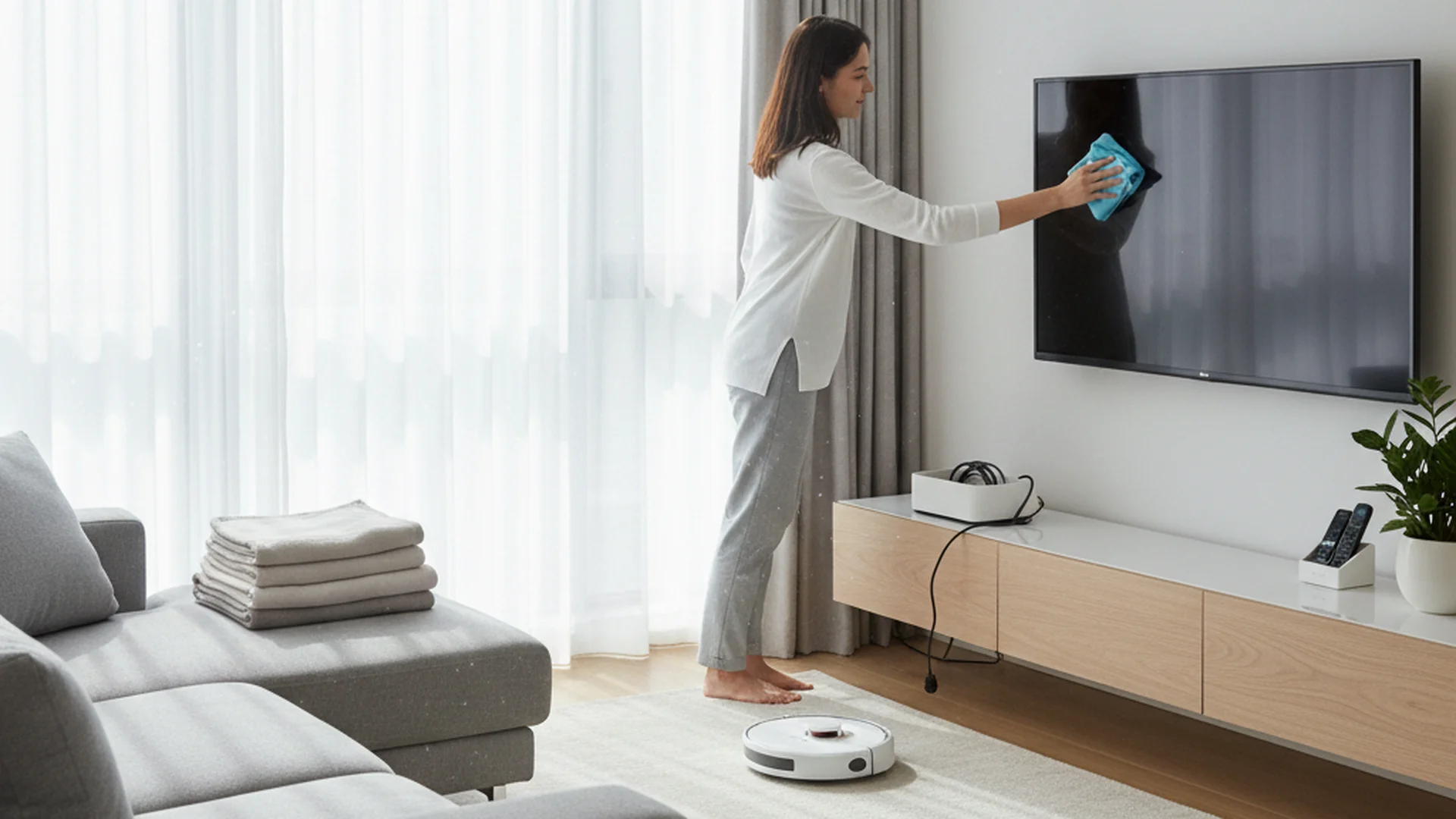
- Dust Screens: Use a clean, dry microfiber cloth. Always wipe in a single direction rather than circular motions to avoid creating static or streaks.
- Wipe Down Consoles: Dust the tops of Blu-ray players and gaming consoles.
- Remote Control Sanitize: Remotes are among the germiest items in any home. Use a disinfectant wipe or a cloth dampened with 70% isopropyl alcohol.
Tip: Keep a dedicated "Tech Cleaning Kit" inside your media room console so you can perform quick touch-ups without leaving the room.
Monthly: Performance Optimization
Monthly cleaning is about airflow and connectivity.
- Ventilation Clearance: Use compressed air (held upright!) or a small tech-vacuum to clear dust from the vents of your receiver.
- The "Cable Nest": Dust the area behind your TV or component rack. Dust bunnies here can clog ports and even create a minor fire hazard if they contact high-heat components.
- Speaker Care: Remove dust from fabric grilles using a lint roller. It’s safer and more effective than a high-powered vacuum.
Technical Cleaning: Protecting Your Gear
Cleaning high-end tech requires a "less is more" philosophy. One wrong move with a chemical cleaner can permanently damage a delicate lens or screen coating.
Screen Care: Beyond the Spray Bottle
Modern 4K and 8K screens feature incredibly thin anti-reflective coatings. Traditional glass cleaners like Windex contain ammonia and alcohol which can "eat" through these coatings, leaving your screen with permanent cloudy patches.
Warning: Never spray any liquid directly onto a screen. Liquid can seep into the bezel (the frame) and cause a short circuit in the display panel.
Real-World Example: In 2024, a homeowner in Seattle reported a "dead zone" on their $3,000 OLED TV. The culprit? Using a standard kitchen disinfectant spray that leaked into the bottom edge of the panel, corroding the ribbon cables.
Projector and Lens Maintenance
If you have a projector, the lens is the most sensitive part of your setup. You should only clean the lens when you see a visible impact on the image quality.
- Step 1: Use a specialized lens blower to remove loose dust.
- Step 2: If a smudge remains, use a dedicated lens brush.
- Step 3: Only as a last resort, use a single drop of alcohol-free lens cleaner on a specialized lens tissue.
Sanitizing the "Sticky" Remote
Remote controls often suffer from "movie snack syndrome." To clean a sticky remote, do not submerge it. Instead, use a Q-tip dipped in 70% isopropyl alcohol to navigate the gaps around the buttons.
Success: Regular cleaning of your remote's IR sensor window ensures that you never have to "aim and pray" to get the volume to change.
Recent Trends & Updates (2025-2026)
As we look toward 2026, media room cleaning is becoming more automated and eco-conscious.
- AI-Integrated Cleaning: High-end smart homes now use AI-powered robot vacuums that are programmed to enter "Media Room Mode." They wait for the smart lighting to indicate a movie has ended before entering the room to pick up popcorn crumbs and debris.
- Eco-Friendly "Tech-Safe" Cleaners: There is a major shift toward plant-based, biodegradable cleaners. These formulas avoid harsh synthetic fragrances that can linger in enclosed theater spaces.
- HEPA-Filtered Spaces: Windowless media rooms are increasingly being outfitted with dedicated HEPA air purifiers. This helps combat the "stuffy" air caused by tech-generated heat and reduces the amount of dust that settles on your equipment in the first place.
Common Mistakes to Avoid
Even with the best intentions, certain cleaning habits can do more harm than good.
1. Using Paper Towels
Paper towels are made from wood pulp. While they feel soft to your skin, they are abrasive enough to cause microscopic scratches on high-gloss speaker finishes and plastic screens. Always use high-quality microfiber.
2. Cleaning While the Device is "On"
Static electricity is much stronger when a device is powered on, which actually attracts dust to the screen while you are trying to wipe it off. Additionally, screens should be cool to the touch; cleaning a warm screen can cause the cleaning solution to evaporate too quickly, leaving "baked-on" streaks.
3. Misusing Canned Air
Canned air is a staple of media room cleaning, but it must be used correctly.
Warning: If you tilt a can of compressed air while spraying, it can release freezing liquid propellant. This can cause "thermal shock" to circuit boards or glass lenses, leading to instant cracks or permanent damage. Always hold the can perfectly upright.
Frequently Asked Questions
Can I use Windex on my 4K/8K TV screen?
How often should I clean my projector lens?
Should I vacuum my speaker grilles?
How do I clean my acoustic panels?
Why is my media room so much dustier than other rooms?
Conclusion: The Reward of a Clean Theater
A meticulous approach to media room cleaning does more than just make your home look like a showroom; it preserves the high-fidelity experience you've invested in. By following a consistent media room cleaning checklist, you ensure that your projector stays bright, your speakers stay crisp, and your air stays fresh.
Real-World Example: A homeowner who implemented a monthly "vent-clearing" routine found that their gaming console fan noise dropped by 15 decibels, simply because the machine no longer had to work overtime to push air through clogged vents.
Protect your investment, enhance your viewing experience, and enjoy the peace of mind that comes with a professionally maintained media space.
Success: Following this guide will not only extend the life of your electronics by up to 25% but will also significantly improve the immersion of your home cinema experience.
Cleaning that keeps score
Every task earns points, every streak multiplies them, and Premium adds a household leaderboard plus a monthly Dustagorgon to beat.
- Free forever
- 30 badges to earn
- Up to 6 in a household
No card needed. Set up your rooms in a couple of minutes.