In this article
What you’ll learn
- Clean workspaces boost productivity by up to 94%.
- Your desk likely harbors 400x more bacteria than a toilet seat.
- Using the right cleaning agents is critical for modern "invisible tech."
For many professionals in 2025, the home office is the primary engine of productivity. However, while we focus on hitting deadlines and attending virtual meetings, our workspaces often become silent magnets for dust, allergens, and bacteria. Research shows that the average work desk is approximately 400 times dirtier than a toilet seat, harboring over 10 million bacteria. If you have been feeling sluggish or struggling to focus, the culprit might not be your workload, but your environment. Learning how to clean home office areas effectively is no longer just about aesthetics; it is a vital strategy for maintaining both your physical health and your mental clarity.
The Science of a Clean Workspace
The connection between a sanitized environment and professional performance is backed by significant research. According to Staples Research, employees in a clean, organized workspace report a 94% increase in productivity and a 77% improvement in focus. This isn't just a psychological trick; it’s a physiological response.
When your office is cluttered, your brain is forced to process extraneous visual stimuli, which leads to cognitive fatigue. Furthermore, the air quality in small home offices often suffers from high CO2 levels and volatile organic compounds (VOCs) from electronics. Improving indoor air quality (IAQ) can boost cognitive function by up to 61%. By following a structured cleaning routine, you are essentially "tuning" your brain for peak performance.
The Essential Home Office Cleaning Checklist
To maintain a professional-grade workspace, you need a system that differentiates between daily upkeep and deep maintenance. Use this home office cleaning checklist to stay on track.
Daily Maintenance (The 5-Minute Reset)
- Clear the Surface: Remove "migrated" household items like coffee mugs, mail, or snacks.
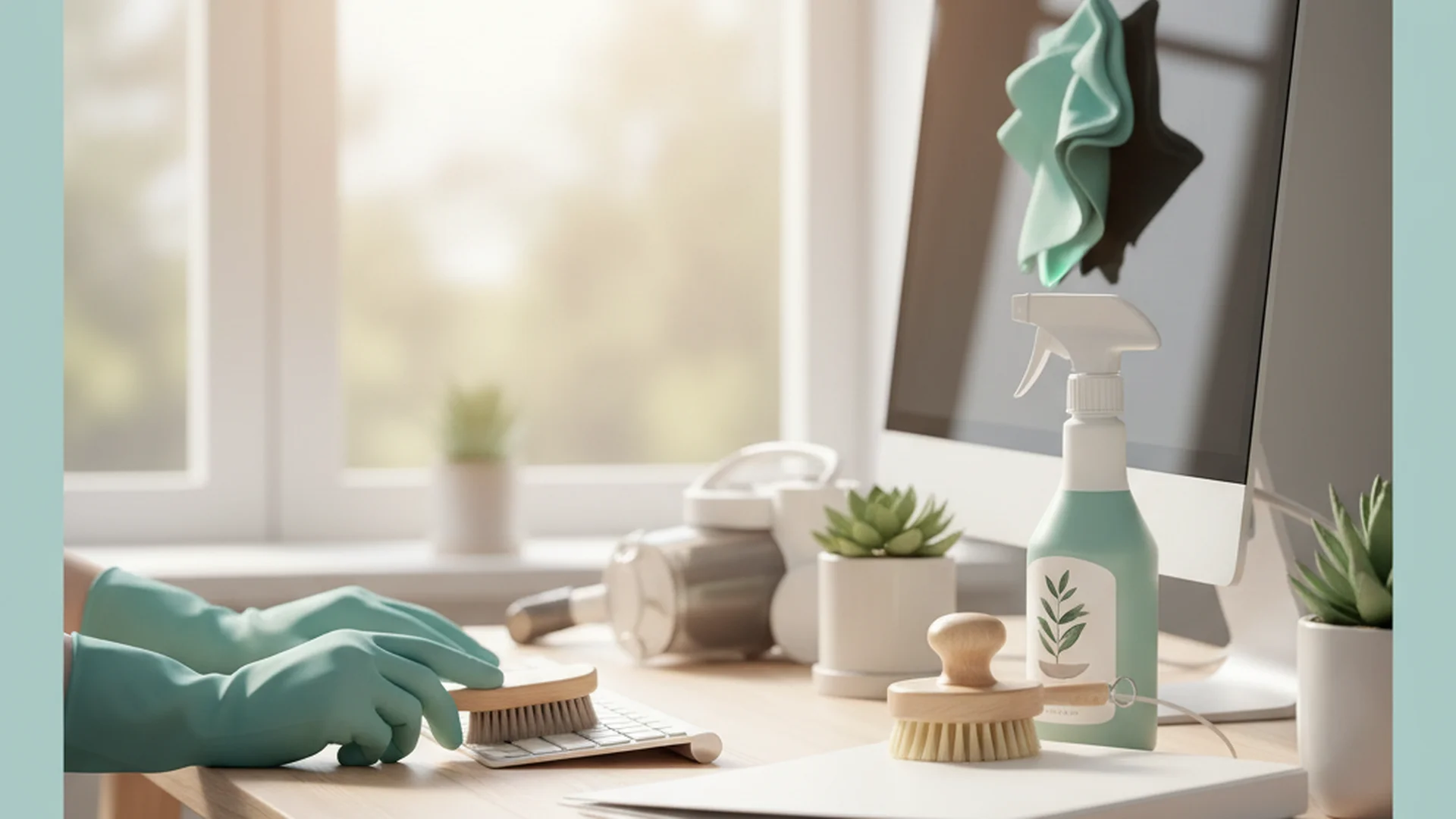
- High-Touch Sanitization: Use a disinfectant wipe on your mouse, keyboard, and phone.
- Trash Removal: Empty your bin, especially if it contains food-related waste.
Weekly Routine (The Deep Clean)
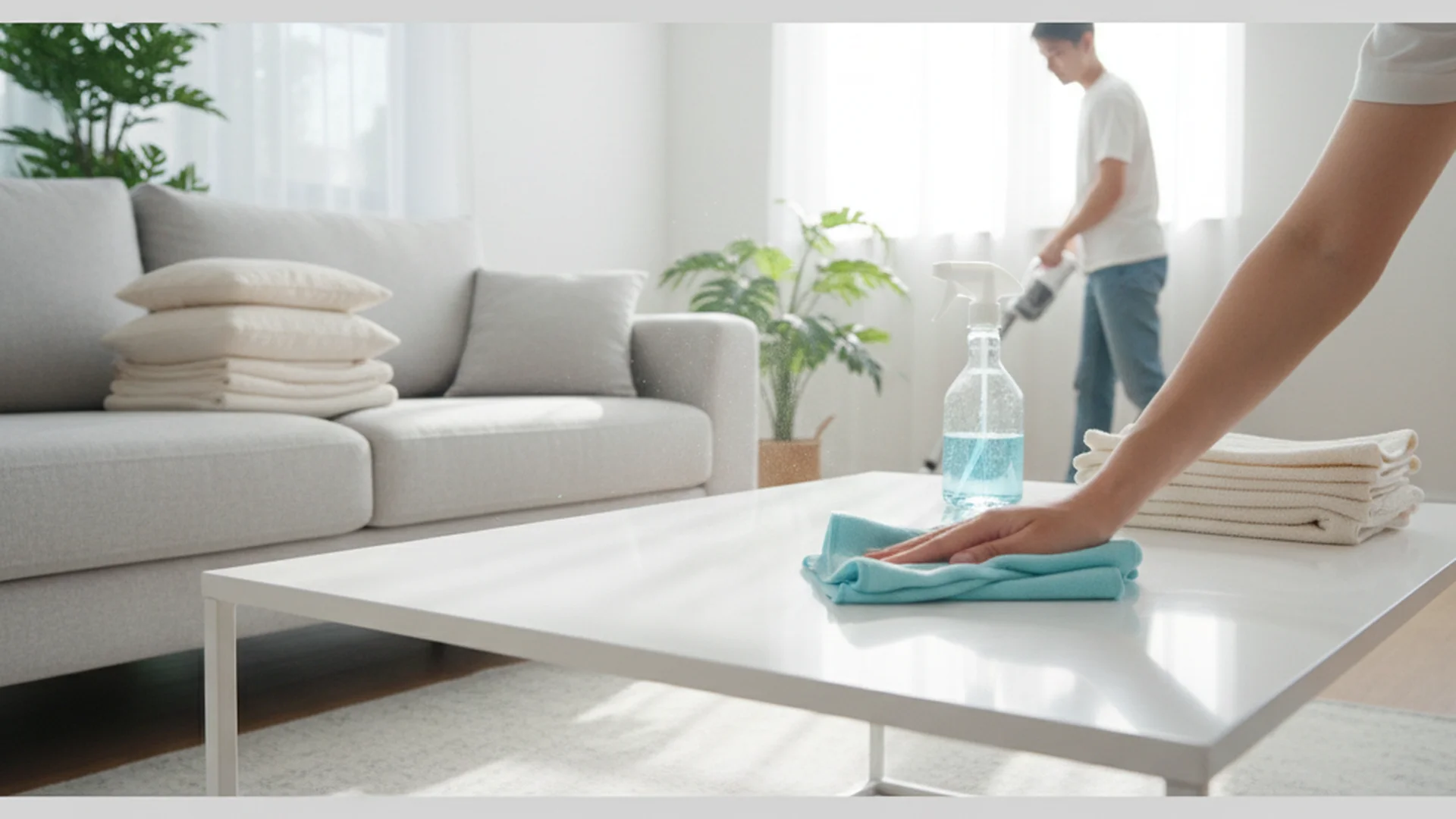
- Dusting: Use a damp microfiber cloth for all horizontal surfaces.
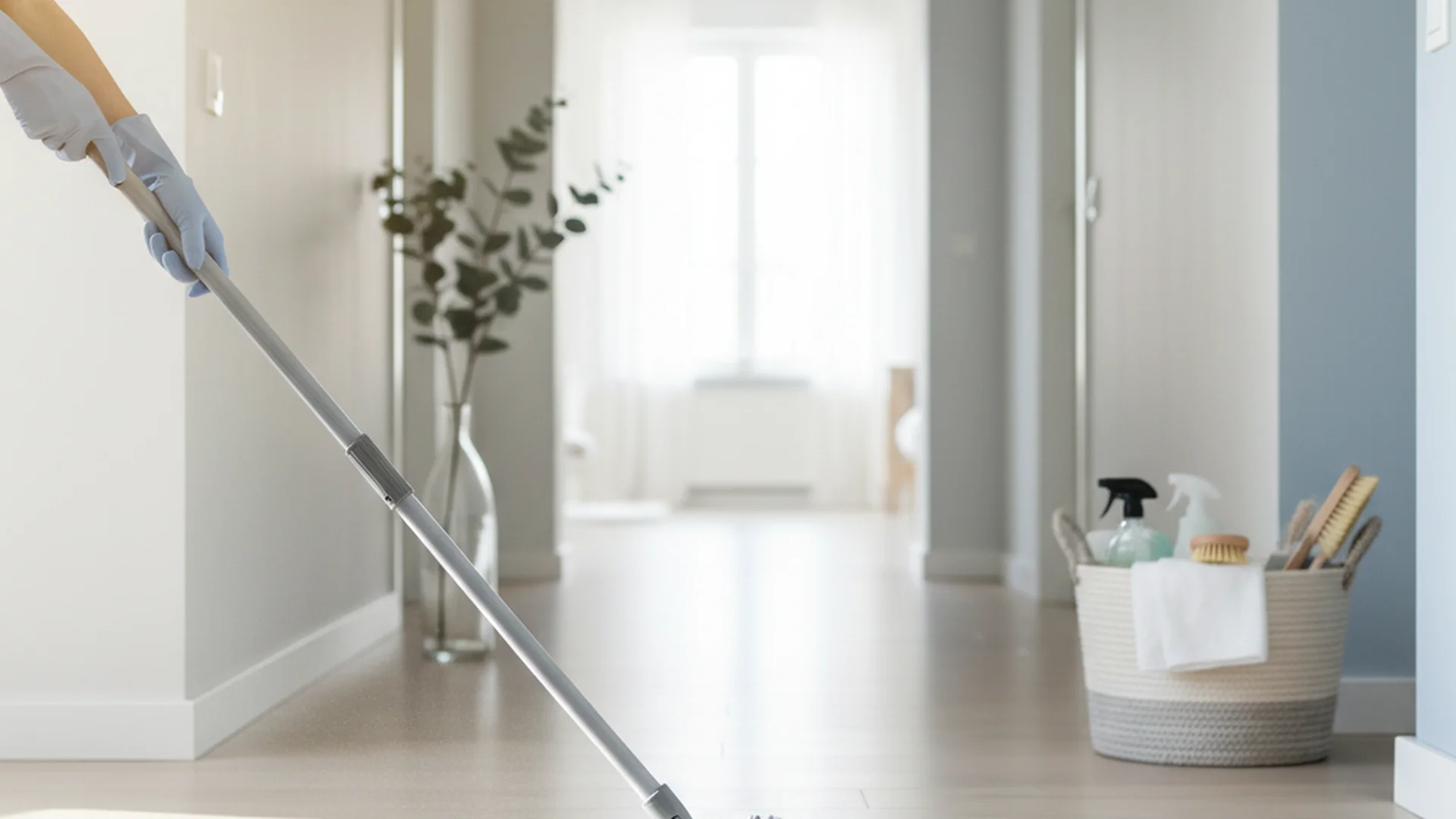
- Floor Care: Vacuum the entire area, including under the desk and behind cable nests.
- Screen Care: Clean monitors with a dedicated microfiber cloth and approved screen cleaner.
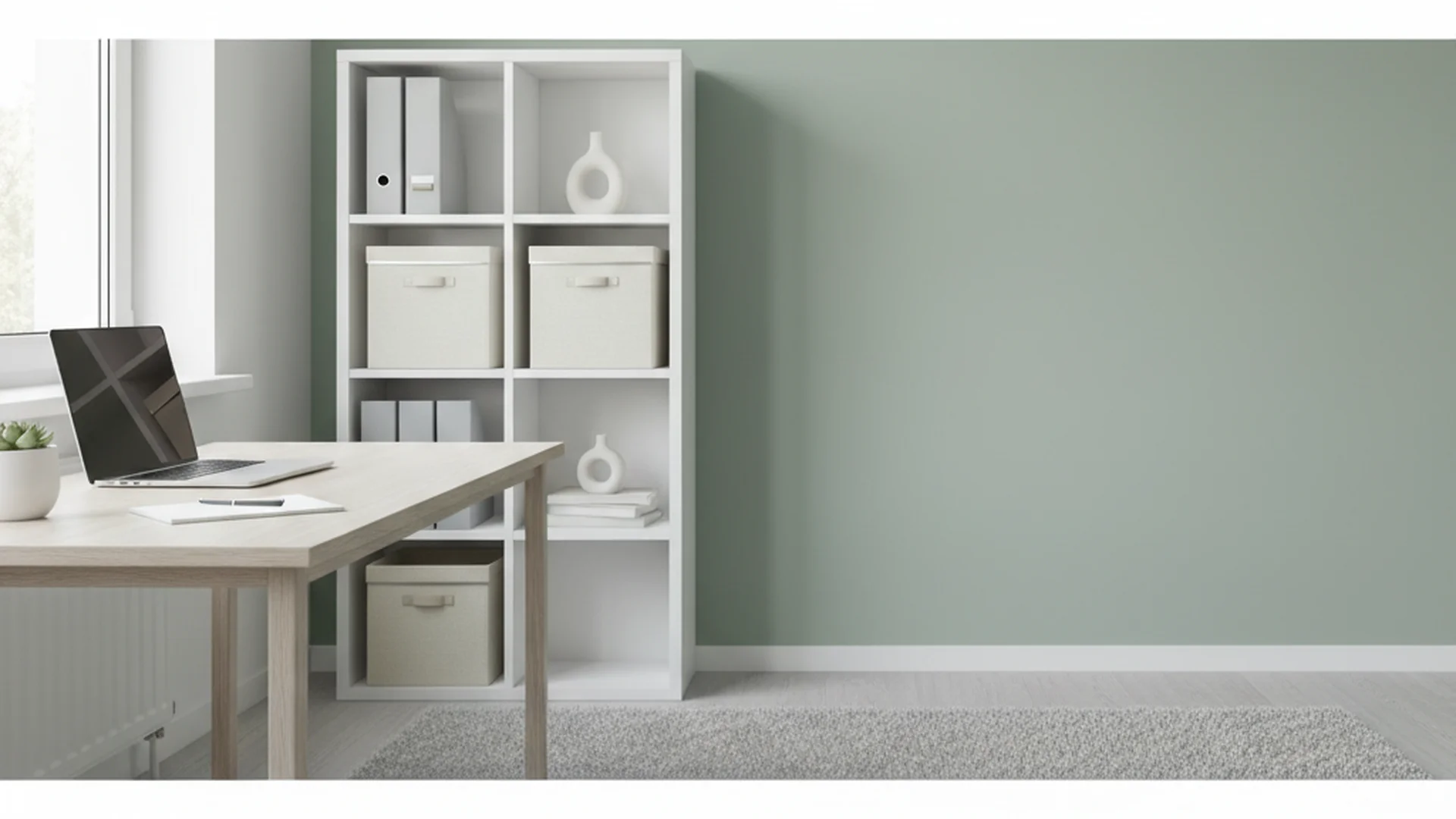
- Organization: File loose papers and tidy cable management systems.
Tip: Always follow the "Top-to-Bottom" method. Start by dusting ceiling fans or high shelves so that any falling debris is captured when you eventually vacuum the floor.
Specialized Cleaning for Modern Technology
As we move into 2026, home offices are becoming increasingly high-tech. From "invisible" wireless chargers built into desk surfaces to mechanical keyboards with custom keycaps, your cleaning methods must evolve to protect these investments.
Screen and Monitor Maintenance
Modern monitors often have anti-glare coatings that are easily damaged by harsh chemicals. Avoid any product containing ammonia or alcohol unless specified by the manufacturer.
Warning: Never spray cleaning liquid directly onto a screen or electronic device. Moisture can seep into the bezel and short-circuit the internal hardware.
The Keyboard and Mouse
Keyboards are the primary reservoirs for germs, often containing 70% more bacteria than a toilet seat. For mechanical keyboards, use a keycap puller once a month to remove the keys and vacuum the debris underneath. For daily sanitization, 70% isopropyl alcohol wipes are the gold standard.
Managing "Invisible Tech" and Cables
The 2026 design trend focuses on "invisible" technology—recessed outlets and integrated cable management. While these look sleek, they are notorious dust traps. Use compressed air to blow out recessed ports and cable channels to prevent overheating and connectivity issues.
| Surface Type | Recommended Cleaner | Tools Needed |
|---|---|---|
| LCD/OLED Screens | Distilled Water/Specialized Spray | Clean Microfiber |
| Plastic/Hardware | 70% Isopropyl Alcohol | Lint-free cloth |
| Wood Desks | pH-neutral Wood Cleaner | Soft damp cloth |
| Natural Stone/Mineral | Mild Soap and Water | Non-abrasive sponge |
Improving Air Quality and Cognitive Function
A clean home office isn't just about what you can see; it's about what you breathe. In small, enclosed spaces, pollutants can accumulate rapidly.
- The 15-Minute Purge: Even in winter, open your office window for 15 minutes a day. This "purging" significantly reduces CO2 levels that can otherwise decrease cognitive speed by 50%.
- Botanical Filters: Incorporate "functional" plants. Snake Plants and Peace Lilies are proven to filter common office toxins like formaldehyde and benzene.
- HEPA Filtration: If you work in a basement or a room without windows, a HEPA-certified air purifier is non-negotiable for removing fine particulate matter.
Success: One real-world example of air quality impact is a freelance graphic designer who reported frequent afternoon headaches. After implementing a HEPA filter and a daily "window purge" routine, her afternoon productivity increased, and her headaches vanished within a week.
Emerging Trends: 2025–2026
The landscape of home maintenance is shifting toward sustainability and smart integration. Understanding these trends will help you choose the right home office cleaning tips for your specific setup.
Tactile Naturalism
There is a massive shift away from sterile, plastic-heavy offices toward organic materials like ash wood, matte mineral tops, and wool acoustic panels. These materials require specialized care. For example, textured organic materials should never be cleaned with harsh bleaches; instead, use bio-based, pH-neutral cleaners that preserve the material’s natural integrity.
AI-Driven Maintenance
We are seeing the rise of smart sensors that monitor air quality and alert you via smartphone when it's time to clean your filters or ventilate the room. Smart bins are also becoming common, notifying users when they need sanitizing to prevent bacterial growth.
Antimicrobial Surfaces
Newer furniture lines are incorporating silver-ion or copper-infused materials that naturally inhibit the growth of bacteria. While these surfaces help, they do not replace the need for regular wiping and dusting.
Note: Sustainable cleaning products are expected to make up over 52% of the market by 2026. Switching to eco-friendly concentrates is not only better for the planet but also reduces the chemical VOCs in your immediate breathing zone.
Common Mistakes to Avoid
Even well-intentioned cleaning can sometimes do more harm than good. Here are the most frequent errors people make when learning how to clean home office environments:
- Dry Dusting: Using a dry feather duster or cloth simply displaces dust into the air. It eventually settles back down or, worse, enters your lungs. Best Practice: Always use a damp microfiber cloth to trap particles.
- Interchanging Products: Using a kitchen degreaser on a high-end wood desk can strip the finish. Using glass cleaner on a laptop screen can cause permanent clouding.
- Neglecting the "Invisible" Areas: People often forget to clean the underside of their office chair (where hair and dust get caught in the wheels) and the air intake vents on their computers.
- Over-Sanitization: You don't need hospital-grade bleach for your desk. Soap and water are sufficient for "cleaning" (removing dirt), while disinfectants should be reserved for high-touch points like your keyboard and phone.
Real-World Examples
Example 1: The "Coffee Spill" Recovery
A consultant with a new matte mineral-top desk spilled coffee during a meeting. Instead of grabbing a standard kitchen spray, they used a pH-neutral stone cleaner. This prevented the acidic coffee from etching the mineral surface, a common mistake that leads to permanent "rings" on modern organic furniture.
Example 2: The Friday Reset
A software engineer implemented a "15-minute Friday Reset." Every Friday at 4:45 PM, he clears his desk, wipes his monitors, and vacuums his cable management tray. This habit ensures he walks into a pristine, stress-free environment every Monday morning, eliminating "Monday Morning Brain Fog."
Example 3: The Cable Bunny Cleanup
A remote worker noticed her computer fan was constantly running loud. Upon inspection, her "hidden" cable management tray was filled with "dust bunnies" that were blocking the PC’s airflow. A quick session with compressed air and a vacuum lowered her PC temperature and silenced the fan.
Frequently Asked Questions
How often should I clean my home office?
Is it safe to use standard disinfectant on electronics?
How do I maintain air quality in a small home office?
What is the best way to clean a monitor?
Should I use a vacuum or a broom for my office floor?
Conclusion
Taking the time to master how to clean home office spaces is an investment in your career and your health. By moving away from "dry dusting" and toward a structured, science-backed routine, you can create a sanctuary of productivity. Remember that a clean office isn't just about looks; it's about reducing the 10 million bacteria on your desk and ensuring your air quality supports high-level cognitive function. Start with a 15-minute "Friday Reset" this week, and experience the difference a sanitized workspace makes.
Success: Maintaining a clean office leads to a 77% improvement in focus, allowing you to finish work faster and reclaim your personal time.
Cleaning that keeps score
Every task earns points, every streak multiplies them, and Premium adds a household leaderboard plus a monthly Dustagorgon to beat.
- Free forever
- 30 badges to earn
- Up to 6 in a household
No card needed. Set up your rooms in a couple of minutes.