In this article
What you’ll learn
- Deep clean every 3-4 months to eliminate bacteria counts 400x higher than a toilet seat.
- Prioritize electronics maintenance to prevent a 10-15% drop in processing speeds.
- Adopt 2025-2026 trends like probiotic cleaners and biophilic air purification.
If you are reading this while sitting at your desk, take a moment to look closely at your keyboard. While it may appear tidy to the naked eye, there is a darker reality lurking beneath your fingertips. As hybrid work becomes the permanent global standard, the need to deep clean home office spaces has evolved from a simple weekend chore into a critical component of professional wellness and hardware longevity.
The average desk is a thriving ecosystem for microbes, often hosting 400 times more bacteria than a toilet seat. In this comprehensive guide, we will move beyond surface-level tidying to explore a thorough deep cleaning process designed for the high-tech, high-traffic home offices of 2025 and 2026.
Why Your Home Office Is Dirtier Than You Think
Before we dive into the home office deep cleaning checklist, it is essential to understand the "why" behind the grime. We often treat our offices as "clean" because they don’t involve food prep or hygiene activities, yet the reality is quite the opposite.
The Germ Factor
The average work desk is home to millions of bacteria. Because we spend upwards of eight hours a day in these spaces, we are constantly shedding skin cells, oils, and hair. Keyboards, in particular, often contain 70% more bacteria than a toilet seat, while office phones can host tens of thousands of germs per square inch.
The Performance Impact
Cleaning isn’t just about health; it’s about your bottom line. Dust is the silent killer of expensive electronics. Dust buildup in computers and laptops can increase internal temperatures by 10-15%. This leads to "thermal throttling," where your device intentionally slows down its processing speed to prevent overheating. A clean office literally equals a faster computer.
Note: Deep cleaning focuses on accumulated grime in neglected areas like air vents, upholstery, and internal cable management, whereas regular cleaning only maintains surface appearance.
The Essential Home Office Deep Cleaning Checklist
To achieve a professional-grade result, use the "Top-to-Bottom, Dry-to-Wet" method. This ensures that any dust disturbed at higher levels is captured as you work your way down to the floor.
Step 1: Declutter & Purge
You cannot deep clean a space that is buried under paper. Remove everything—and we mean everything—from your desk surface and drawers.
- The 6-Month Rule: If you haven't used a specific gadget, cable, or reference document in the last six months, it’s time to archive it or recycle it.
- Digital Decluttering: While not a physical cleaning task, clearing your desktop of icons and your "Downloads" folder can reduce mental stress and complement your physical cleaning efforts.
Step 2: Dusting High to Low
Gravity is your enemy during cleaning. If you clean your desk first and then your ceiling fan, you’ll just have to clean your desk again.
- Ceiling & Fixtures: Use a long-handled duster for ceiling fans and light fixtures.
- Walls & Baseboards: Often overlooked, walls in small offices can trap smells and dust. Wipe them down with a damp microfiber cloth.
- Bookshelves: Remove all books, wipe the shelves, and use a dry cloth on the top edges of the book spines.
Tip: Use a dryer sheet to wipe your baseboards. The anti-static properties will help repel dust for weeks after you finish.
Step 3: Electronics Deep Dive
This is the most critical part of the process. Your electronics require specialized care to avoid damage.
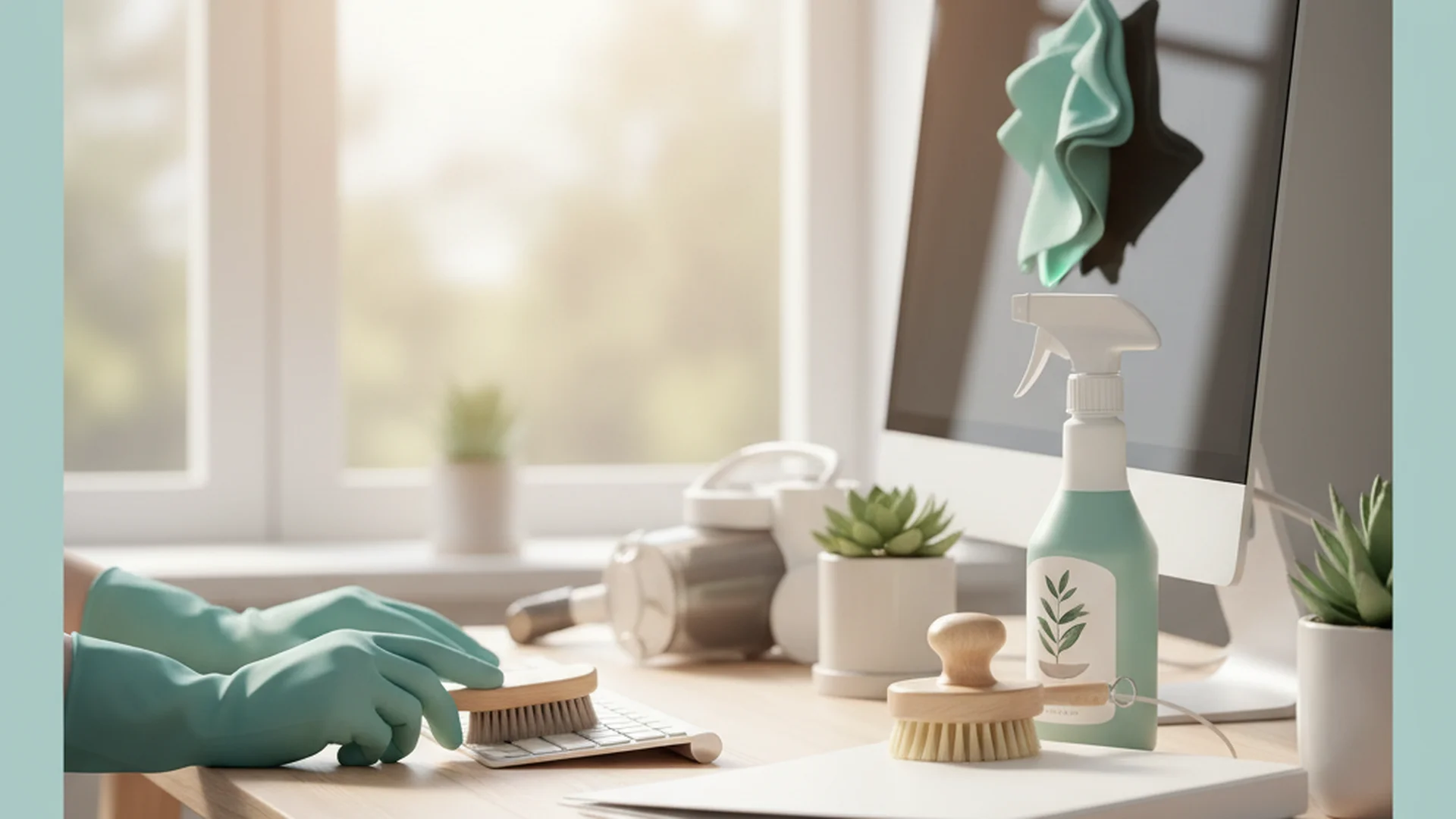
- The Keyboard: Turn it upside down and use a "cleaning gel" or compressed air to dislodge debris. Sanitize the keys with a lint-free cloth dampened with 70% isopropyl alcohol.
- The Monitor: Never use Windex or glass cleaner.
- Cables: Unplug everything. Wipe each cable with a microfiber cloth to remove the "sticky" dust layer that often forms on rubber casing.
Warning: Never spray any liquid cleaner directly onto a screen or into a keyboard. This can cause liquid to seep into the internal components, leading to permanent hardware failure.
Step 4: Chair and Upholstery Sanitization
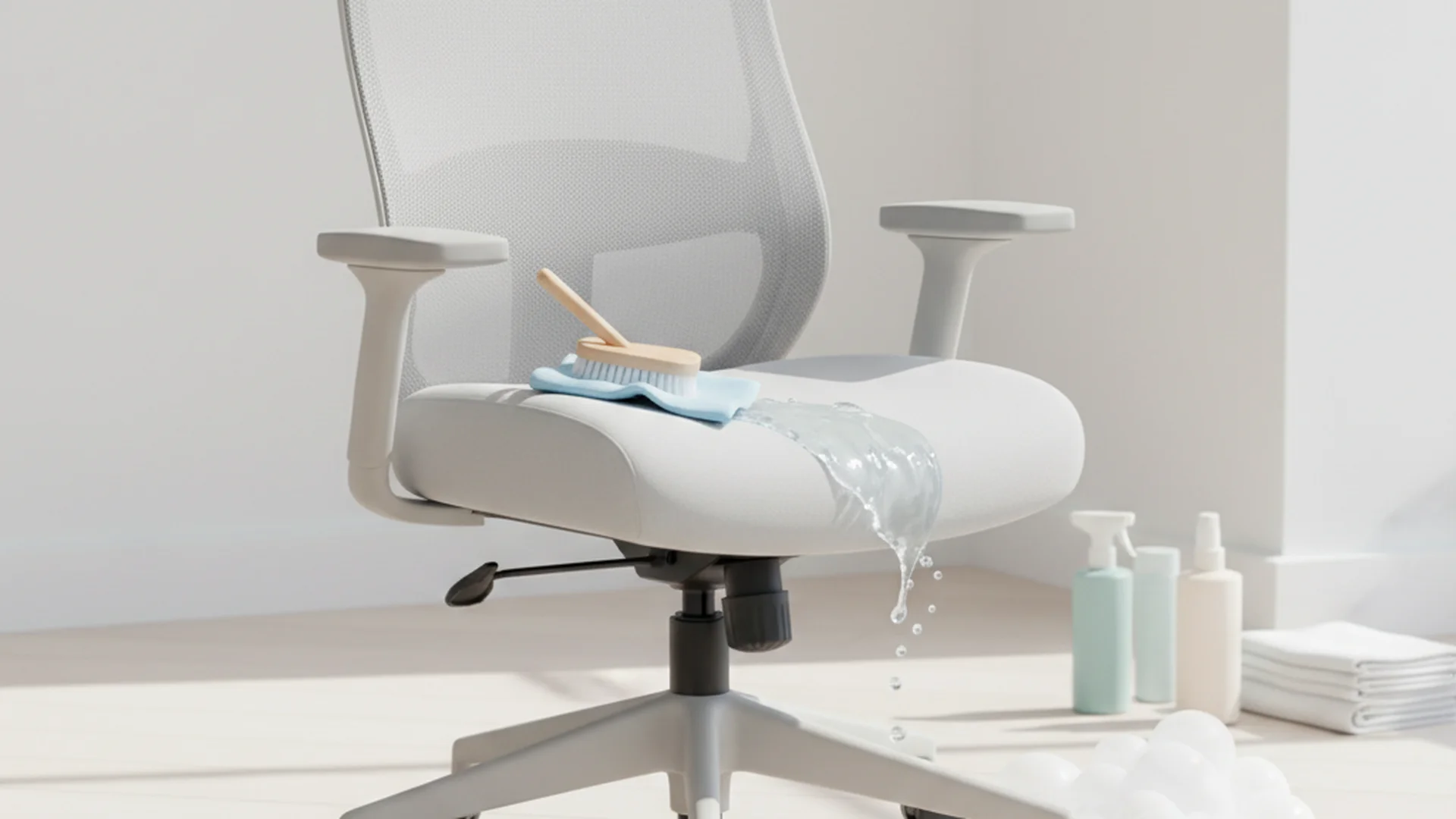
The office chair is arguably the most bacteria-laden item in the room. Between skin contact on armrests and sweat absorption in the seat pan, it requires more than a simple wipe-down.
- Fabric/Mesh: Vacuum thoroughly, then use a portable steam cleaner to kill deep-seated bacteria and remove odors.
- Leather: Use a dedicated leather cleaner and conditioner to prevent cracking.
- The Casters: Flip the chair over and pull out the hair and carpet fibers wrapped around the wheels. This will make your chair glide like new.
Success: A clean office chair not only smells better but also lasts 2-3 years longer when properly maintained and conditioned.
2025-2026 Trends: The Future of Office Hygiene
The landscape of home maintenance is shifting toward "wellness-centric" cleaning. As we move into 2026, several key trends are redefining how we maintain our workspaces.
Green and Probiotic Cleaning
Sustainable cleaning products are on track to dominate the market. The shift is moving away from harsh bleaches toward probiotic and enzyme-based cleaners. These "living" cleaners contain beneficial bacteria that continue to "eat" organic matter and odors for days after the initial application.
UV-C Sanitization
Many modern desk setups now incorporate integrated UV-C light drawers. These are used to sanitize high-touch items like smartphones, pens, and glasses overnight. If you don't have an integrated solution, a standalone UV-C sanitizing box is a 2026 must-have for the hygiene-conscious professional.
Biophilic Air Quality
The trend of "Indoor-Outdoor Harmony" uses functional decor to assist in cleaning. Plants like Snake Plants or Peace Lilies are being integrated not just for aesthetics, but as active air-purification systems that filter VOCs (Volatile Organic Compounds) emitted by office furniture and carpets.
Common Mistakes to Avoid
Even the most well-intentioned cleaning session can go wrong if you use the wrong tools or techniques.
- Using Abrasive Materials: Paper towels may feel soft, but they are made of wood pulp and can scratch the delicate matte coatings on modern monitors. Always stick to high-quality microfiber.
- Neglecting the "Air Zone": People focus on surfaces but ignore the air vents. Clogged vents recirculate dust directly into your lungs and your computer’s cooling system.
- Ignoring the Reach Zone: We often clean the center of the desk but miss the "adjustment levers" on the chair and the undersides of the desk edge where our hands frequently rest.
- Vacuuming Internal Components: Standard household vacuums create a massive amount of static electricity. If you use a regular vacuum nozzle on your open PC or laptop ports, you risk "frying" the motherboard.
Real-World Examples of Deep Cleaning Benefits
To understand the impact of a deep clean home office routine, consider these three common scenarios:
- The Overheating Laptop: A freelance graphic designer noticed their MacBook Pro fans were constantly at maximum volume. After using compressed air to clear the dust-choked exhaust vents during a deep clean, the internal temperature dropped by 12 degrees, and the fan noise vanished.
- The Allergy Season Solution: A remote worker suffered from "morning congestion" every time they entered their office. A deep clean revealed a massive buildup of dust and pet dander behind the desk and inside the HVAC vent. After cleaning and installing a HEPA air purifier, their symptoms cleared within 48 hours.
- The Cable Management Safety Save: During a deep clean, a homeowner discovered a frayed power cable hidden inside a "dust bunny" cluster behind their standing desk. By cleaning the area and organizing cables with velcro ties, they potentially prevented an electrical fire.
| Task | Tool Needed | Frequency |
|---|---|---|
| Disinfecting Keyboard | 70% Isopropyl Alcohol | Weekly |
| Steaming Office Chair | Portable Steamer | Every 6 Months |
| Clearing PC Vents | Compressed Air / ESD Vac | Every 3 Months |
| Baseboard Cleaning | Damp Microfiber | Every 3 Months |
Frequently Asked Questions
How often should I deep clean my home office?
Can I use a vacuum on my computer?
What is the best way to clean a monitor without leaving streaks?
How do I get rid of the "old office" smell?
Should I move my desk to clean?
Conclusion
Deep cleaning your home office is about more than just aesthetics; it is a vital investment in your health and your expensive professional equipment. By following the "Top-to-Bottom" approach and incorporating modern hygiene standards like probiotic cleaners and UV-C sanitization, you create a workspace that fosters both productivity and wellness.
As we move further into 2025 and 2026, the home office is no longer just a corner of the house—it is a high-performance environment that deserves the same cleaning rigor as any professional laboratory or commercial suite. Start your deep clean today and feel the immediate difference in the air you breathe and the speed of your technology.
Success: A clean, organized office reduces cortisol levels (the stress hormone) and gives your focus and productivity a genuine lift.
Cleaning that keeps score
Every task earns points, every streak multiplies them, and Premium adds a household leaderboard plus a monthly Dustagorgon to beat.
- Free forever
- 30 badges to earn
- Up to 6 in a household
No card needed. Set up your rooms in a couple of minutes.