In this article
What you’ll learn
- Tody uses condition-based tracking rather than a rigid calendar.
- The 2025 FairShare update helps balance household labor between partners.
- The app is highly customizable for non-cleaning tasks like pet care and maintenance.
In the world of home management, the "mental load" of keeping a house clean is often more exhausting than the physical labor itself. We have all been there: staring at a dusty baseboard and trying to remember if we cleaned it two weeks ago or two months ago. If you are tired of traditional calendars that punish you for missing a single day, this tody app review is for you.
As of late 2025, Tody has solidified its place as a leader in the "House & Home" category, boasting over one million active users and a cult-like following. Developed by the Denmark-based team at Looploop ApS, Tody doesn’t treat your home like a series of deadlines; it treats it like a living environment that fluctuates in cleanliness. In this tody app review 2025, we will dive deep into the logic, the new subscription models, and whether the latest "FairShare" update can truly bring peace to your household chores.
Understanding the Tody Philosophy: Logic Over Lists
The fundamental difference between Tody and almost every other cleaning app is its core logic. Most apps are essentially glorified digital calendars. If you don't mop the floor on Tuesday, the app gives you a notification saying you are "late." Tody ignores the calendar and uses what it calls the "Indicator Method."
The Indicator Method
In Tody, you don't set tasks for "Every Monday." Instead, you set a frequency—say, every 7 days. The app uses a visual bar that transitions from green (clean) to yellow (getting there) to red (dirty).
If you mop the floor on Sunday, the bar turns bright green. On Monday, it stays green but moves slightly. By the following Sunday, it hits the edge of the red. If you get busy and don't mop until Wednesday, Tody doesn't scream at you. It simply shows a "deep red" bar, indicating that the task is the highest priority in your home. This tody app review found that this psychological shift significantly reduces the guilt associated with "falling behind."
Note: The developers at Looploop ApS intentionally designed the app to be "unfunded" and independent, which is why the focus remains on user experience rather than data harvesting or aggressive advertising.
New for 2025: The FairShare Update and Gamification
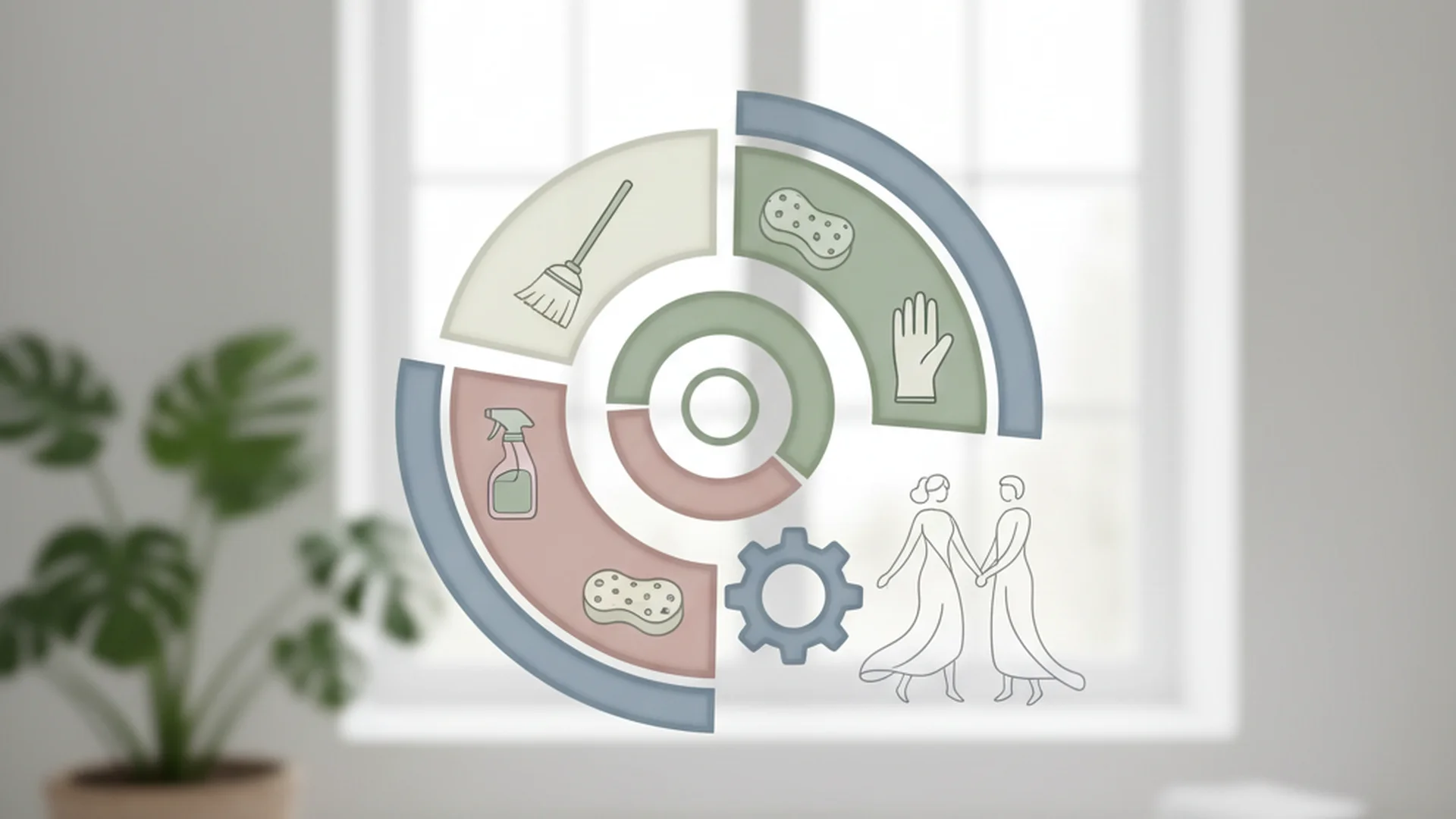
One of the most significant changes in the tody app review 2025 landscape is the introduction of "FairShare." For years, users asked for a better way to split chores with spouses or roommates. While syncing has existed for a while, FairShare adds a layer of accountability and data visualization.
Balancing the Mental Load
The FairShare update allows households to set explicit goals for chore distribution. For example, if one partner works from home and the other has a long commute, you might agree on a 60/40 split of household labor. Tody now visualizes the "imbalance." If one person is doing 80% of the tasks, the app highlights this, providing a neutral, data-driven starting point for a conversation about domestic labor.
Dusty and Gamification
To keep users engaged over the long haul, Tody uses a mascot named "Dusty"—a literal dust ball. In the 2025-2026 versions, Dusty has been upgraded with monthly challenges and unlockable rewards. While some users might find this a bit whimsical, it serves a functional purpose: it turns the invisible labor of cleaning into a visible "win."
Success: Users who engage with the "Dusty" challenges report a 30% higher consistency rate in completing deep-cleaning tasks compared to those who turn gamification off.
Pricing and Subscription Tiers in 2025
It is important to address the elephant in the room: the transition to a subscription model. Historically, Tody was a one-time purchase on iOS and free (with ads) on Android. As of late 2024 and throughout 2025, the app has transitioned to a subscription-based model for all new users to support cloud syncing and ongoing development.
| Plan | Estimated Price (2025) | Best For |
|---|---|---|
| Basic (Free) | $0 | Single users on one device. No syncing. |
| Solo Premium | ~$9.99 / year | Single users who want widgets and cloud backup. |
| Family / Duo | ~$18.00–$19.99 / year | Multi-user households, syncing, and FairShare. |
Warning: If you are a legacy user who purchased the app years ago, check your settings. Most "original" users have been grandfathered into certain features, but multi-device syncing now generally requires a premium tier.
Real-World Examples of Tody in Action
To truly understand if this app is right for you, let’s look at three ways people are using it in 2025.
Example 1: The "Non-Cleaning" Maintenance
A user in our test group uses Tody for home maintenance that has nothing to do with scrubbing. They have a room called "Utility Room" where they track:
- Changing HVAC filters (Every 90 days)
- Testing smoke detectors (Every 6 months)
- Flushing the water heater (Every year)
- Checking the attic for leaks (Every 6 months)
Because Tody is condition-based, if they check the HVAC filter and it’s still clean, they can simply hit "Just Did It," and the timer resets without them having to rewrite a calendar entry.
Example 2: The Multi-Pet Household
Pet care is a hidden source of mental load. Users are now using Tody to track:
- Flea and tick medication (Every 30 days)
- Deep-cleaning the litter box (Every 14 days)
- Grooming/Brushing (Every 3 days)
- Cleaning the fish tank filter (Every 30 days)
Example 3: The Sustainable Home
A growing trend in 2026 is the inclusion of "Eco-Tips." When a user clicks on a task like "Clean Windows," Tody now offers a small suggestion box for green cleaning. For example, it might suggest a 50/50 vinegar and water solution instead of a chemical spray.
Tip: Use the "Eco-Tips" within the task descriptions to remind yourself of natural cleaning recipes, reducing your reliance on harsh chemicals.
Expert Best Practices for Success
If you download Tody and immediately add 100 tasks, you will likely delete the app within a week. This is known as "app burnout." Here is how the experts recommend you start.
The "Start Small" Rule
Begin with just one room (like the bathroom) or four essential daily tasks (like dishes, wiping counters, 5-minute tidy, and taking out the trash). Once you feel the satisfaction of seeing those bars turn green, gradually add more areas of the home.
Set Realistic Frequencies
When you create a task, Tody will ask for a frequency. Use the "Relaxed" setting initially. It is much better for your mental health to have a green bar for a week than to see a sea of red because you overestimated your desire to vacuum every single day.
Leverage the Focus Timer
Tody includes a built-in Focus Timer (Pomodoro style). Use this for "power hours." If you have 20 minutes before guests arrive, set the timer and tackle only the tasks that are currently "deep red."
The "Retroactive" Hack
If you happen to clean the microwave because you noticed a spill, but it wasn't "due" in the app for another four days, don't wait! Use the "Just Did It" button. This resets the frequency and ensures the app’s "dirtiness meter" matches your actual home.
Note: Marking a task as "Just Did It" does not change your historical data; it simply moves the next due date based on today’s date.
Common Mistakes to Avoid
Even with a great app, user error can lead to frustration. In our tody app review comparison, we noticed several recurring mistakes.
1. Treating Tody Like a Rigid Calendar
The biggest mistake is getting stressed when the bars turn red. Remember: Tody is a priority engine. It is telling you what needs attention most, but it is not a deadline. If you have a busy week at work, it is okay for the app to be red.
2. Over-Categorizing Your Home
Don't make "Left Nightstand" and "Right Nightstand" separate tasks. You will spend more time clicking buttons in the app than actually cleaning. Group them into a single task: "Dust Bedroom Furniture."
3. Ignoring "Vacation Mode"
Many users feel a sense of "chore debt" when they return from a trip to find every single task in the red. Tody has a "Pause" or "Vacation Mode" feature. Use it! It stops the indicators from moving so you can return to a "frozen" state rather than a mess.
Warning: Ignoring the "Pause" button during a long absence is the #1 reason users abandon the app.
Comparison: Tody vs. Sweepy vs. FlyLadyPlus
How does Tody stack up against its main rivals in 2025?
| Feature | Tody | Sweepy | FlyLadyPlus |
|---|---|---|---|
| Best For | Visual individual planners | Families with kids | Routine-heavy cleaners |
| Primary Method | Condition-based (Green/Red) | AI-generated schedules | Zone cleaning missions |
| Gamification | Dusty (Mascot) | Points/Levels | Achievement badges |
| Syncing | Premium ($18.99/yr) | Premium ($19.99/yr) | Premium ($29.95/yr) |
| Offline Use | Excellent | Limited | Moderate |
In a tody app review comparison, Tody usually wins for users who want complete control over their schedule. Sweepy is better for those who want an AI to tell them what to do, and FlyLadyPlus is ideal for those who follow the specific FlyLady "Zone" philosophy.
Frequently Asked Questions
Is Tody free or a subscription?
Does Tody sync with my spouse or roommates?
Can I use Tody for things other than cleaning?
Is there an AI feature in Tody?
What happens if I miss a day?
Final Verdict: Is Tody Worth It in 2025?
After conducting this tody app review, the answer is a resounding yes—provided you appreciate the "Indicator Method." If you are someone who needs a strict calendar (e.g., "I must do laundry on Tuesday at 10:00 AM"), Tody might feel too loose for you.
However, if you struggle with the mental load of remembering when things were last done, or if you feel overwhelmed by the sheer volume of housework, Tody is a game-changer. The 2025 FairShare update makes it particularly valuable for couples trying to navigate the complexities of domestic labor equality.
Success: By shifting from a "deadline" mindset to a "condition" mindset, most users report feeling more in control of their environment and less stressed about their cleaning routine.
Cleaning that keeps score
Every task earns points, every streak multiplies them, and Premium adds a household leaderboard plus a monthly Dustagorgon to beat.
- Free forever
- 30 badges to earn
- Up to 6 in a household
No card needed. Set up your rooms in a couple of minutes.