In this article
What you’ll learn
- Homey Pro (2026) offers 4GB RAM and local-first processing for maximum privacy.
- Supports over 50,000 devices via Zigbee, Z-Wave, Matter, and Thread.
- LG acquisition has brought ThinQ AI integration into the Homey ecosystem.
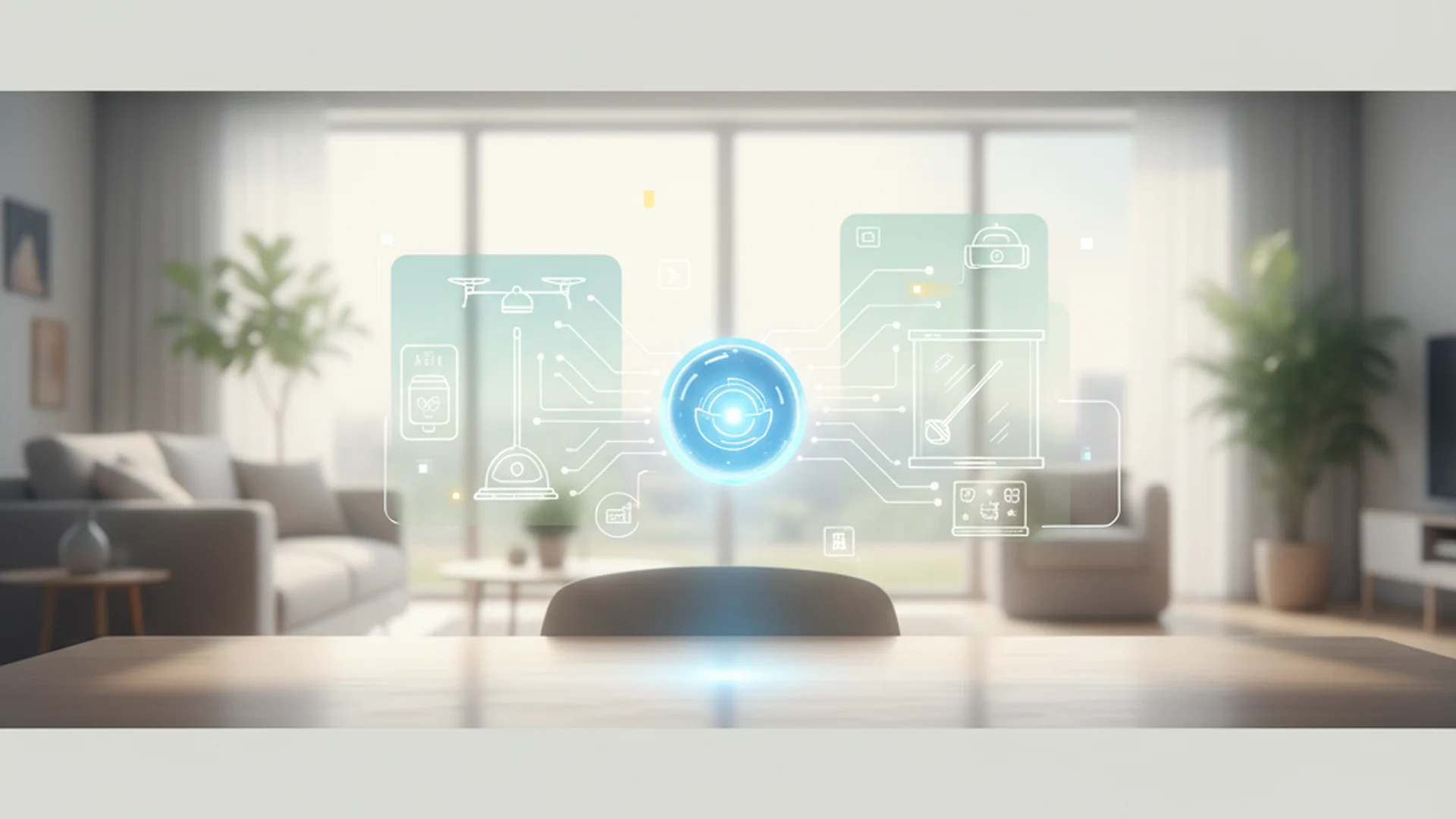
In the rapidly evolving landscape of smart home technology, finding a single "brain" to manage your entire ecosystem has historically been a choice between two extremes: the simplicity of Apple Home and the complexity of Home Assistant. However, as we move through late 2025 and into 2026, Homey has positioned itself as the perfect middle ground. In this homey app review, we will dive deep into why this platform has become the gold standard for home organization experts and tech enthusiasts alike.
Whether you are looking to automate your cleaning routines with a fleet of robot vacuums or manage complex energy-saving flows, Homey promises a "universal" experience. With the recent hardware refreshes and the significant shift in ownership to LG Electronics, the platform has seen a massive surge in capability.
The 2026 Hardware Landscape: Pro, Mini, and Bridge
To understand the app, you first need to understand the hardware that runs it. While Homey offers a cloud-only service, the true power of the ecosystem lies in its physical hubs.
Homey Pro (2026)
The current flagship is the Homey Pro (2026) model. This device is a powerhouse designed for the "prosumer." Compared to the 2023 model, the 2026 version has doubled its memory to 4 GB of RAM. This allows the hub to run over 100 apps simultaneously without any noticeable performance lag. If you are doing a homey app review comparison against older models, the speed of the 2026 Pro is the most immediate difference you'll notice.
Homey Pro Mini
Released in early 2025, the Homey Pro Mini ($199) is the newest addition to the family. It targets users who want local-first privacy and Matter/Thread support but don't need "legacy" protocols like 433 MHz or Infrared. It’s an excellent entry point for modern apartments.
Homey Bridge
The Bridge is a more affordable "antenna" ($69) that connects your physical devices to the Homey Cloud. It doesn't process logic locally; instead, it acts as a translator between your Zigbee/Z-Wave devices and the Homey servers.
Note: If you choose the Bridge or the Cloud-only service, you are limited to 5 devices unless you pay for the Homey Premium subscription ($2.99/mo).
Software and User Experience: Navigating the App
The Homey app is split into two distinct experiences: the mobile app for daily control and the web app for heavy-duty automation building.
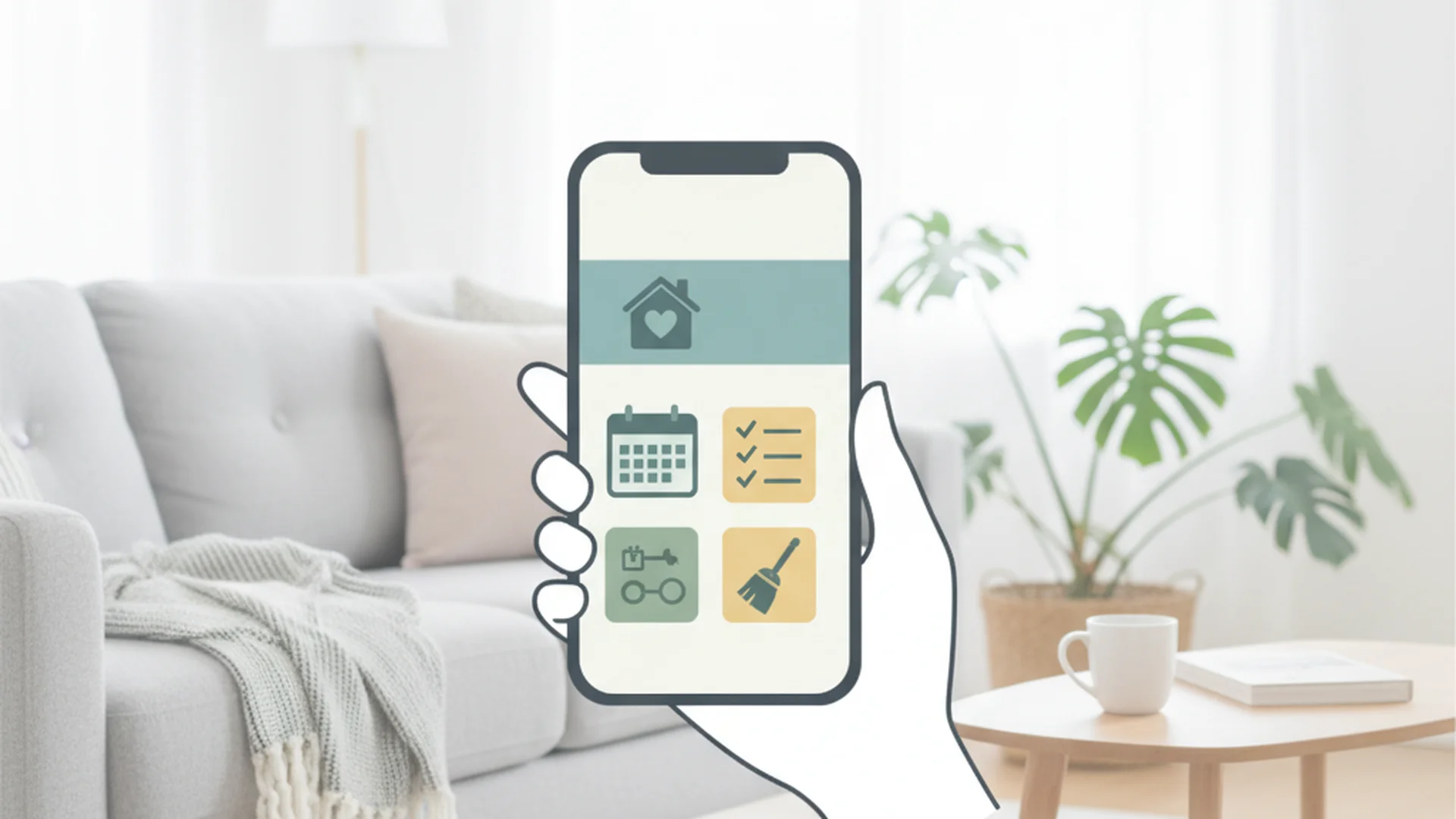
Mobile App: Daily Management
The mobile interface is clean, intuitive, and surprisingly fast. It follows a "Devices, Flows, and Energy" layout. One of the standout features in late 2025 is the improved LG ThinQ Integration. Since LG acquired an 80% stake in Homey’s parent company, Athom, the app now features deep integration with LG appliances. Your washer, dryer, and refrigerator appear with native-feeling controls that surpass the original ThinQ app.
Web App: The Power of Advanced Flows
For anyone serious about home organization, the web app (my.homey.app) is where the magic happens. "Advanced Flows" use a canvas-based drag-and-drop editor. You can visualize your home's logic like a flowchart, connecting triggers, conditions, and actions with "virtual wires."
Tip: Use the Web App on a desktop for building Advanced Flows. The canvas-based editor is far easier to manage with a mouse than a touchscreen.
Connectivity and Protocols: The Universal Language
The biggest selling point found in almost every homey app review 2025 is the "universal" nature of the hub. It supports virtually every major protocol:
- Wi-Fi (2.4/5GHz)
- Zigbee 3.0
- Z-Wave Plus (S2)
- Matter & Thread
- Bluetooth LE
- 433 MHz RF (Gate openers, old weather stations)
- Infrared (TVs, AC units)
This protocol diversity means you are never locked into a single brand. You can have an IKEA Zigbee bulb triggered by a Z-Wave motion sensor, which then turns on a Wi-Fi-connected Sonos speaker.
| Feature | Homey Pro (2026) | Homey Bridge | Homey Cloud (No Hub) |
|---|---|---|---|
| Local Processing | 100% | 0% | 0% |
| Device Support | 50,000+ | 50,000+ | Wi-Fi Only |
| Subscriptions | None | Required for 5+ devices | Required for 5+ devices |
| Matter Support | Native / Hub | via Cloud | via Cloud |
Real-World Examples: Automation in Action
To truly appreciate the Homey ecosystem, let's look at how it handles real-life scenarios.
Example 1: The "Ultimate Cleaning" Routine
As a home organization expert, I use Homey to coordinate multiple cleaning robots. When the last person leaves the house (detected via geofencing), Homey checks the battery levels of the Roborock vacuum and the Braava mop. If they are above 50%, it starts the vacuum. Once the vacuum finishes, the mop starts automatically. If the air quality sensor (Aqara) detects high dust levels during the process, Homey ramps up the Blueair purifiers to Max.
Example 2: Energy Management with Matter 1.4
With the latest Matter 1.4 update, Homey can now read real-time energy prices. You can create a Flow that says: "If the price of electricity is in the lowest 20th percentile for the day, start the dishwasher and charge the EV." This level of cross-brand energy management is why Homey is leading the market in 2026.
Example 3: Reviving Legacy Hardware
Many people have old "dumb" devices controlled by 433 MHz remotes or Infrared. I recently helped a client integrate 15-year-old motorized blinds into their smart home. By using Homey Pro’s 433 MHz radio, we "recorded" the remote signals and assigned them to a schedule. Now, those old blinds open and close based on the sun's position, saved from the landfill.
Success: Local-first processing ensures that even if your ISP has an outage, your light switches and automated routines will continue to work perfectly.
Homey Self-Hosted: The Prosumer Revolution
In late 2025, Athom released the Homey Self-Hosted Server license ($149). This allows you to run the full Homey OS on your own hardware, such as a Raspberry Pi, a Synology NAS, or a dedicated PC via Docker.
This move has positioned Homey as a user-friendly competitor to Home Assistant. You get the polish and "app store" ease of Homey but with the hardware flexibility of a DIY setup. For those who already have a home server, this is a game-changer.
Warning: Self-hosting requires some technical knowledge regarding Docker and networking. If you want a "plug-and-play" experience, stick with the Homey Pro hardware.
Common Mistakes to Avoid
Even with a platform as polished as Homey, users often run into hurdles. Based on my research and testing, here are the pitfalls to watch for:
1. The "Still Shot" Camera Limitation
A common complaint in the community is that Homey primarily supports still images (snapshots) from cameras within the app. If you are expecting a full NVR experience with 24/7 live streaming and scrubbing timelines, you will be disappointed. Homey is meant for automation, not for replacing a dedicated security camera system like Reolink or UniFi.
2. Underestimating the Cloud Polling Delay
If you use the "Homey Cloud" (subscription) version, many Wi-Fi devices are "polled" via the cloud. This can lead to a 2-5 second delay between a sensor trigger and a light turning on. For instant, sub-second response times, the Homey Pro is the recommended standard because it processes everything locally.
3. Missing Driver Apps
Many users assume a "Zigbee" device will work automatically. In the Homey ecosystem, almost every device requires a specific Driver App to be installed first. Before buying a new smart device, always check the Homey App Store. If a brand doesn't have an official or community app, the device may only show up with "Basic" functionality (like simple on/off) or not work at all.
4. Range and Mesh Misconceptions
Users often think the Pro hub must be in the center of the house. Because Zigbee and Z-Wave create a "mesh," the hub only needs to be near its first "repeater" (any mains-powered device like a plug or light switch). Don't hide your hub inside a metal cabinet, as it will kill the RF signals.
Frequently Asked Questions
Does Homey require a subscription?
Is Homey compatible with Apple HomeKit?
What is the difference between Homey Pro and Homey Bridge?
Can I run Homey on my own hardware?
Is my data private with Homey?
Final Verdict: Is Homey Right for You?
As we wrap up this homey app review, it’s clear that Homey has matured into the most versatile smart home platform on the market. The combination of the 2026 hardware's raw power and the "universal" protocol support makes it nearly impossible to beat for anyone with more than a handful of smart devices.
The LG acquisition has provided the financial stability and industrial integration needed to take Homey mainstream, while the Self-Hosted option keeps the enthusiast community engaged. While the price point of the Homey Pro is higher than a standard Amazon Echo or Google Nest, the local-first processing and lack of mandatory subscriptions make it a better long-term investment.
If you are tired of having fifteen different apps for your lights, vacuum, fridge, and heater, Homey is the solution that finally brings them all under one roof.
Success: Following the best practices of building a strong Zigbee/Z-Wave mesh with "router" devices will ensure your Homey setup is rock-solid for years to come.
Cleaning that keeps score
Every task earns points, every streak multiplies them, and Premium adds a household leaderboard plus a monthly Dustagorgon to beat.
- Free forever
- 30 badges to earn
- Up to 6 in a household
No card needed. Set up your rooms in a couple of minutes.