In this article
What you’ll learn
- AI-driven room scans are the newest trend in home maintenance for 2025.
- Gamification is the most effective way to engage children and teens in household chores.
- Flexibility beats rigid scheduling for long-term habit consistency.
In the fast-paced world of 2025, managing a household has evolved far beyond a simple paper checklist stuck to the refrigerator with a magnet. For many of us, the "mental load"—that invisible weight of remembering when the filters were last changed or when the guest bathroom was last scrubbed—is the most exhausting part of adulthood. Finding the best cleaning schedule app is no longer just a tech luxury; it is a vital strategy for reclaiming your time and sanity. Whether you are a minimalist living in a studio apartment or a parent managing a chaotic suburban household, the right digital tool can transform cleaning from a daunting "someday" task into a manageable, automated routine.
The Evolution of Home Management in 2025
The house cleaning app market has seen an incredible transformation over the last few years. We have moved from simple digital to-do lists to sophisticated, AI-driven home management ecosystems.
This growth isn't just about people liking gadgets; it’s about efficiency. Tech-driven scheduling and automation tracking make home maintenance markedly less wasteful. By offloading the "planning" phase to an algorithm, users can focus solely on the "doing" phase.
Note: Almost every adult does some form of household cleaning every day, which means almost everyone can benefit from a more streamlined digital process.
Top 6 Best Cleaning Schedule Apps: 2025-2026 Comparison
Choosing the right app depends heavily on your personality type and your household's specific needs. Below is a comprehensive comparison of the top contenders currently dominating the market.
| App | Best For... | Key Feature | Pricing (Est. 2026) |
|---|---|---|---|
| Tody | Flexible Scheduling | "Dirt Meters" visualize cleanliness levels. | Free (Basic) / ~$9.99/yr |
| Sweepy | Gamification/Families | Leaderboards and point systems for chores. | Free / ~$19.99/year |
| CleanAI | AI-Powered Tech | Photo-based room analysis for tasks. | Subscription-based |
| HomeRoutines | Habit Building | Focus on "Zone Cleaning" and rhythms. | One-time purchase |
| OurHome | Kids & Teens | Reward systems and grocery integration. | Free / In-app purchases |
| Spotless | Minimalists | Clean, clutter-free interface. | Free / In-app purchases |
1. Tody: The Power of Visualization
Tody remains a fan favorite because it rejects the idea of "overdue" tasks that cause guilt. Instead, it uses a visual "dirt meter." If you haven't mopped the floor in four days, the bar turns from green to yellow. If it’s been two weeks, it turns an urgent red. This allows you to prioritize based on actual need rather than a rigid calendar.
2. Sweepy: Making Chores a Game
If you have a competitive household, Sweepy is the gold standard. It allows you to create a "household" where every member earns points for completing tasks. There is even a leaderboard, which turns Sunday morning cleaning into a race for the top spot.
3. CleanAI: The Cutting Edge
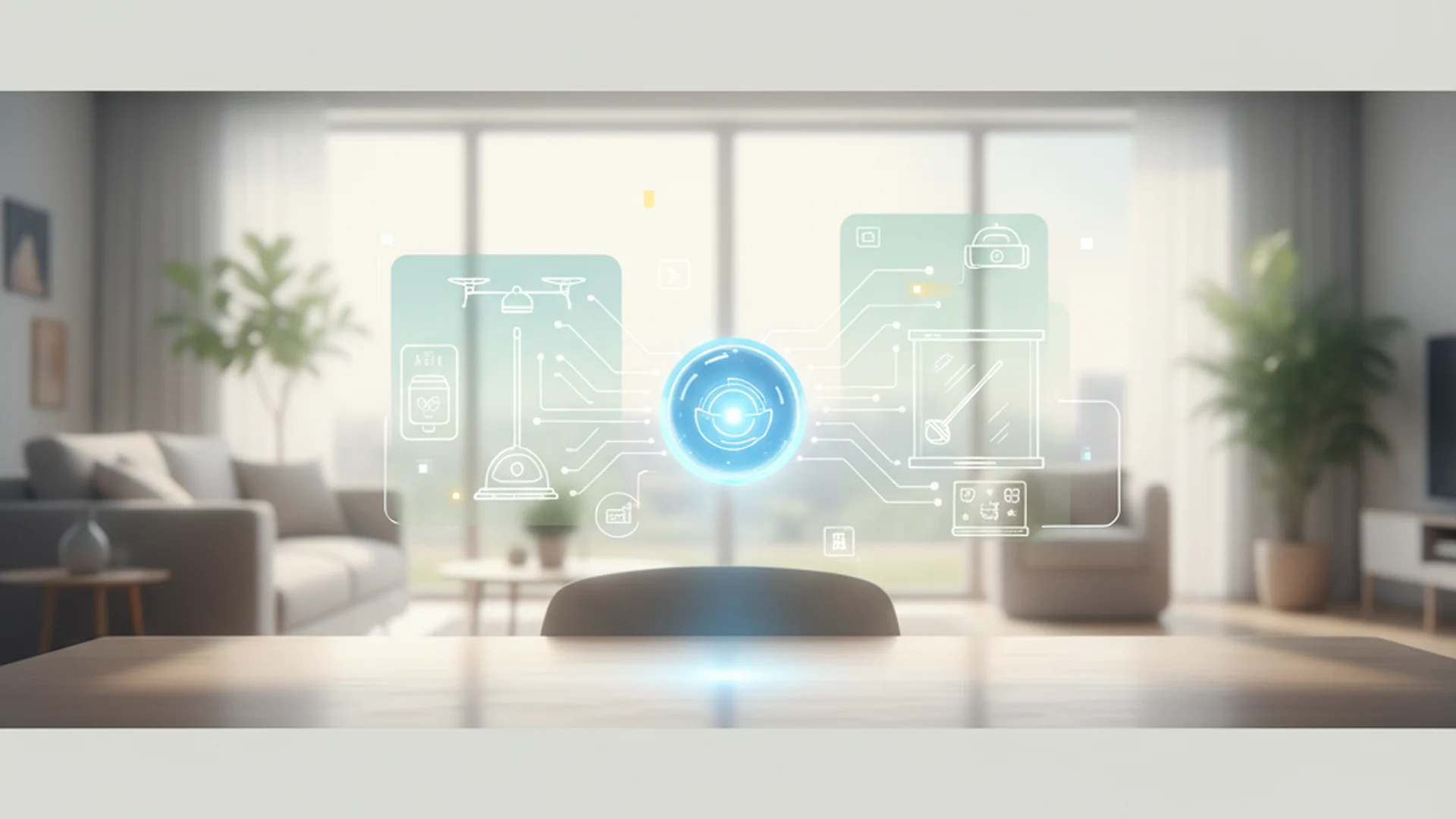
New for the 2025-2026 season, CleanAI uses generative AI to simplify task creation. Users can simply take a 360-degree photo of a room, and the AI identifies objects—like a dusty bookshelf or a pile of laundry—and automatically populates a checklist.
Tip: If you are a tech-early adopter, CleanAI's ability to integrate with smart home sensors means it can detect how often a room is actually used, adjusting your cleaning schedule automatically.
Expert Recommendations for Long-Term Success
As a home organization expert, I often see people download an app, populate it with 100 tasks, and delete it three days later due to "notification fatigue." To avoid this, consider these best practices:
Start with "Micro-Habits"
Don't try to catalog every corner of your house on day one. Add tasks one at a time as you perform them. This prevents "app burnout" and ensures the tasks you include are actually relevant to your lifestyle.
Use Need-Based Scheduling
Instead of cleaning the guest room every Saturday—even if no one has stepped foot in it—use an app like Tody. It allows you to set frequencies (e.g., "every 3 months") and will only alert you when the task is actually due. This prevents unnecessary work and saves hours over the course of a year.
Rotate Your "Zones"
Adopt the FlyLady methodology, which is heavily supported by apps like HomeRoutines. This involves focusing deep-cleaning efforts on one "zone" of the house per week (like the kitchen) while only maintaining the basics in other areas. This ensures your home is always "mostly clean" without requiring an 8-hour cleaning marathon.
Success: People who adopt zone cleaning claw back a big chunk of their weekend cleaning time, freeing up Saturdays for leisure and family.
Real-World Examples of Digital Cleaning in Action
Example 1: The Busy Professional
Meet James, a software engineer who lives alone. James uses CleanAI integrated with his Alexa Plus. When he knows he has a date coming over in two hours, he simply tells his smart speaker, "Alexa, I'm having guests over." The app immediately pushes a "Speed Clean" list to his phone, prioritizing high-traffic areas like the entryway, living room rug, and guest bathroom, while ignoring the laundry room or office.
Example 2: The Multi-Child Household
The Miller family uses Sweepy to manage their three teenagers. The parents use the "Task Approval" feature. When the 14-year-old "cleans the kitchen," they must upload a photo of the empty dishwasher and wiped counters. Only once a parent clicks "Approve" do the points hit the child's account, which they can later trade for extra gaming time or a trip to the movies.
Example 3: The Shared Apartment
Three roommates in a city apartment use Nipto. The app tracks who has done the most work and displays a "Fairness Meter." If one roommate has been slacking on taking out the trash, the meter clearly shows the imbalance, facilitating a neutral, data-driven conversation rather than an emotional confrontation.
Future Trends: What’s Coming in 2026?
The industry is moving toward "Proactive Assistants" rather than "Manual Utilities." We are seeing the rise of Presence Sensing and Traffic Data. High-end apps are now integrating with Matter and Thread-enabled smart home hubs. If your bathroom motion sensor hasn't been triggered for three days (perhaps you were on vacation), the app automatically pushes back the cleaning schedule for that room.
Furthermore, Hyper-Personalization is becoming standard. AI assistants like rivva now sync with wearable data. If your Oura ring or Apple Watch shows you had poor sleep or low recovery scores, the app will suggest "Lighter Chores" (like folding laundry while sitting) rather than "High-Energy Chores" (like scrubbing the bathtub).
Warning: With the rise of AI room scans and smart home syncing, always check your app's privacy settings. Ensure the app offers "on-device processing" for photos to keep images of your home private.
Common Mistakes to Avoid
- "The App Cleans for You": A common pitfall is spending more time "optimizing" the app than actually cleaning. The app is a navigator, not the engine. If you spend an hour tweaking the schedule, that was an hour you could have spent vacuuming.
- Task Bloat: Adding too many low-priority tasks (e.g., "dust the top of the fridge" daily) leads to a sea of "overdue" red notifications. This causes psychological stress and leads most users to abandon the app entirely.
- Ignoring the Mental Load: Simply assigning a task in an app doesn't mean the work is done. The person managing the app often carries the "mental load," which can lead to household friction. Ensure that the responsibility of "scheduling" is also shared.
Frequently Asked Questions
What is the best free cleaning app?
Can these apps work for roommates?
Is a one-time payment or subscription better?
Do these apps work with smart home devices?
Conclusion
Finding the best cleaning schedule app is a personal journey, but the pattern is clear: using a digital tool to manage your home takes the pressure off and gets more done in less time. Whether you choose the visual simplicity of Tody, the competitive fun of Sweepy, or the high-tech AI analysis of CleanAI, the key is to start small and build a habit that lasts. By leveraging the technology of 2025 and 2026, you can finally stop "thinking" about cleaning and start living in a home that maintains itself.
Success: Implementing just one of these apps lifts a real share of the "mental load," giving you back hours of mental energy every week.
Cleaning that keeps score
Every task earns points, every streak multiplies them, and Premium adds a household leaderboard plus a monthly Dustagorgon to beat.
- Free forever
- 30 badges to earn
- Up to 6 in a household
No card needed. Set up your rooms in a couple of minutes.